Creality K1 Error 2283: Printer Not Ready
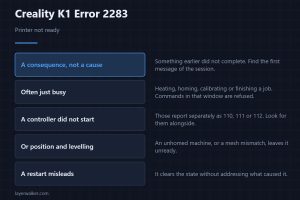
Creality K1 error 2283 means the printer is not ready for that command. It is a consequence, so look for the first error of the session, not this one.
Machine error codes explained: Bambu HMS codes, MINTEMP and MAXTEMP, thermal runaway, homing and probe failures. What the code means, and what to check first.
Creality K1 error 2283 means the printer is not ready for that command. It is a consequence, so look for the first error of the session, not this one.
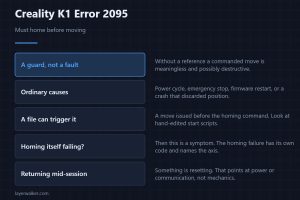
Creality K1 error 2095 means the printer was asked to move before it knew where it was. Homing clears it; the useful question is why position was lost.
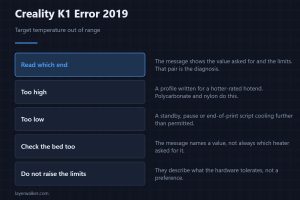
Creality K1 error 2019 means a target temperature fell outside the allowed range. Which end it exceeded tells you whether to look at hardware or scripts.
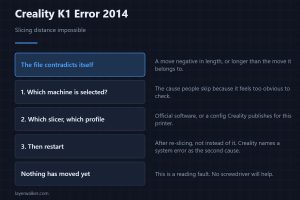
Creality K1 error 2014 means a slicing distance was impossible. Check the machine selected in the slicer first, then the profile, then restart and reprint.
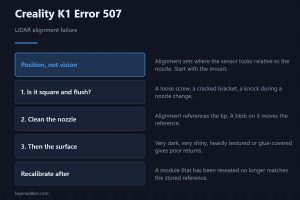
Creality K1 error 507 means the LiDAR could not align itself. Alignment is about position, so the mount and the nozzle come before the lens or the cable.
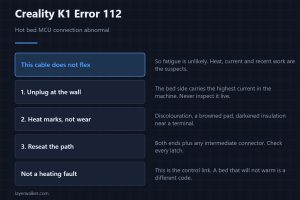
Creality K1 error 112 means the bed controller link is abnormal. That cable does not flex, so heat marks rather than wear marks are what you look for.
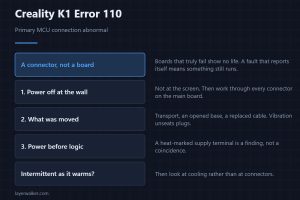
Creality K1 error 110 means the main controller link is abnormal. Nothing runs until it is restored, but a connector causes almost all of them, not a board.
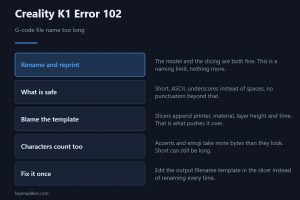
Creality K1 error 102 means the G-code file name is too long. The model is fine; rename it short and plain and it prints, and here is why it happens at all.
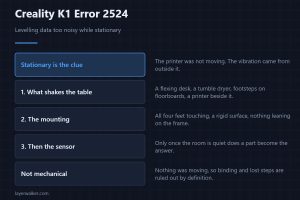
Creality K1 error 2524 means the levelling sensor data was too noisy while stationary. That word makes the room around the printer a genuine suspect too.
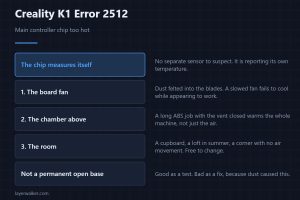
Creality K1 error 2512 means the main controller reported its own temperature as abnormal. The board fan is the first and cheapest thing to check here.