Creality K1 Error 2510: Hotbed Sensor Temperature Exception
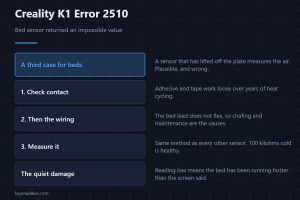
Creality K1 error 2510 means the bed sensor returned an impossible value. A third case is specific to beds: a sensor that has lifted off the hot plate.
Machine error codes explained: Bambu HMS codes, MINTEMP and MAXTEMP, thermal runaway, homing and probe failures. What the code means, and what to check first.
Creality K1 error 2510 means the bed sensor returned an impossible value. A third case is specific to beds: a sensor that has lifted off the hot plate.
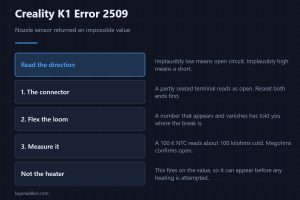
Creality K1 error 2509 means the nozzle sensor returned an impossible value. The direction of the error separates an open circuit from a short circuit.
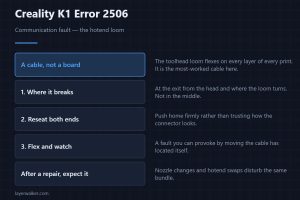
Creality K1 error 2506 is a communication fault, and the hotend loom causes most of them. Where that cable breaks, and how to provoke the fault by hand.
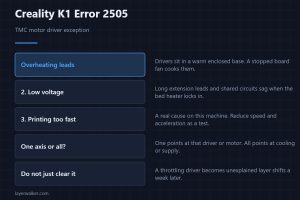
Creality K1 error 2505 is a TMC driver fault. Overheating, low voltage and excessive speed are the named causes, and they are far from equally likely.
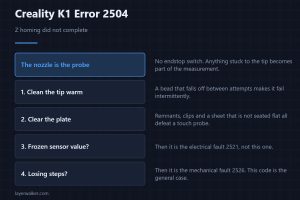
Creality K1 error 2504 means Z homing failed. The nozzle is the probe on this machine, which puts a dirty tip ahead of any sensor on the suspect list.
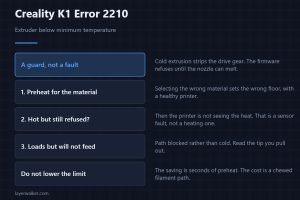
Creality K1 error 2210 is the cold extrusion guard refusing to load filament. What it protects, and what to check when preheating alone does not clear it.
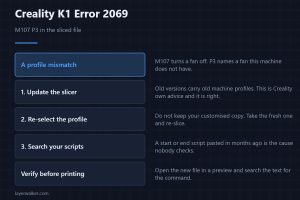
Creality K1 error 2069 means the sliced file contains M107 P3, a fan command this firmware rejects. Three ways it gets in, and the right order to fix.
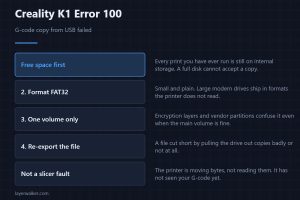
Creality K1 error 100 means the G-code copy from the USB drive failed. Free space on the printer, then the drive format, then the file, in that order.
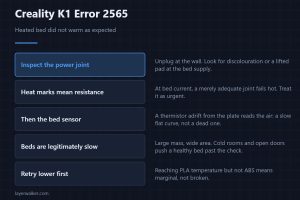
Creality K1 error 2565 means the heated bed did not warm as expected. Start with the high-current solder joint, because that is the known weak point here.
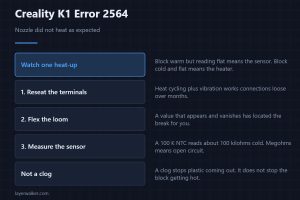
Creality K1 error 2564 means the nozzle did not heat as expected. One observation during heat-up splits a heater fault from a sensor fault very quickly.