Creality K1 Error 2526: Z Axis or Lead Screw Not Smooth
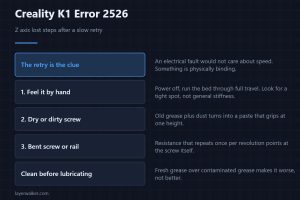
Creality K1 error 2526 means the Z axis lost steps even after a slow retry. That retry is exactly what makes this one mechanical rather than electrical.
Machine error codes explained: Bambu HMS codes, MINTEMP and MAXTEMP, thermal runaway, homing and probe failures. What the code means, and what to check first.
Creality K1 error 2526 means the Z axis lost steps even after a slow retry. That retry is exactly what makes this one mechanical rather than electrical.
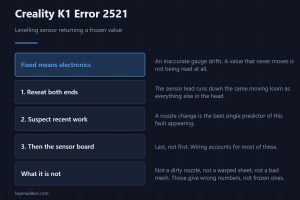
Creality K1 error 2521 means the levelling sensor is returning a frozen value. Why a fixed reading rules out every mechanical cause before you even start.
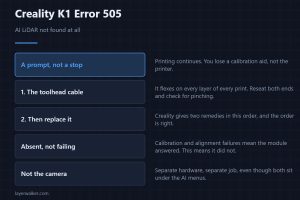
Creality K1 error 505 means the AI LiDAR cannot be found at all. Why it is nearly always the toolhead cable, and what stops working while it is missing.
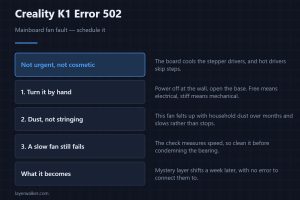
Creality K1 error 502 is a mainboard fan fault. Less urgent than the hotend fan, but hot stepper drivers cause the layer shifts that nobody can explain.
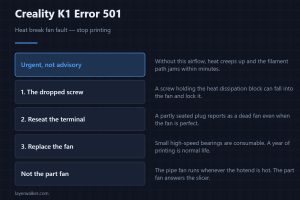
Creality K1 error 501 is a heat break fan fault, and it is urgent. Check the dropped screw first, then the terminal, then replace the pipe fan itself.
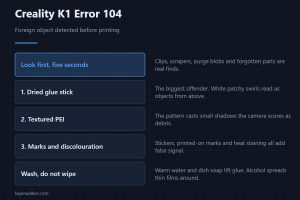
Creality K1 error 104 says a foreign object is on the plate. Three things fool this check far more often than an actual object does, and glue leads them.
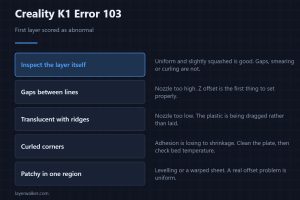
Creality K1 error 103 is the AI first layer check pausing the print. What each appearance of a bad first layer means, and why textured sheets misfire.
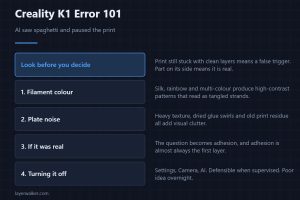
Creality K1 error 101 is the AI camera pausing for spaghetti. How to tell a real failure from a false trigger, and what reliably fools the detection model.
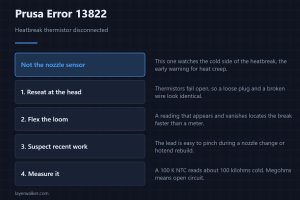
Prusa error 13822 means the heatbreak thermistor reads as disconnected. What that sensor actually watches, and why it usually follows a nozzle change.
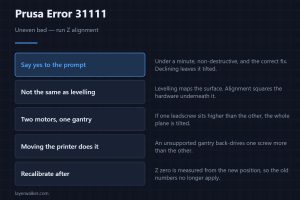
Prusa error 31111 means the bed is not aligned and offers to run Z alignment. What drifts on a two-motor gantry, and why moving the printer sets it off.