Prusa Error 31111: Uneven Bed, Run Z Alignment
LayerWalker is a participant in the Amazon Services LLC Associates Program. We may earn a commission when you buy through links on our site, at no extra cost to you.
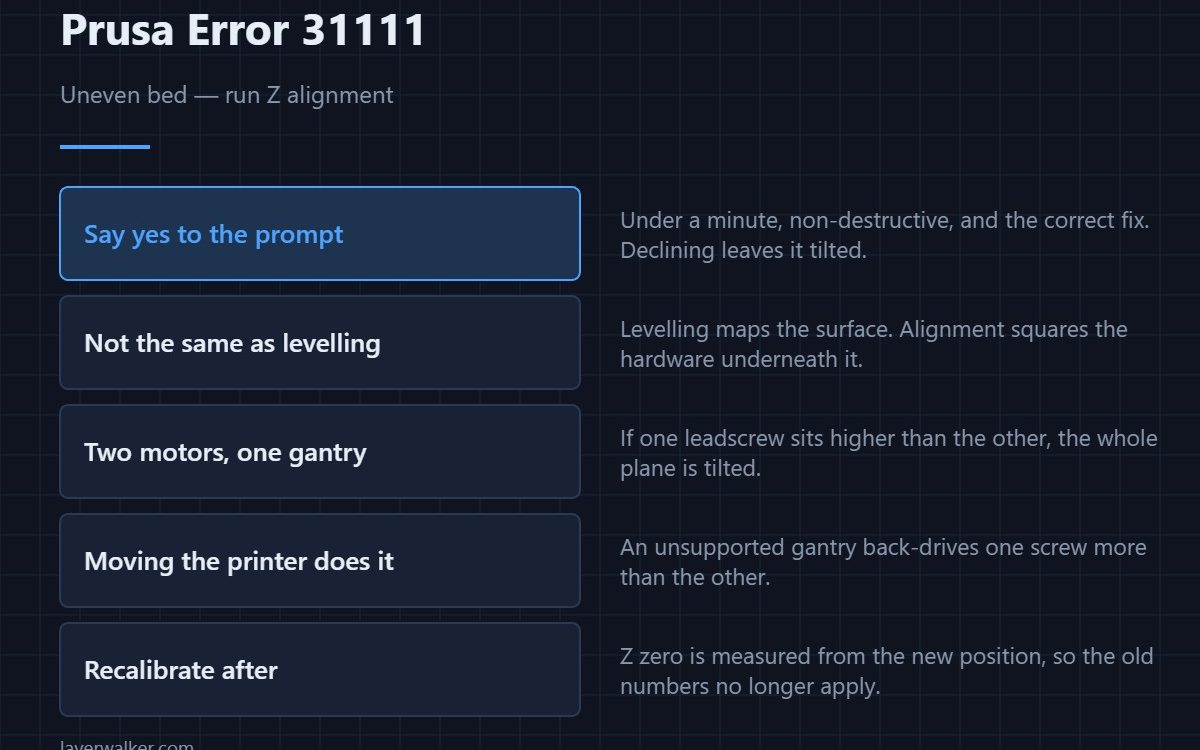
Prusa error 31111 means the bed does not appear to be aligned properly and the printer is offering to run the Z alignment procedure. On CORE One the gantry is lifted by two independent Z motors, and if one sits higher than the other the whole plane is tilted. Accept the offer: the routine is quick and it is the correct fix.
This is not the same as bed levelling. Levelling maps the surface and compensates in software; alignment squares the hardware so there is less to compensate for.
Where to buy


What Z alignment actually does
The printer drives both Z motors up until the gantry meets a hard stop at the top of each leadscrew, which forces the two sides into the same height. From that known-square position it can trust its own geometry again. Anything that lets one screw turn independently of the other puts it out.
How it drifts
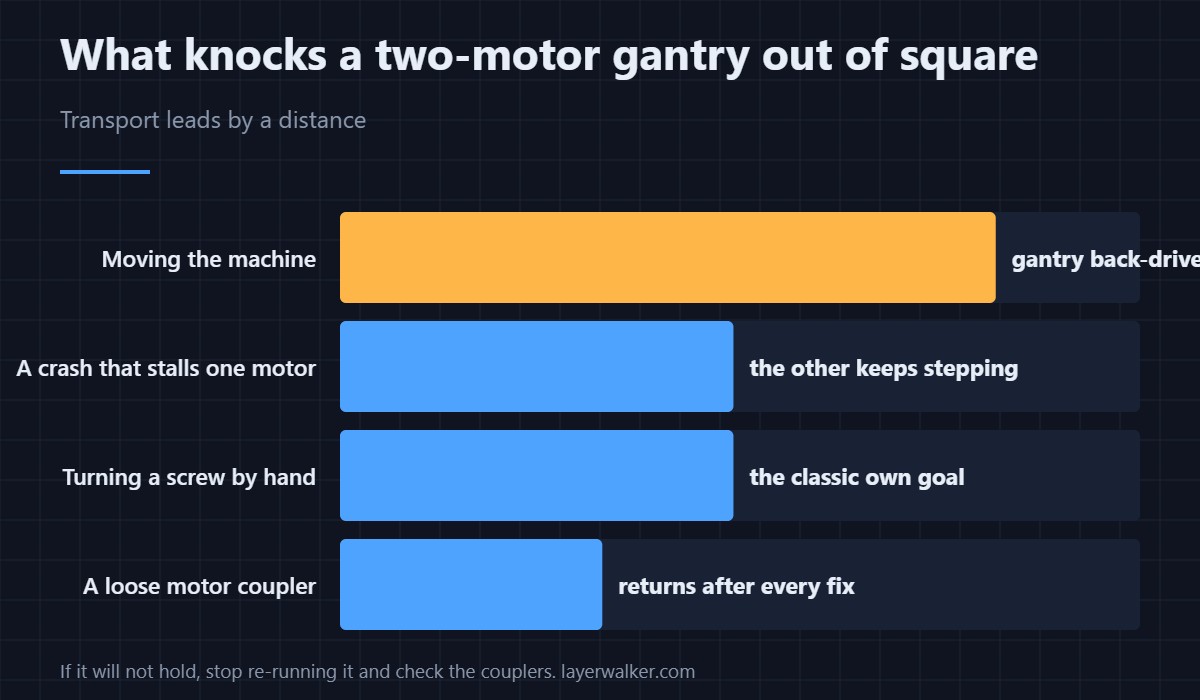
Moving the machine with the gantry unsupported is the classic cause: the weight back-drives one screw more than the other. So is turning a leadscrew by hand, and so is a crash that stalls one motor while the other keeps stepping. Transport is why a printer that worked perfectly before a house move reports this on its first print.
When it keeps coming back
An alignment that will not hold points at something mechanical. A leadscrew with a dry or damaged nut binds at one point and stalls; a coupler that has loosened lets the screw turn without the motor. If the error returns after every few prints rather than once, look there rather than running the routine again.
Uneven bed or uneven mesh?
If the plane is square but the surface is not flat, that is a different problem, and the printer reports it differently: a levelling probe that fails outright gives 13833 instead. A plate that is warped, or debris trapped under the sheet, shows up as a first layer that is good on one side and poor on the other — see first layer problems. Sheets do go out of true with age, and PEI build plates covers how to tell a tired one from a dirty one.
Once alignment is done, re-run first layer calibration, because Z zero is measured from the new position. The practical effect on squish is covered in Z offset and first layer squish.
Prusa error 31111 is a CORE One family code and appears as 36111, 35111 and 37111 on the INDX and L variants.
Prusa Error 31111 FAQ
Should I say yes to the Z alignment prompt?
Yes. It takes under a minute, it is non-destructive, and declining leaves the gantry tilted for the whole print.
Do I need to re-level afterwards?
Run first layer calibration afterwards. The mesh is measured relative to the gantry, so moving the gantry invalidates the old numbers.
Why did it appear after I moved the printer?
Because the gantry back-drove one leadscrew on the way. It is the single most common trigger and nothing is damaged.
Can I align it by hand instead?
Turning the screws by hand is what causes the problem in the first place. Let the routine do it against the hard stops.

LayerWalker
Print defect diagnosis, calibration procedures and parts that actually fit. Corrections welcome through the contact page.

