Prusa Error 17831: HEPA Filter Nearing End of Life
LayerWalker is a participant in the Amazon Services LLC Associates Program. We may earn a commission when you buy through links on our site, at no extra cost to you.
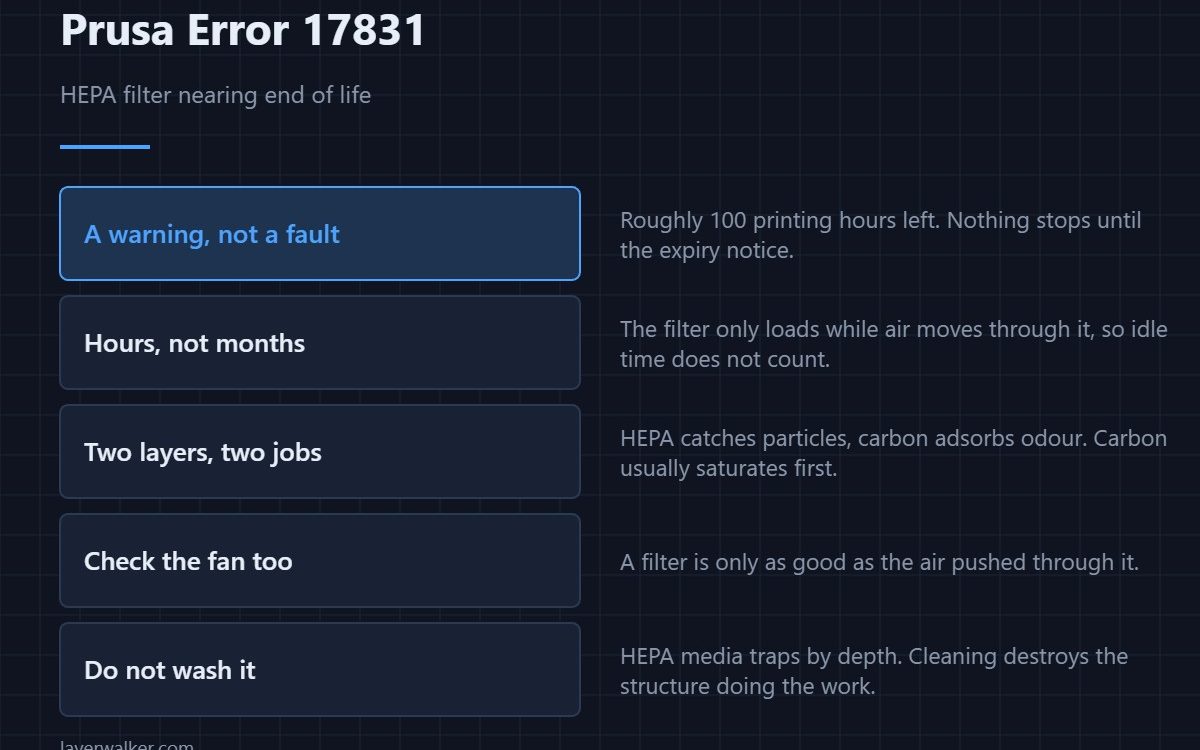
Prusa error 17831 is a warning, not a fault: the HEPA filter has roughly 100 printing hours of life left and the printer is telling you to order a replacement. Nothing stops. When the counter runs out you get the expiry notice instead, and at that point the filter is passing air it is no longer cleaning.
The number that matters is printing hours, not how long the filter has been fitted. A machine that runs daily reaches expiry far sooner than the calendar suggests.
Where to buy


ELEGOO 2PCS Mini Air Purifier with Activated Carbon Filter and Universal Adaptor for LCD/DLP/MSLA Resin 3D Printer

What the filter is actually doing
Enclosed printers pull chamber air through a filter before venting it. The HEPA layer catches ultrafine particles, and an activated carbon layer, where fitted, adsorbs the volatile compounds that give ABS and ASA their smell. The two do different jobs and saturate at different rates — carbon usually first.
Why the counter is hours and not months
A filter only loads up while air is moving through it. Sitting idle does almost nothing to it. That is why the printer counts printing time: it is the only measure that tracks how much material has actually passed through the media.
What you lose when it expires
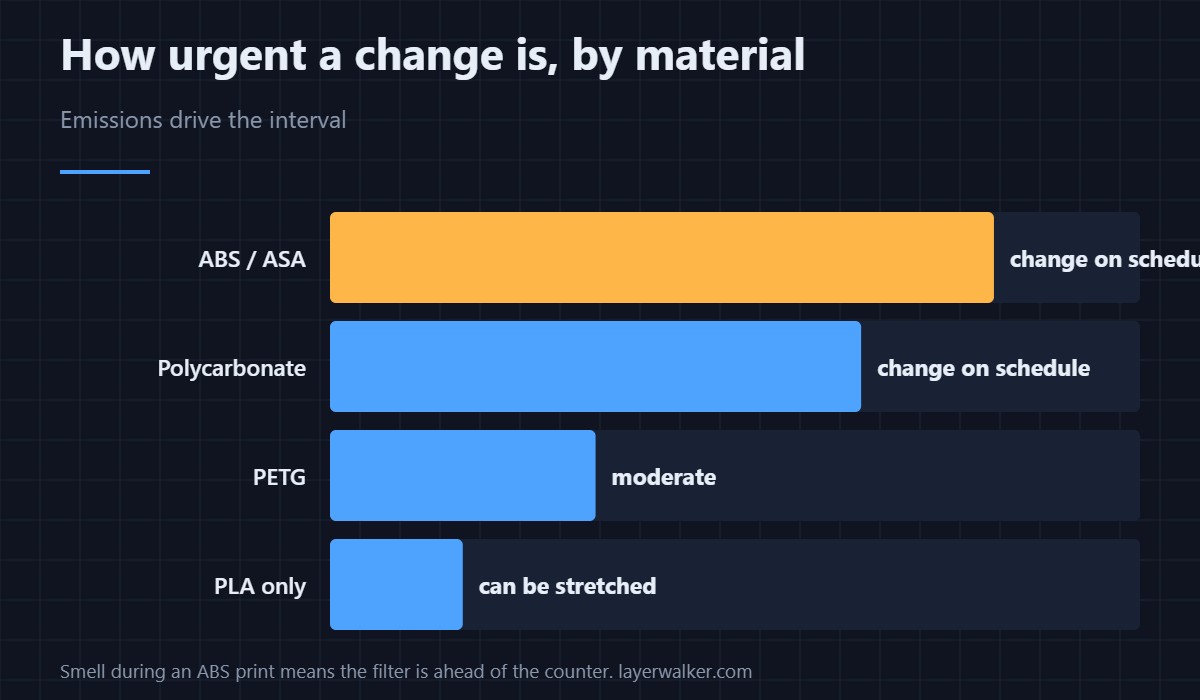
A saturated HEPA element does not fail open in an obvious way. Airflow drops as it clogs, the fan works harder, and capture efficiency falls quietly. With ABS, ASA and polycarbonate the emissions are worth taking seriously; with PLA far less so, which is why light PLA users can reasonably stretch the interval and heavy ABS users should not.
Prusa error 17831 versus the expiry code
This one is the early warning at around 100 hours remaining. The expiry notice that follows asks you to change the filter before the next print. On CORE One the same pair appears as 31831 and 31832. Treat the first as a shopping prompt and the second as a deadline.
Airflow, not just media
If you are replacing the filter, check the fan that drives it at the same time. A filter is only as good as the air pushed through it, and a filtration fan that has slowed with age produces the same poor result as a blocked element. The general background is in HEPA filters for 3D printers, with venting options in exhaust fans. If a fan has stopped entirely the printer says so directly, much like 13828 does for the hotend fan.
Prusa Error 17831 FAQ
Can I reset the counter instead of changing the filter?
You can reset it, but the media does not care what the counter says. Resetting without replacing simply turns off the reminder.
Can I vacuum or wash a HEPA element?
No. The fibres trap particles by depth, and cleaning damages the structure that does the work. Carbon cannot be regenerated at home either.
Does it matter if I only print PLA?
Less, but not nothing. PLA still emits ultrafine particles. The urgency scales with material: ABS, ASA and polycarbonate first, PETG next, PLA last.
How do I know it is loading up early?
Smell and noise. If the enclosure starts to smell during ABS prints, or the filtration fan gets louder as it fights back-pressure, the filter is ahead of the counter. Fan condition is worth checking alongside it — see cooling fans.

LayerWalker
Print defect diagnosis, calibration procedures and parts that actually fit. Corrections welcome through the contact page.

