Anycubic Kobra S1 Review: 320 °C and a Warm Chamber
LayerWalker is a participant in the Amazon Services LLC Associates Program. We may earn a commission when you buy through links on our site, at no extra cost to you.
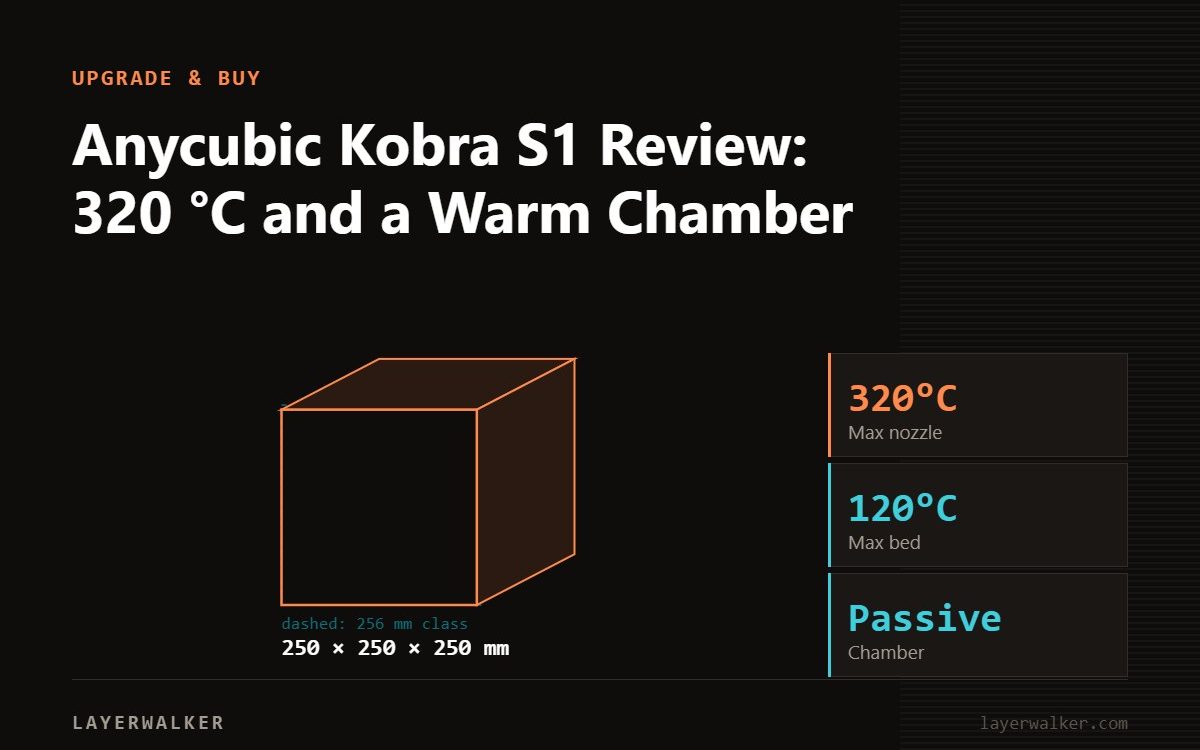
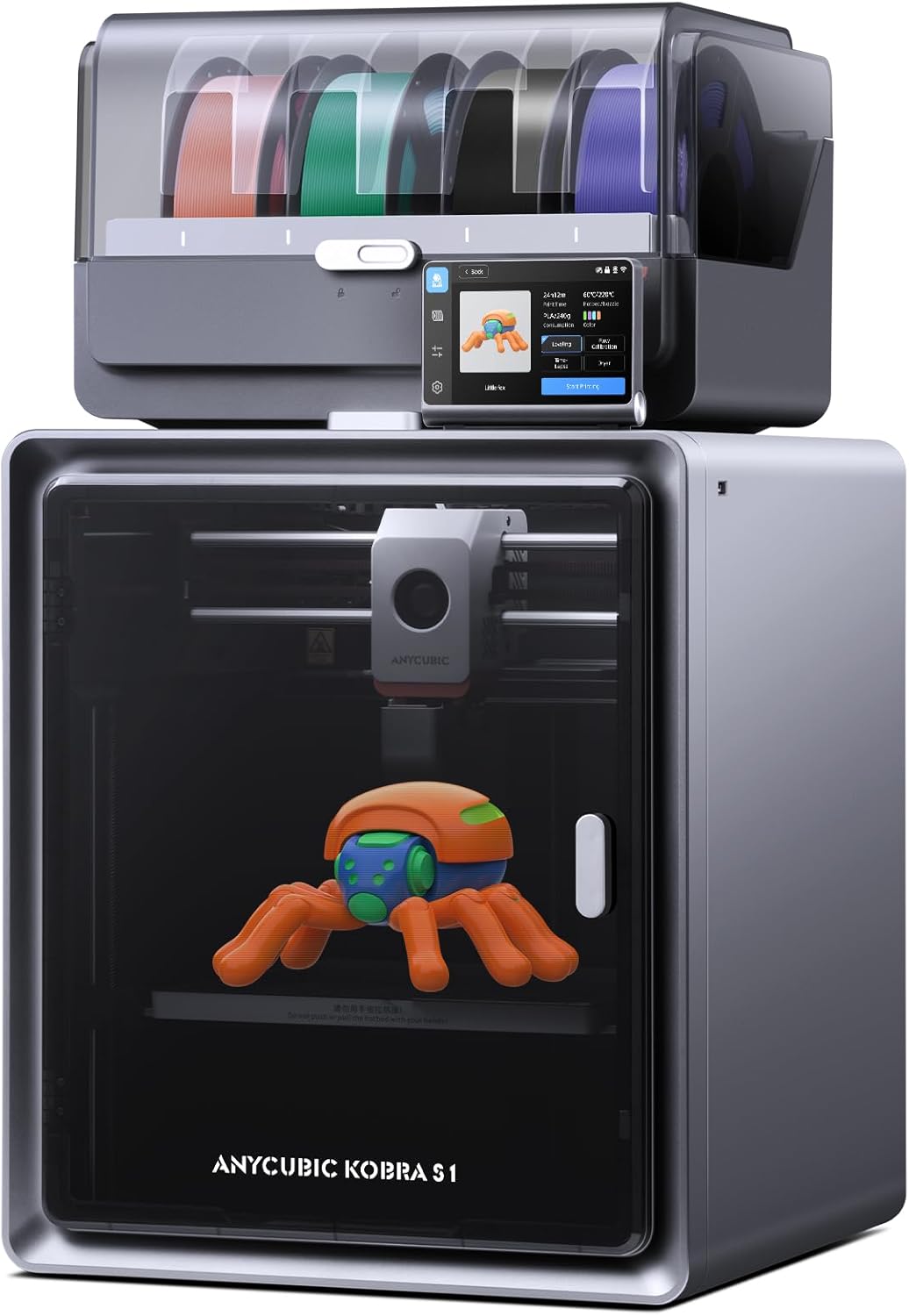
The Kobra S1 is Anycubic’s enclosed CoreXY and it is better specified than its price suggests: 250 x 250 x 250 mm, a 320 degC nozzle, a 120 degC PEI bed, a chamber that reaches 55 to 65 degC, LeviQ 3.0 levelling and 44 dB of noise. Anycubic quotes 300 mm/s recommended with 600 mm/s maximum, and 10,000 mm/s2 recommended with 20,000 maximum, which is a refreshingly honest way to publish speed. Add the ACE Pro unit for multi-colour.
This assessment is from Anycubic’s published specification rather than a workshop test. The Kobra S1 is worth attention because two of its numbers, the 320 degC nozzle and the 120 degC bed, are above what most machines in its bracket offer.
Where to buy


Specification
| Spec | Kobra S1 |
|---|---|
| Build volume | 250 x 250 x 250 mm |
| Max nozzle temp | 320 degC |
| Nozzles | 0.4 mm standard; 0.25, 0.6, 0.8 available |
| Max bed temp | 120 degC, PEI plate |
| Chamber | 55-65 degC |
| Speed | 300 mm/s recommended, 600 mm/s maximum |
| Acceleration | 10,000 mm/s2 recommended, 20,000 maximum |
| Levelling | LeviQ 3.0 |
| Noise | 44 dB |
| Weight | 18 kg; ACE Pro unit 4.6 kg |
The numbers that stand out
320 degC at the nozzle and 120 degC at the bed. For comparison, the Bambu P2S and Creality K1C stop at 300 degC, and the P2S bed at 110 degC. Combined with a chamber at 55 to 65 degC, that puts ABS, ASA and nylon in comfortable territory rather than merely possible territory.
Anycubic also publishes recommended figures alongside maximums, which is unusual and useful. 300 mm/s recommended against 600 maximum tells you what the machine is actually tuned to do all day, and it is a more honest basis for comparison than a single headline number. Treat other manufacturers’ single figures as maximums when you compare.
44 dB is quiet for an 18 kg enclosed CoreXY. That figure is measured under specific conditions, as always, but it signals a machine designed to sit in a room with people.
Multi-colour with ACE Pro
The Kobra S1 Combo pairs the printer with the ACE Pro unit, which handles multi-colour and also functions as a filament dryer, and there are newer ACE 2 Pro combos in the range. Multi-colour on an enclosed machine with a warm chamber is one of the few places where multi-material ABS is realistic, since colour changes add dwell time during which an open-machine part would be cooling and warping.
Budget for purge waste on any single-nozzle multi-colour setup. Our page on multi-colour printing covers what that costs in practice.
What to watch
Abrasive filament with a 320 degC nozzle is an obvious pairing, so check the nozzle material in your listing and stock a hardened one before running anything filled.
Anycubic’s range moves quickly. Alongside the Kobra S1 there is now a Kobra X with native four-colour printing, Kobra X Combo variants and ACE 2 Pro units. Check exactly which generation a listing is selling.
Who should buy it
Buy the Kobra S1 if you want an enclosed machine with a genuinely warm chamber and above-average temperature ceilings, and 250 mm cubed suits your parts. Compare it against the Bambu P1S, which trades the temperature headroom for a more mature software and changer ecosystem: see Kobra S1 vs P1S. Our Kobra S1 Combo page has more on the multi-colour setup.
Anycubic Kobra S1 Review FAQ
How hot does the Kobra S1 get?
320 degC at the nozzle, 120 degC at the bed, with a 55 to 65 degC chamber.
Is it really 600 mm/s?
That is the maximum. Anycubic recommends 300 mm/s, which is the more useful figure.
Does it do multi-colour?
With the ACE Pro unit, which also dries filament.
Can it print nylon?
The temperature ceilings and chamber support it. Dry the filament first and use a hardened nozzle.

LayerWalker
Print defect diagnosis, calibration procedures and parts that actually fit. Corrections welcome through the contact page.

