Multi-Colour 3D Printers: How They Work, What They Waste, Which to Buy
LayerWalker is a participant in the Amazon Services LLC Associates Program. We may earn a commission when you buy through links on our site, at no extra cost to you.
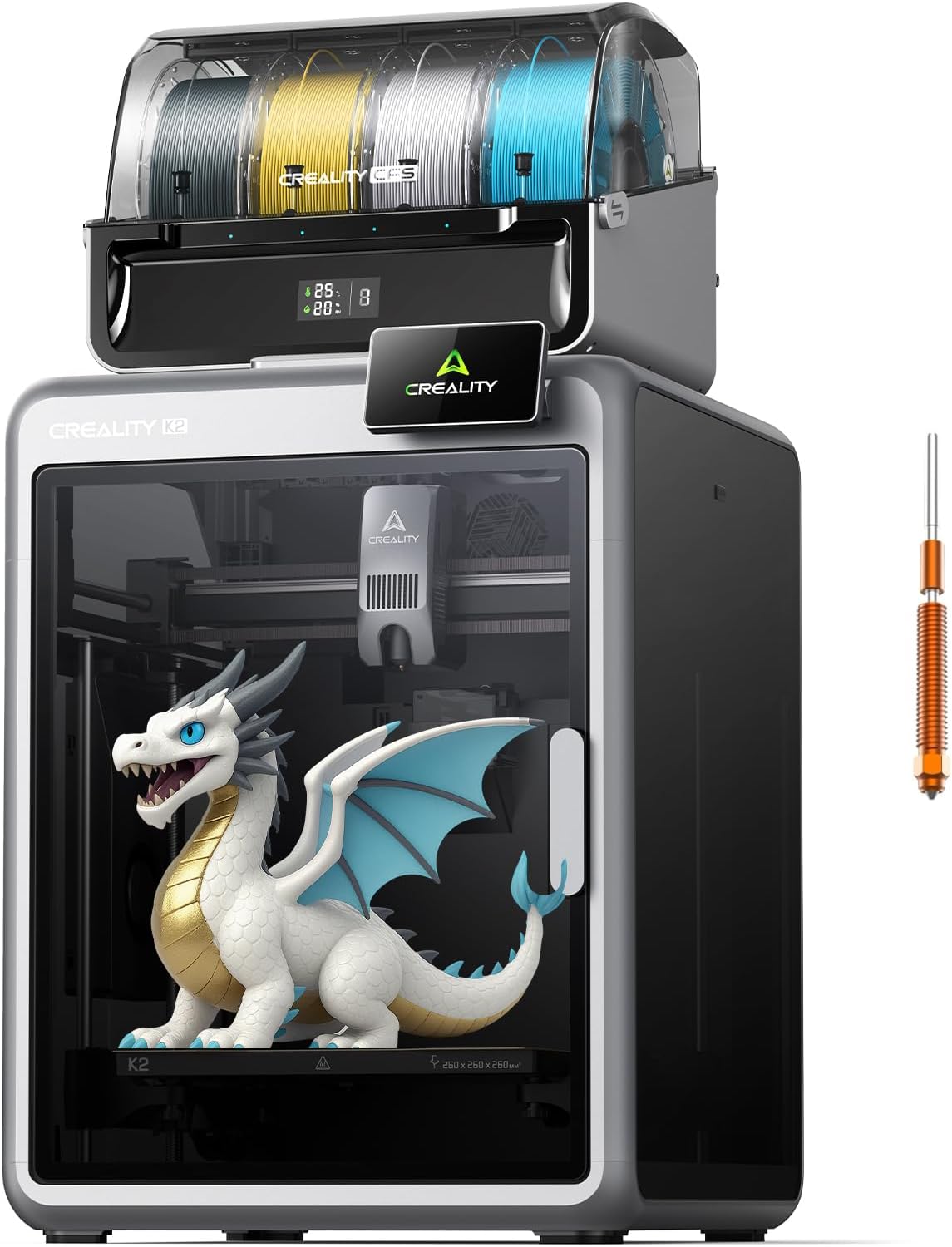
Most multi-colour printers are one nozzle plus a four-spool feeder: Bambu Combo, Creality CFS, Anycubic ACE Pro, Qidi Box, Flashforge AD5X. They change colour by purging the old filament, so a four-colour print wastes filament on every swap. Dual nozzle (Bambu H2D) and toolchanger (Prusa XL, Snapmaker U1) machines do not purge but cost more. For colourful PLA models any Combo works; the cheapest reliable entry is the Bambu A1 mini Combo.
Where to buy



How single-nozzle colour works
| Colour changes | Purge per change | Waste vs model | |
|---|---|---|---|
| 4-colour keychain, 8 g | About 60 | 5 to 15 g total per layer set | Often more than the model |
| 4-colour sign, 120 g | About 150 | Tens of grams | 20 to 50 percent |
| 2-colour figurine, 60 g | About 40 | Small | 10 to 20 percent |
| Soluble supports on a 200 g part | Per layer | Moderate | 15 to 30 percent |
The levers: reduce flush volumes per colour pair, print purge into infill or a sacrificial object, and group colours by height where possible. Toolchangers and dual nozzles remove the waste entirely; see dual nozzle printers.
Multi-colour printers by price tier
| Printer | Build volume | Enclosed | System | Colours | Amazon US |
|---|---|---|---|---|---|
| Bambu A1 mini Combo | 180 mm | No | AMS lite | 4 | Yes |
| Bambu A1 Combo | 256 mm | No | AMS lite | 4 | Yes |
| Anycubic Kobra X Combo | See listing | No | ACE 2 Pro | 4 to 7 | Yes |
| Flashforge AD5X | 220 mm | No | Built-in | 4 | Yes |
| Creality K2 Combo | See listing | Yes | CFS | 4 to 16 | Yes |
| Bambu P1S / P2S Combo | 256 mm | Yes | AMS / AMS 2 Pro | 4 to 16 | Yes |
| Anycubic Kobra S1 Combo | 250 mm | Yes | ACE Pro | 4 to 8 | Yes |
| Creality K2 Plus Combo | 350 mm | Heated | CFS | 4 to 16 | Yes |
| Bambu H2D | 325 mm | Heated | 2 nozzles + AMS | 2 + 16 | No |
| Prusa XL | 360 mm | Optional | Toolchanger | Up to 5, no purge | Direct |
Picks
- Cheapest reliable: A1 mini Combo. See the A1 mini Combo page.
- Enclosed, 256 mm: P2S Combo or K2 Combo.
- Many colours, large: K2 Plus Combo, 16 spools.
- No purge: H2D or Prusa XL.
Every system is brand-locked; see printers with a filament system and AMS alternatives.
The units in the box
The listings are the Bambu P2S Combo, the Creality K2 Combo and the Anycubic Kobra X Combo.
3D printer multi color FAQ
Can a multi-colour printer blend colours?
No; each region is one filament. Gradient effects need special filament.
Does multi-colour slow printing?
Yes; each change adds seconds and purge.

LayerWalker
Print defect diagnosis, calibration procedures and parts that actually fit. Corrections welcome through the contact page.

