Ender 3 V2: Still Sold, One Generation Behind
LayerWalker is a participant in the Amazon Services LLC Associates Program. We may earn a commission when you buy through links on our site, at no extra cost to you.
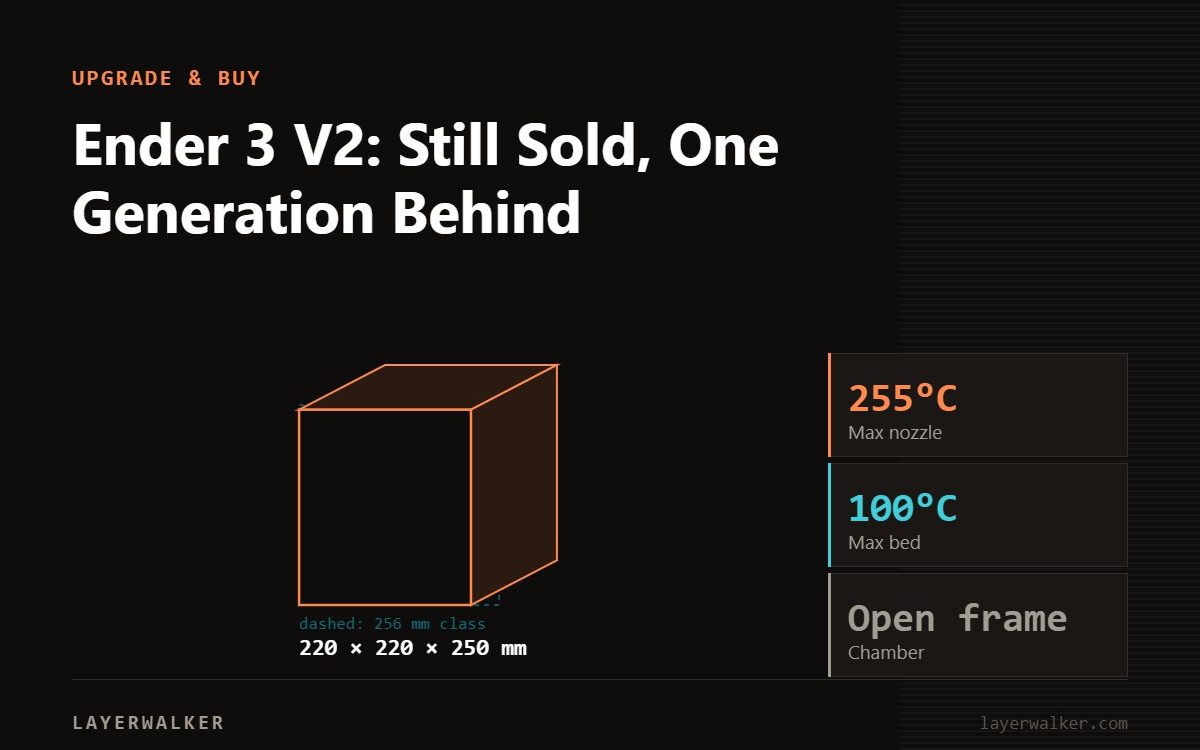
The Ender-3 V2 was the refinement of the original Ender-3: quieter board, colour screen, better usability, still manually levelled. Creality still lists it, but it sits a full generation behind the Ender-3 V3, which occupies the same 220 x 220 x 250 mm footprint while running up to 600 mm/s with 20,000 mm/s2, auto levelling, a 32-bit board and a 4.3 inch touchscreen. There is also an Ender-3 V2 Neo variant, so check which one a listing means.
The V2 is the model most people picture when they think “Ender 3”. It was the version that fixed the rough edges of the original without changing the concept, and it sold in enormous numbers. That is why it still turns up in search, and why it is worth being clear about where it stands now.
Where to buy


What it changed, and what it did not
The V2 was a usability revision rather than a new machine: a quieter mainboard, a colour screen instead of the original LCD and knob, a tidier build. The print envelope and the fundamental design carried over from the Ender-3.
What it did not change is the part that matters most to a new owner: levelling is manual. Four thumbscrews and a sheet of paper is the process, and it has to be redone as the bed and springs settle. That single task is where most beginners lose patience, and it is the main thing the V3 generation removed. See our page on bed levelling and mesh for what an automatic probe actually does differently.
Against the current model
| Ender-3 V2 | Ender-3 V3 | |
|---|---|---|
| Build volume | Same class | 220 x 220 x 250 mm |
| Levelling | Manual | Auto |
| Max speed | Previous generation | Up to 600 mm/s |
| Max acceleration | – | Up to 20,000 mm/s2 |
| Mainboard | – | 32-bit |
| Screen | Colour LCD | 4.3 inch HD colour touchscreen |
| Weight | – | 7.83 kg |
Creality’s own product page for the V2 no longer publishes the fuller modern spec table, which is a reasonable signal about where in the range it sits. Rather than fill those cells with numbers from third-party posts, we have left them blank; verify against the listing you are buying.
Variants to watch for
There is an Ender-3 V2 and an Ender-3 V2 Neo in Creality’s catalogue, and marketplace listings are not always precise about which they are selling. The Neo generation generally added a levelling probe. If auto levelling is the deciding factor for you, that distinction is the whole purchase, so get it in writing.
Who should buy one
Buy a V2 used, cheaply, if you want a documented, endlessly modifiable PLA machine and you enjoy that side of the hobby. The community knowledge base for this frame is unmatched, and parts are everywhere.
Buy an Ender-3 V3 or V3 SE new if you want to print rather than tune. Look at the Bambu A1 series if you want full automatic calibration and a one-clip hotend for similar money, a genuinely different philosophy. Our Ender range guide and entry-level guide cover both routes.
Either way, do not expect ABS or ASA from an open-frame machine, and fit a hardened nozzle before running anything filled.
If you are keeping one, the two cheapest things that improve it are levelling it properly and swapping the 235 mm build plate for textured PEI.
Ender 3 V2 FAQ
Does the Ender-3 V2 have auto bed levelling?
No. The V2 Neo variant added a probe; the plain V2 is manual.
Is it still sold?
Creality still lists it, though without the modern spec table.
What is the difference from the Ender-3 V3?
Auto levelling, a 32-bit board, a touchscreen and up to 600 mm/s with 20,000 mm/s2 on the V3.
Should I buy one new?
Only if the price is genuinely low. Otherwise buy the V3 generation.

LayerWalker
Print defect diagnosis, calibration procedures and parts that actually fit. Corrections welcome through the contact page.

