Ender 3 Pro: Same Size as the V3, Older Everything
LayerWalker is a participant in the Amazon Services LLC Associates Program. We may earn a commission when you buy through links on our site, at no extra cost to you.
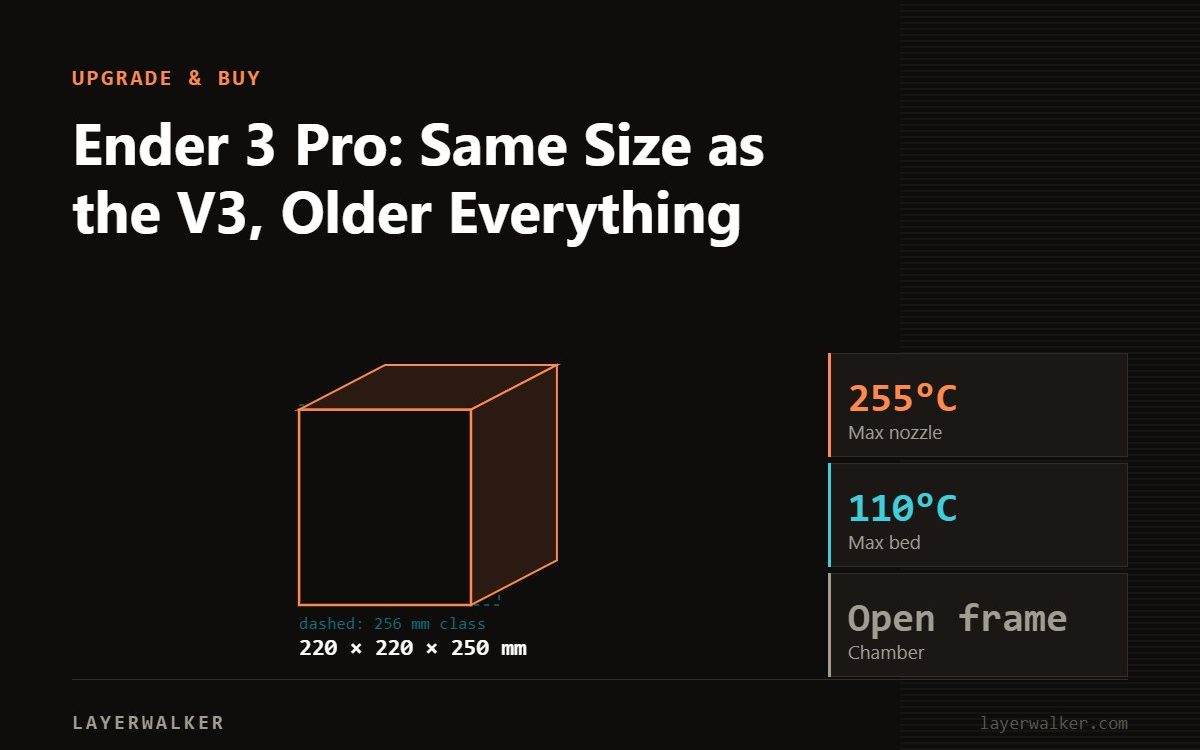
The Ender-3 Pro gives 220 x 220 x 250 mm, the same envelope as Creality’s current Ender-3 V3, but with the electronics and manual workflow of an earlier generation: no auto levelling, no touchscreen, no 32-bit board, and nothing like the V3’s 600 mm/s. Buy it only as a cheap learning platform or a project machine. If you want to print rather than tinker, spend the small difference on an Ender-3 V3 or V3 SE.
The Ender-3 Pro is the machine that put desktop 3D printing in a lot of houses, and it earned its reputation honestly. It is also nearly a decade old in design, and the case for buying one new has narrowed to almost nothing.
Where to buy


What it is
| Spec | Ender-3 Pro |
|---|---|
| Build volume | 220 x 220 x 250 mm |
| Frame | Open, bed-slinger |
| Levelling | Manual |
| Assembly | Part kit; you build most of it |
Creality’s current page for it does not publish the fuller modern spec table, which is itself a signal about where the model sits in the range. What is verifiable is the print envelope, and that it is still listed and supported.
The honest comparison
Set it against the Ender-3 V3, which occupies exactly the same 220 x 220 x 250 mm footprint. The V3 runs up to 600 mm/s with 20,000 mm/s2 of acceleration, weighs 7.83 kg, has a 4.3 inch HD colour touchscreen, a 32-bit mainboard, auto levelling and a G-sensor for input shaping, with layer heights from 0.1 to 0.35 mm and quoted accuracy of plus or minus 0.2 mm.
That is not an incremental difference. The single biggest one is auto levelling, because manual bed levelling is the task that defeats most new owners. Our page on bed levelling and mesh shows what a probe measures and why four thumbscrews cannot match it, and first-layer squish covers the other half of the job.
When it still makes sense
Three cases, and they are real.
You want to learn how a printer works. Building an Ender-3 Pro and tuning it teaches you belts, extrusion, thermals and levelling in a way an automatic machine never will. That knowledge transfers to every printer you own afterwards.
You want a cheap second machine for rough PLA jobs, prototypes and parts you do not care about, running alongside something better.
You want a modding platform. Almost every upgrade imaginable exists for this frame: direct-drive conversions, all-metal hotends, probes, dual Z, silent boards. The parts are cheap and the documentation is endless.
What it will not do
ABS and ASA are out; the frame is open and there is no chamber. Abrasive filaments need a hardened nozzle and the stock hotend is not built for them. Multi-colour is manual swaps only. And speed is a generation behind, so expect print times measured against 2018 rather than today.
If any of those matter, buy differently. Our Ender-3 page and Ender range guide cover the alternatives, and entry-level printers looks outside Creality too.
The upgrade that changes the most on this machine is the hotend, and only for specific reasons — see when an Ender 3 hotend upgrade is worth it.
Ender 3 Pro FAQ
What is the Ender-3 Pro build volume?
220 x 220 x 250 mm, the same as the current Ender-3 V3.
Does it have auto levelling?
No. Levelling is manual, which is the main reason to buy a newer model instead.
Is it still sold?
Yes, Creality still lists it, but the modern spec table is not published for it.
Should I buy one in 2026?
Only as a learning or modding platform, or very cheap used. Otherwise buy the V3 generation.

LayerWalker
Print defect diagnosis, calibration procedures and parts that actually fit. Corrections welcome through the contact page.

