Bambu Lab P1S: The Enclosed CoreXY Workhorse, Explained
LayerWalker is a participant in the Amazon Services LLC Associates Program. We may earn a commission when you buy through links on our site, at no extra cost to you.
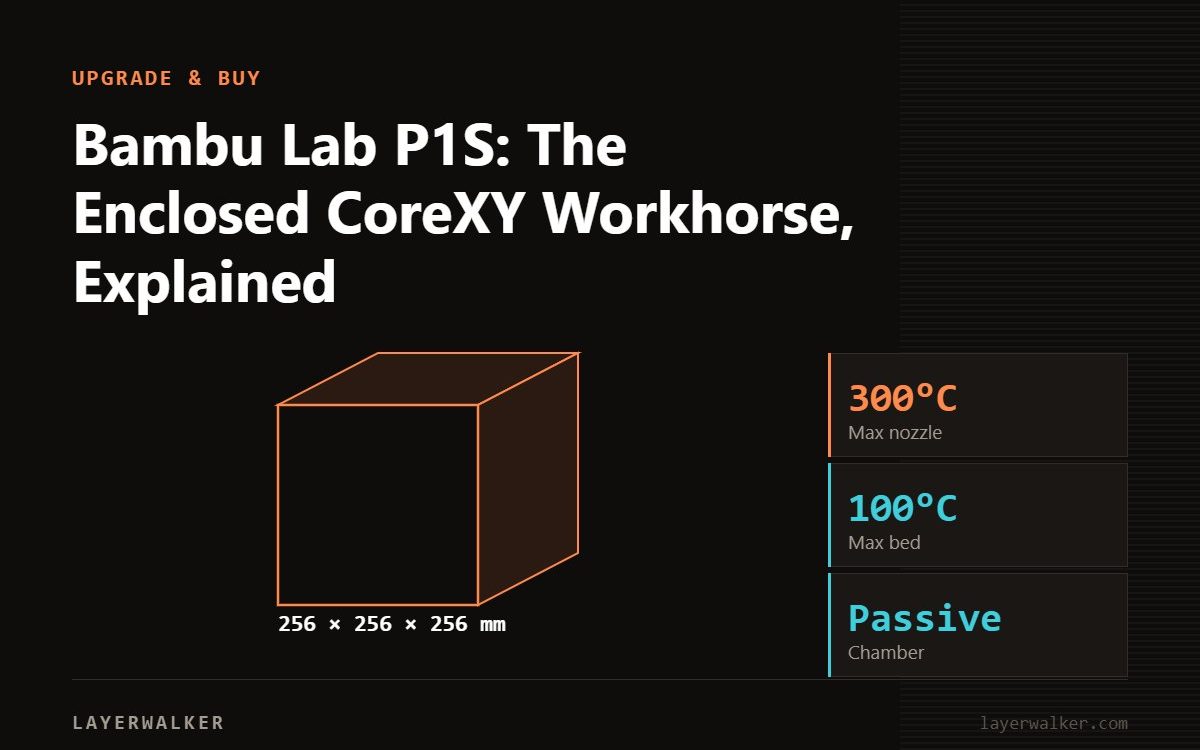
The P1S is a 256 mm enclosed CoreXY with a 300 °C hotend, 100 °C bed and 20000 mm/s² acceleration. It prints PLA, PETG, TPU and, thanks to the enclosure, ABS and ASA reliably. It is the sensible choice when you want the closed box and the AMS but not the X1 Carbon lidar or the newer P2S hotend and camera.
The P1S is the machine that made the enclosed CoreXY format mainstream at hobby prices. It is a P1P with panels, a chamber fan and an activated-carbon filter added, and it shares plates and AMS with the X1 Carbon. In 2026 it sits between the open A1 below it and the P2S that replaced it above; understanding those two boundaries is most of the buying decision.
Where to buy


Specifications
| Item | Value | Note |
|---|---|---|
| Build volume | 256 × 256 × 256 mm | Shared with A1, P2S, X1C |
| Max nozzle temperature | 300 °C | Hardened steel nozzle needed for abrasives |
| Max bed temperature | 100 °C | P2S is 110 °C; X1C is 120 °C |
| Toolhead speed / acceleration | 500 mm/s / 20000 mm/s² | Twice the A1 acceleration |
| Enclosure | Yes, passive | Chamber warms from the bed; no active heater |
| Filtration | Activated carbon | Reduces odour; not a HEPA-class filter |
| Multi-material | AMS, 4 spools per unit, up to 4 units | Enclosed AMS, not AMS lite |
| Camera | 720p, low frame rate | Adequate for spaghetti detection only |
| Screen | Small monochrome, button-driven | Most control is from the app or Bambu Studio |
What the enclosure changes
ABS and ASA warp because the part cools unevenly. A closed chamber that sits 35 to 45 °C above room temperature slows that cooling enough for 256 mm parts to hold. The P1S has no chamber heater, so it will not reach the 55 to 65 °C that PC and nylon-CF prefer; those materials work on it, but with more care. The layer cracking guide covers the symptoms.
Where it lags
- Camera and screen. The 720p low-frame-rate camera and button-driven display are the most common complaints; the P2S fixed both.
- Hotend design. The P1S uses the older hotend that requires a screwdriver to swap. The P2S moved to the tool-less H2-series unit. See P1S upgrades for what is worth adding.
- Bed temperature. 100 °C is enough for ABS; the extra headroom on the P2S and X1C helps with PC.
P1S or P2S
If the price gap is small, the P2S is the better machine: 600 mm/s toolhead, 110 °C bed, 1080p camera, vision-based calibration and the AMS 2 Pro with drying. If the P1S is discounted substantially, it remains a very good enclosed printer with a huge community and years of spare-part availability. The P1S vs P2S page has the side-by-side.
The units in the box
The listings are the P1S alone and the P1S Combo with one AMS. The Combo is the usual recommendation because the enclosed AMS also functions as sealed storage for four spools; single-colour users who already store filament dry can skip it.
Bambu Lab P1S 3D printer FAQ
Can the P1S print nylon?
With a dried spool and a hardened nozzle, yes, though without a heated chamber large nylon parts may warp.
Does the P1S have lidar?
No; that is the X1 Carbon. See P1S vs X1C.
Is the P1S loud?
The chamber and auxiliary fans are audible; it is louder than the A1 in silent mode.

LayerWalker
Print defect diagnosis, calibration procedures and parts that actually fit. Corrections welcome through the contact page.

