Bambu Lab P1S Upgrades: The Hardened Hotend, Nozzle Sizes, and the Few Things the P1S Actually Lacks
LayerWalker is a participant in the Amazon Services LLC Associates Program. We may earn a commission when you buy through links on our site, at no extra cost to you.
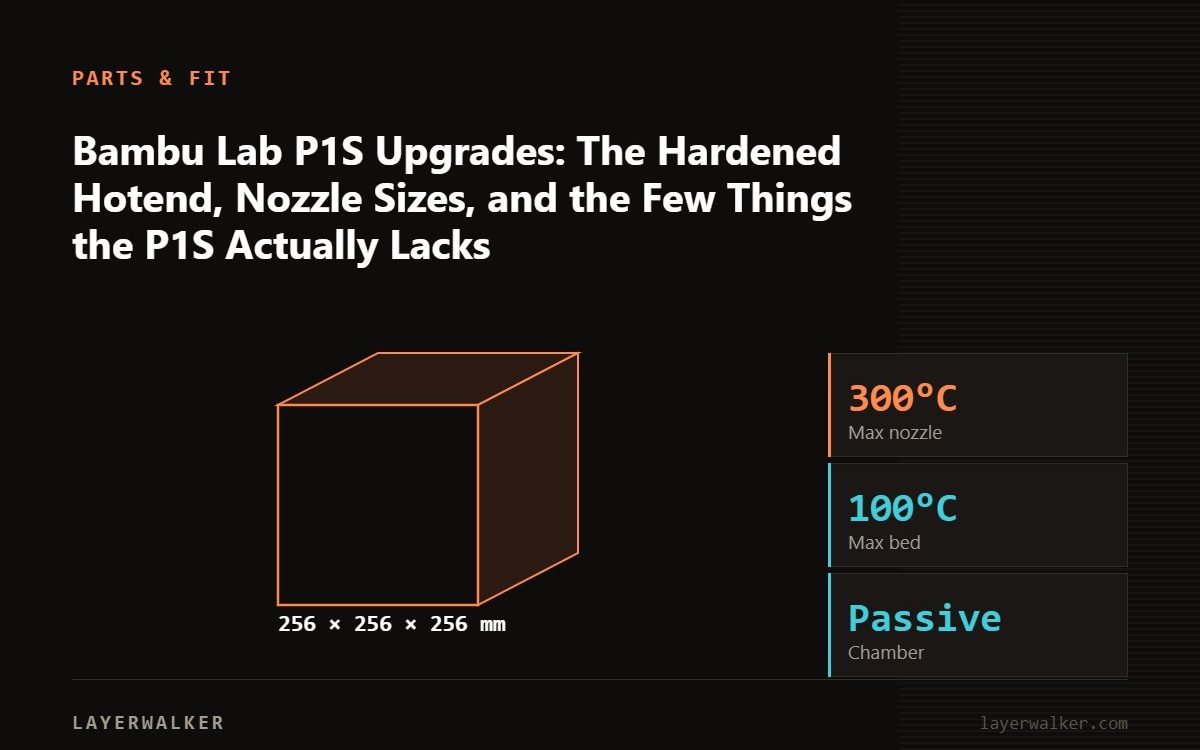
The P1S upgrades that matter are a hardened-steel hotend before any carbon-fibre or glow filament, extra hotends in 0.2 and 0.6 mm, a filament dryer because the AMS does not heat, and a second build plate. The P1S lacks the X1C’s lidar and hardened parts out of the box, and the hotend is the only one of those you should buy.
The P1S is the X1 Carbon without the lidar, the touchscreen and the hardened nozzle and gears. The hardened parts are the meaningful gap, and they are exactly what Bambu and third parties sell as P1S upgrades. The rest of the upgrade market for the P1S is either consumables dressed up as upgrades or things the P1S does not need.
Where to buy


Upgraded 3PK 0.2/0.4/0.6mm P1S Hotend for Bambu P1S/P1P Integrated Nozzle

What is worth buying
- Hardened-steel hotend. The stock stainless nozzle wears fast on CF, glow and sparkle filaments; see abrasives. Bambu’s hardened hotend, or a third-party hardened unit, swaps in a few minutes. Add hardened extruder gears for regular abrasive printing.
- Hotends in 0.2 and 0.6 mm. 0.2 for miniatures and text; 0.6 for fast strong parts, where the P1S’s flow shows.
- A filament dryer feeding the external port or the AMS; the original AMS stores but does not dry. See drying.
- A second plate, textured or smooth, so one cools while the other prints.
- Consumables: silicone sock, PTFE tubes, AMS desiccant, a spare filament cutter blade.
What to skip
- Lidar retrofits: there are none; the P1S’s manual flow calibration works.
- Aftermarket fans for noise, except the auxiliary fan, which is loud and can be swapped for a quieter one if noise matters.
- Bed insulation and dampers; the P1S is enclosed and input-shaped already.
The hotends in the box
The genuine Bambu hotend with nozzle for the P1S, P1P and X1 is the reference replacement; the three-pack covering 0.2, 0.4 and 0.6 mm is the size-swap set; the complete hotend kit is the full assembly for a worn unit. All three fit the P1S, P1P and X1C, which share the hotend.
Swapping
- Cool, unload, remove the toolhead cover and fan.
- Unscrew the two hotend screws, disconnect, fit the new hotend, reconnect.
- Set nozzle type and size in the printer and in Bambu Studio; hardened steel prints a few degrees hotter.
- Run flow dynamics calibration. A clog after a swap is usually a heater connector not seated.
Bambu Lab P1S Upgrades FAQ
Do X1C hotends fit the P1S?
Yes; the P1P, P1S and X1C share them.
Is the hardened hotend worth it for PLA and PETG only?
No. Stainless is fine for non-abrasive filament.
Should I upgrade the P1S or buy an X1C?
For the hardened parts, upgrade. The lidar is the X1C’s real difference and cannot be added.

LayerWalker
Print defect diagnosis, calibration procedures and parts that actually fit. Corrections welcome through the contact page.