Bambu Lab A1: The 256 mm Bedslinger, and Who Should Skip It
LayerWalker is a participant in the Amazon Services LLC Associates Program. We may earn a commission when you buy through links on our site, at no extra cost to you.
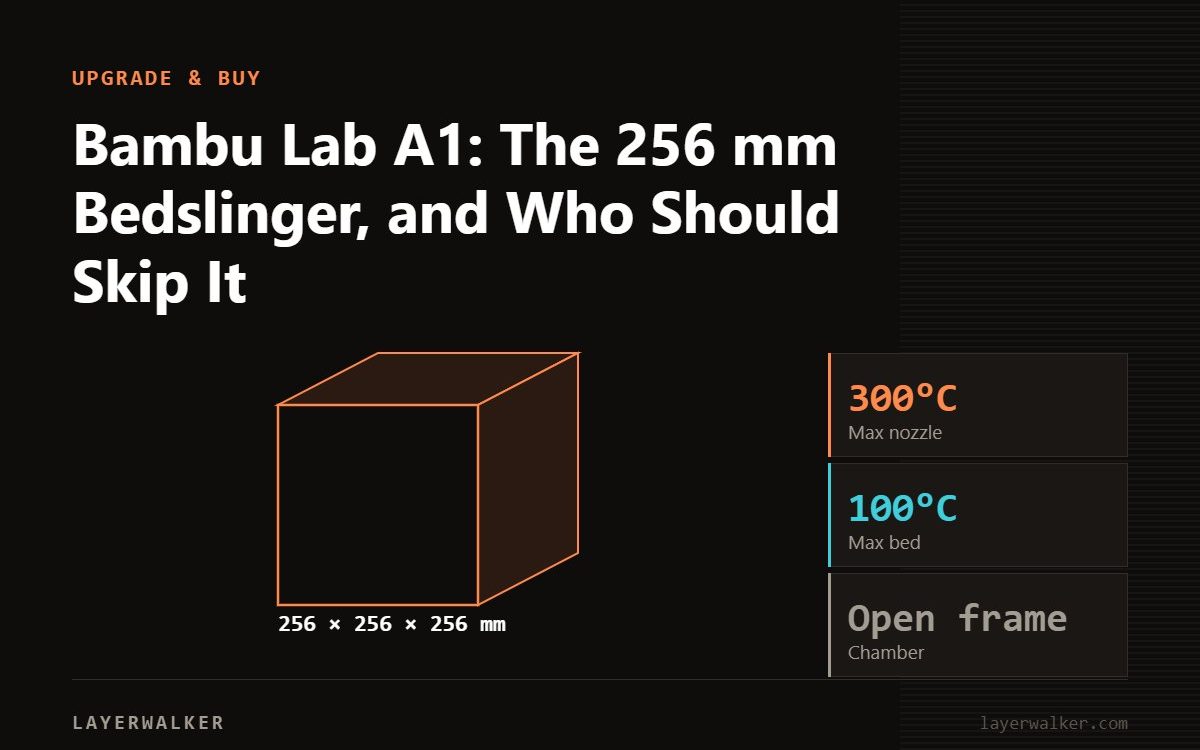
The A1 is the A1 mini scaled to a 256 × 256 × 256 mm bed with a 100 °C heatbed, the same 300 °C hotend and the same full auto-calibration. It is the right open-frame printer for PLA, PETG and TPU at P1S size. Skip it if you need ABS, ASA or engineering filaments; those want the enclosed P1S or P2S.
The A1 exists because the A1 mini proved the recipe and most buyers wanted a bigger bed. It shares the 256 mm plate size with the P1S, P2S and X1 Carbon, so plates and most accessories carry across. What it does not share is the enclosure, and that single difference decides which filaments it prints well.
Where to buy


Specifications
| Item | Value | Note |
|---|---|---|
| Build volume | 256 × 256 × 256 mm | Same plate as P1S / P2S / X1C |
| Max nozzle temperature | 300 °C | Stainless nozzle stock; hardened optional |
| Max bed temperature | 100 °C | Higher than A1 mini; still open frame |
| Max toolhead speed | 500 mm/s | Practical speeds 150 to 300 mm/s |
| Acceleration | 10000 mm/s² | |
| Kinematics | Bedslinger | Bed moves in Y; tall narrow parts show more ringing than CoreXY |
| Multi-material | AMS lite (4 spools) | Open air; not the enclosed AMS |
| Calibration | Full auto | Z-offset, mesh, flow, resonance, belt tension each job |
| Camera | 1080p | Timelapse and remote check |
A1 versus A1 mini
Same electronics, same hotend family, same automation. The A1 adds 76 mm on every axis, a 100 °C bed, a bigger 1080p camera and about twice the footprint. If your models fit in 180 mm, the mini is the better buy; if you are already cutting models to fit, the A1 is the cheaper fix compared with buying twice. See the full A1 vs A1 mini comparison.
A1 versus P1S
The P1S is a CoreXY in a box: the bed only moves in Z, the enclosure holds heat, and 20000 mm/s² acceleration versus 10000 keeps corners cleaner at speed. For PLA and PETG the print results are close. For ABS, ASA and nylon the P1S is in a different category. The A1 wins on noise, on the ease of swapping the hotend and on the price of a spare plate. Details in A1 vs P1S.
What to know before buying
- The bedslinger design means a heavy print on the moving bed; models over roughly 1 kg with a tall centre of mass print better on the enclosed CoreXY machines.
- Bambu ships the A1 with a textured PEI plate; a smooth or Cool Plate is a common first add-on.
- Filament for the A1 is any 1.75 mm spool; the A1 filament guide covers what actually prints well on an open frame.
The units in the box
The listings are the A1 alone and the A1 Combo with the AMS lite plus a lamp kit. The Combo is only worth it for multi-colour or paint-free multi-material work; single-material users should buy the printer alone and put the balance toward an enclosure if they ever want to try ASA.
Bambu Lab A1 3D printer FAQ
Do P1S plates fit the A1?
Yes; both are 256 mm.
Can the A1 use the enclosed AMS?
No. The A1 and A1 mini use the AMS lite only.
Is the A1 quieter than the P1S?
Yes in silent mode; the enclosed machines run more fans.

LayerWalker
Print defect diagnosis, calibration procedures and parts that actually fit. Corrections welcome through the contact page.

