Bambu Lab A1 Upgrades Worth Buying: Hotends, Nozzle Sizes, and What to Leave Alone
LayerWalker is a participant in the Amazon Services LLC Associates Program. We may earn a commission when you buy through links on our site, at no extra cost to you.
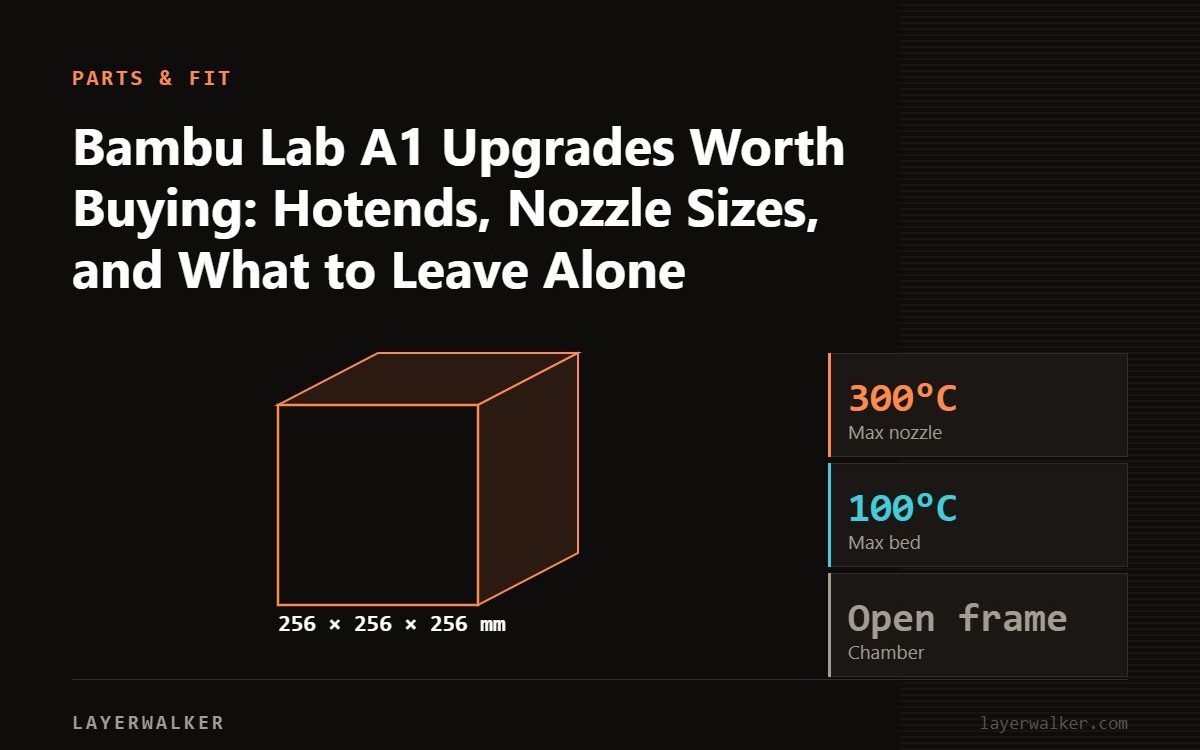
The A1 needs very little. The upgrades that earn their place are spare quick-swap hotends in other nozzle sizes, 0.2 mm for detail and 0.6 or 0.8 mm for fast strong parts; a hardened-steel hotend if you print carbon-fibre, glow or sparkle filament; a filament dryer; and a second build plate. The A1 and A1 mini share the same hotend, so one set covers both.
Bambu built the A1 line around a quick-swap hotend: the nozzle, heat break and heater come off as one unit with a clip and two connectors, and swapping takes under a minute. That turns nozzle size from a settled decision into a per-job choice, and it is where the useful A1 upgrades live. Most other things sold as A1 upgrades are cosmetic or solve problems the A1 does not have.
Where to buy


What is worth buying
- Extra hotends in other sizes. 0.2 mm for miniatures and text, 0.6 mm for strong parts printed fast, 0.8 mm for big drafts. Keep the 0.4 for everything else.
- A hardened-steel hotend. Required before any carbon-fibre, glow, sparkle or metal-filled filament; the stock stainless nozzle wears out in a spool. See abrasive filaments. Bambu also sells hardened extruder gears for heavy abrasive use.
- A filament dryer. The AMS lite is not sealed; PETG and TPU need one. See drying.
- A second build plate, textured for PETG, smooth for glossy PLA, so you can swap while one cools.
- Silicone socks and a spare PTFE tube for the AMS lite path, as consumables.
What to skip
- Enclosures for PLA-only printing; the A1 runs best in open air.
- Aftermarket part-cooling ducts; the stock cooling is tuned for the profiles.
- Vibration feet as a fix for ringing; the A1 has input shaping. A heavy, rigid stand does more.
- Third-party firmware; it is not an option on the A1 and not needed.
The hotends in the box
The listed hotend kits are A1 and A1 mini quick-swap units: a two-pack of 0.4 mm hardened-steel hotends for abrasive filament, a multi-size pack covering 0.2, 0.4 and 0.6 mm for the size-swap use case, and a genuine Bambu replacement hotend. Third-party units work; genuine Bambu is the safe pick for the 0.4 mm you print most on.
Swapping a hotend
- Cool the hotend, unload filament, open the toolhead cover.
- Unclip the hotend, disconnect the two connectors, clip the new one in.
- Select the new nozzle size and type in the printer menu and in Bambu Studio.
- Run a calibration; the A1 measures flow and Z-offset itself. A clog on a new hotend is usually a bad connector seat.
Bambu Lab A1 Upgrades FAQ
Do A1 hotends fit the A1 mini?
Yes; same part.
Do P1S hotends fit the A1?
No; different design.
Is a 0.6 mm nozzle worth it on the A1?
For functional parts, yes; it halves print time and the A1 has the flow for it.

LayerWalker
Print defect diagnosis, calibration procedures and parts that actually fit. Corrections welcome through the contact page.