Cracking and layer delamination
LayerWalker is a participant in the Amazon Services LLC Associates Program. We may earn a commission when you buy through links on our site, at no extra cost to you.
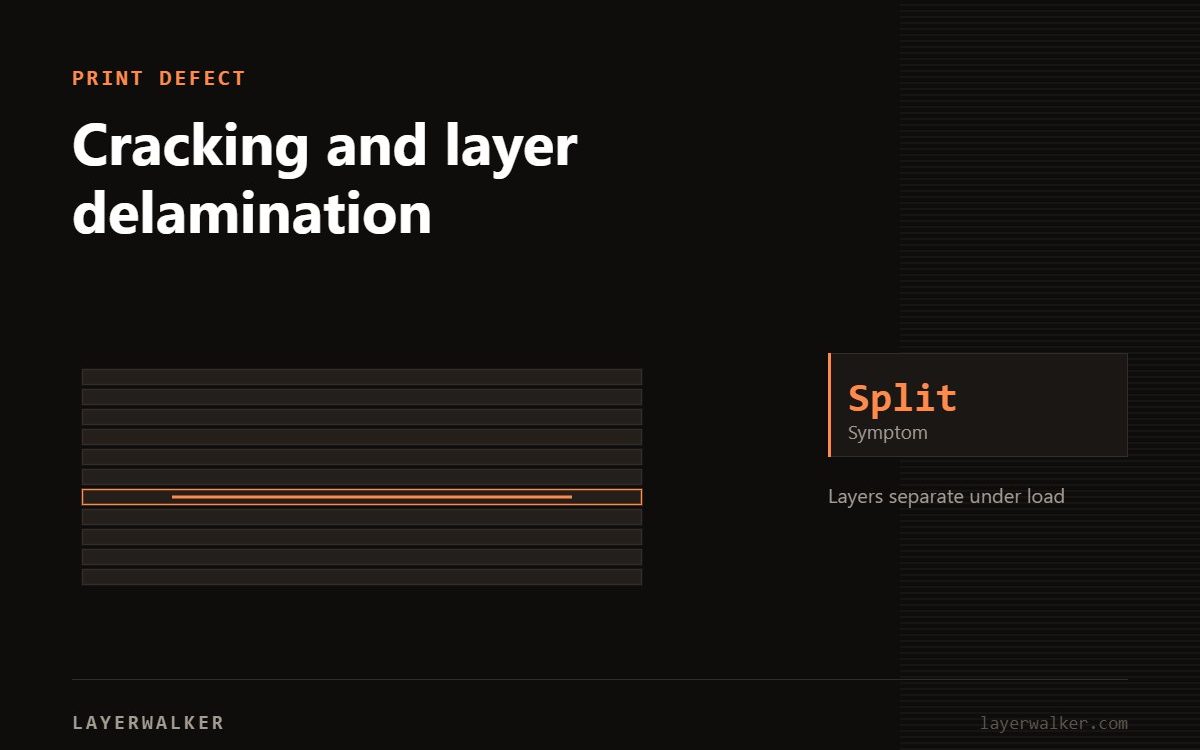
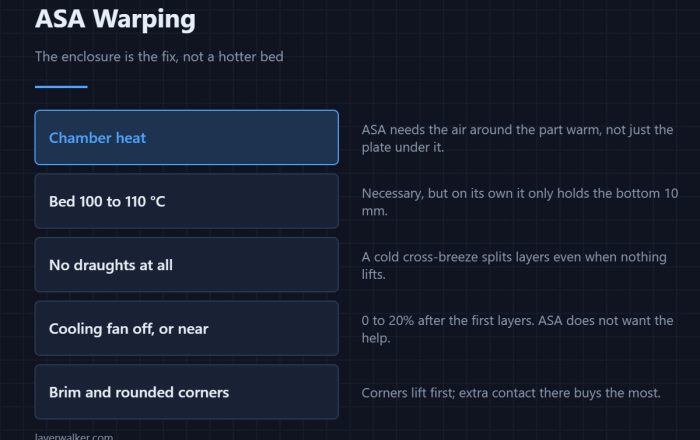
Layers are not welding to each other. Raise the nozzle temperature, cut the cooling, and close the machine. Delamination on ABS and ASA is almost always a chamber temperature problem.
A printed part is only as strong as the bond between layers. That bond forms when the new line partially remelts the one below, so anything that reduces heat at the interface reduces strength.
Visible splits between layers, or parts that snap cleanly along a layer line
Insufficient heat at the layer interface
- Raise the nozzle temperature 5-10 degC and reprint.
- Reduce part cooling. For ABS and ASA it should be near zero.
- Close the enclosure and let the chamber come up to temperature before starting.
- Dry the filament. Steam at the interface prevents a clean weld.
- Increase extrusion width or layer height slightly for more contact area.
- Slow down. Faster printing means less dwell time at temperature.
Chamber temperature matters more than any slicer setting here.
Where to buy


Multifunctional 3D Printer Enclosure Ventilation Eliminate Odors Tent Cover
3D print layer separation: cracking that appears days later
If parts crack after they come off the plate, that is residual stress released as the part equalises. It points to a large temperature gradient during printing — the outside cooled while the inside stayed hot. An enclosure and slower cooling reduce it. So does annealing, though annealing also shrinks the part and will change dimensions.
Layer orientation is a design decision
No settings make a layer bond as strong as solid material. If a part will be loaded along one axis, orient it so that load runs across layers rather than trying to pull them apart.

LayerWalker
Print defect diagnosis, calibration procedures and parts that actually fit. Corrections welcome through the contact page.