HMS 0C00-0300-0003-0007: Possible First Layer Defects
LayerWalker is a participant in the Amazon Services LLC Associates Program. We may earn a commission when you buy through links on our site, at no extra cost to you.
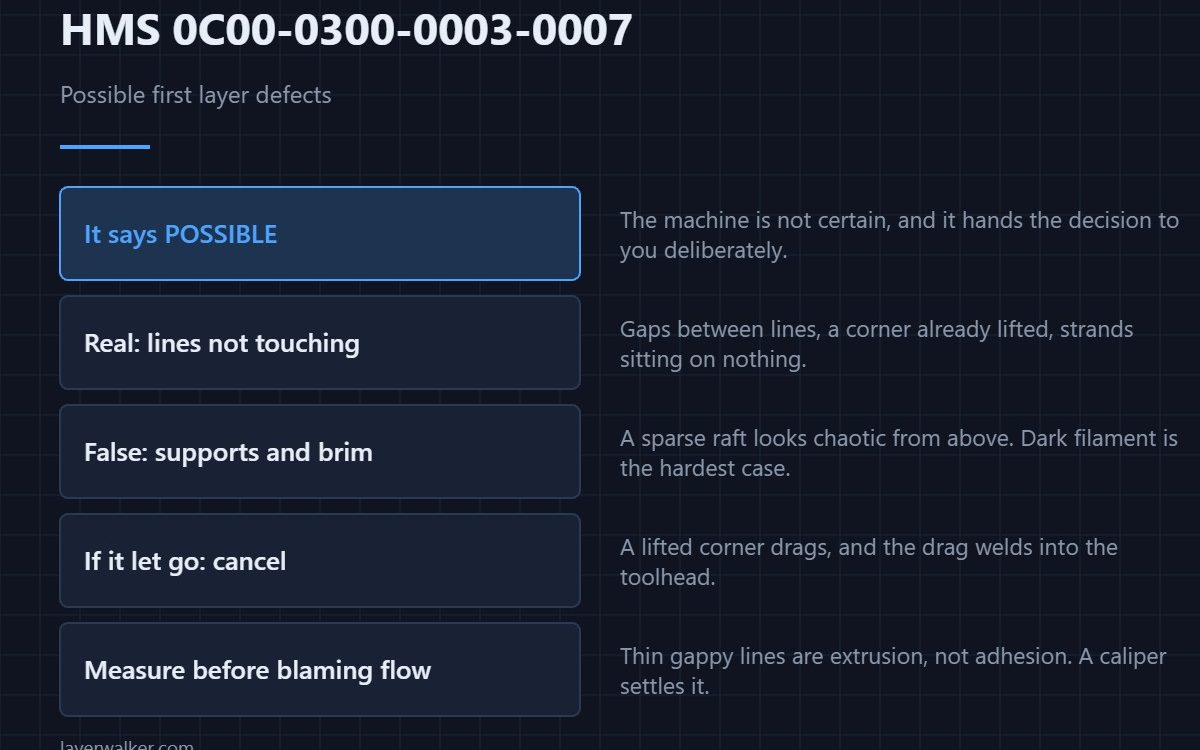
HMS 0C00-0300-0003-0007 means the first layer inspection saw something it did not like and is asking you to decide. Note the word possible: the machine is not certain, and a sparse first layer of supports can look like a failure from above. Look at the plate before you cancel anything.
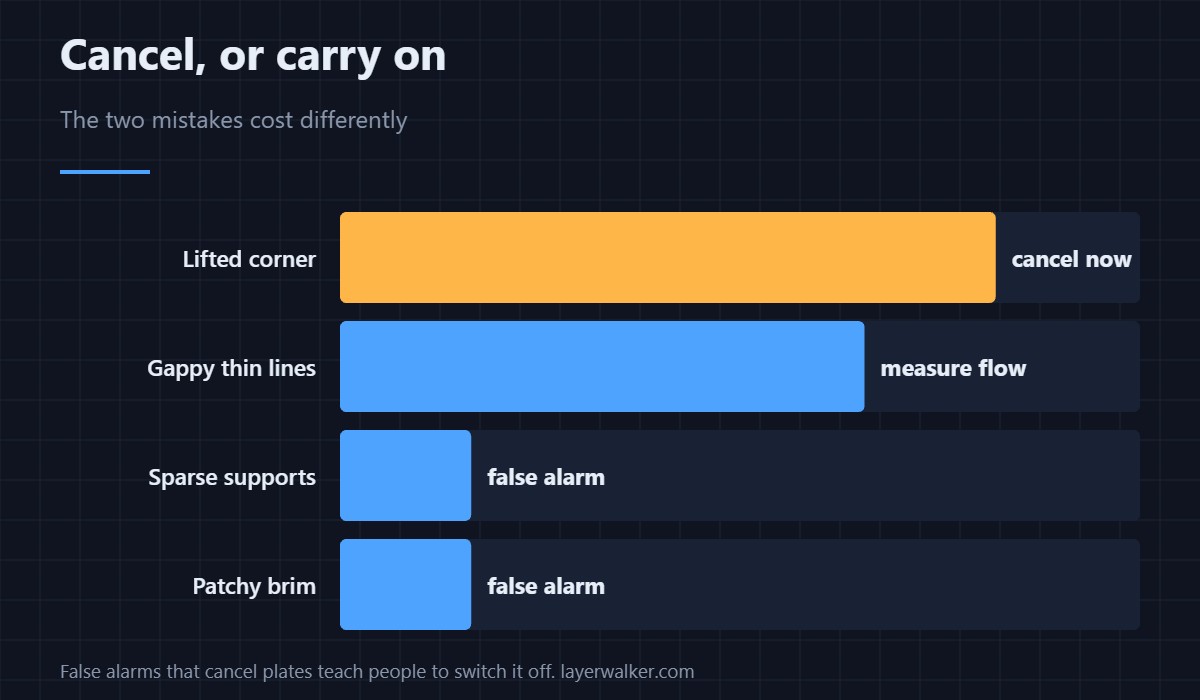
The cost of each wrong answer is different, which is what makes this code worth reading carefully.
Where to buy


Look at the plate, not at the code
Real defects look like gaps between lines, lines that are not touching the plate, or a corner already lifted. False alarms look like a sparse support raft, a brim that was always going to be patchy, or a dark filament that the camera struggles to resolve. One is worth a restart and one is not.
If the layer is genuinely not sticking
Cancel it. A first layer that has let go in one corner drags, and the drag welds into the toolhead. Clean the plate, then add adhesion rather than heat: a glue stick made for print beds gives you a thin, even, washable layer where a hotter bed just bakes the problem in. The underlying causes are in first layer not sticking and the products in bed adhesives.
If the lines are thin or gappy
That is flow, not adhesion, and it is worth measuring rather than guessing. A digital caliper on a printed test square tells you in a minute whether you are under-extruding, and under-extrusion that starts at layer one usually means a partial clog — see under-extrusion and gappy walls.
For materials that never behave
Some filaments fight a clean plate no matter what you do. A strip of blue painter’s tape under the part is the old answer and still the reliable one, because you are giving the material a surface it likes rather than arguing with the one it does not.
Why HMS 0C00-0300-0003-0007 is phrased so carefully
Bambu could have made it cancel the job automatically, and chose not to. False positives that cancel plates teach people to disable the feature, which costs more than the occasional ruined print. The same reasoning drives the spaghetti code HMS 0C00-0300-0003-0008.
What it was comparing against
The inspection that produced this verdict is HMS 0C00-0300-0003-000B, and it ran against a photograph of your bare plate. A dirty plate raises the false-alarm rate on every job after it.
HMS 0C00-0300-0003-0007 FAQ
Should I always cancel?
No. Look first. Supports and sparse infill are the common false alarms.
Why does it fire on dark filament?
Low contrast. Black on a dark plate is the hardest case the camera has.
Can I make it less sensitive?
Cleaning the plate and the lens does more than any setting will.
Does a brim help?
For adhesion yes, for this code sometimes not — a patchy brim is itself a common false positive.
First layers that have quietly got worse over a season have a candidate. HMS 0C00-0100-0002-0007 means the lidar laser parameter has drifted, and flow calibration goes optimistic rather than obviously wrong.

LayerWalker
Print defect diagnosis, calibration procedures and parts that actually fit. Corrections welcome through the contact page.