HMS 0C00-0300-0001-000A: Your Printer Is in Factory Mode
LayerWalker is a participant in the Amazon Services LLC Associates Program. We may earn a commission when you buy through links on our site, at no extra cost to you.
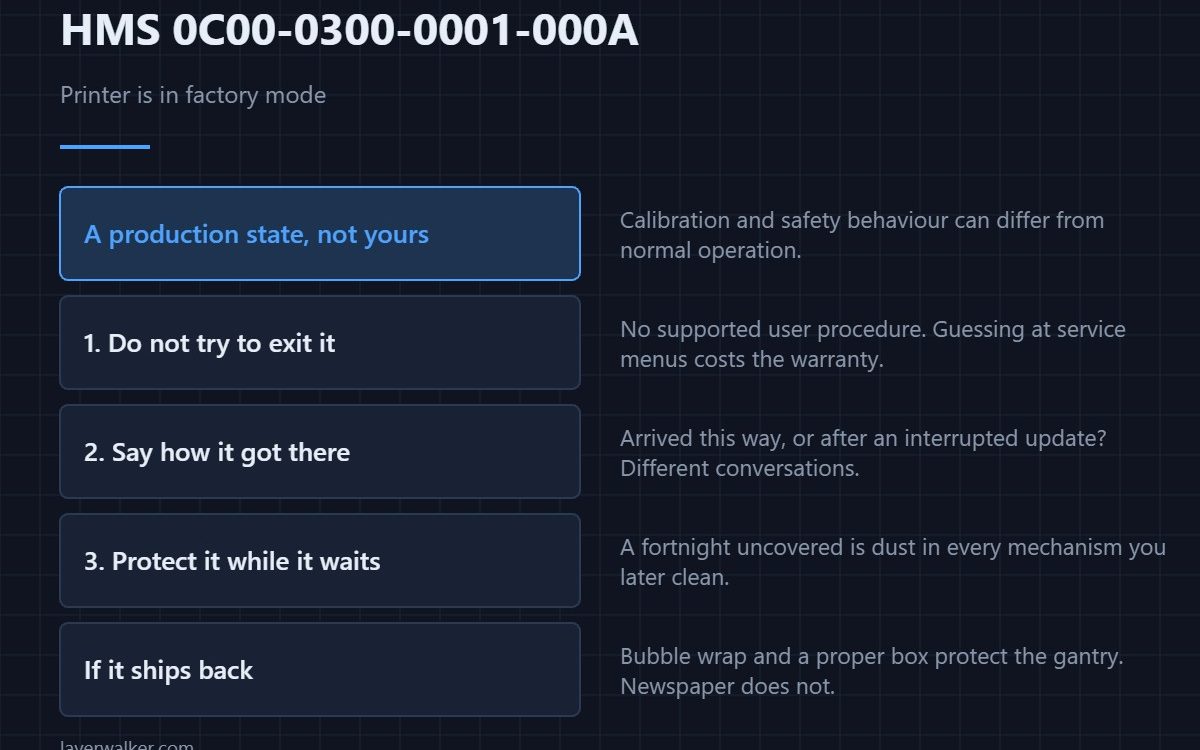
HMS 0C00-0300-0001-000A means your printer is in factory mode and tells you to contact technical support. Factory mode is a production and testing state, not a user state: calibration and safety behaviour can differ from normal, so this is not a code to work around.
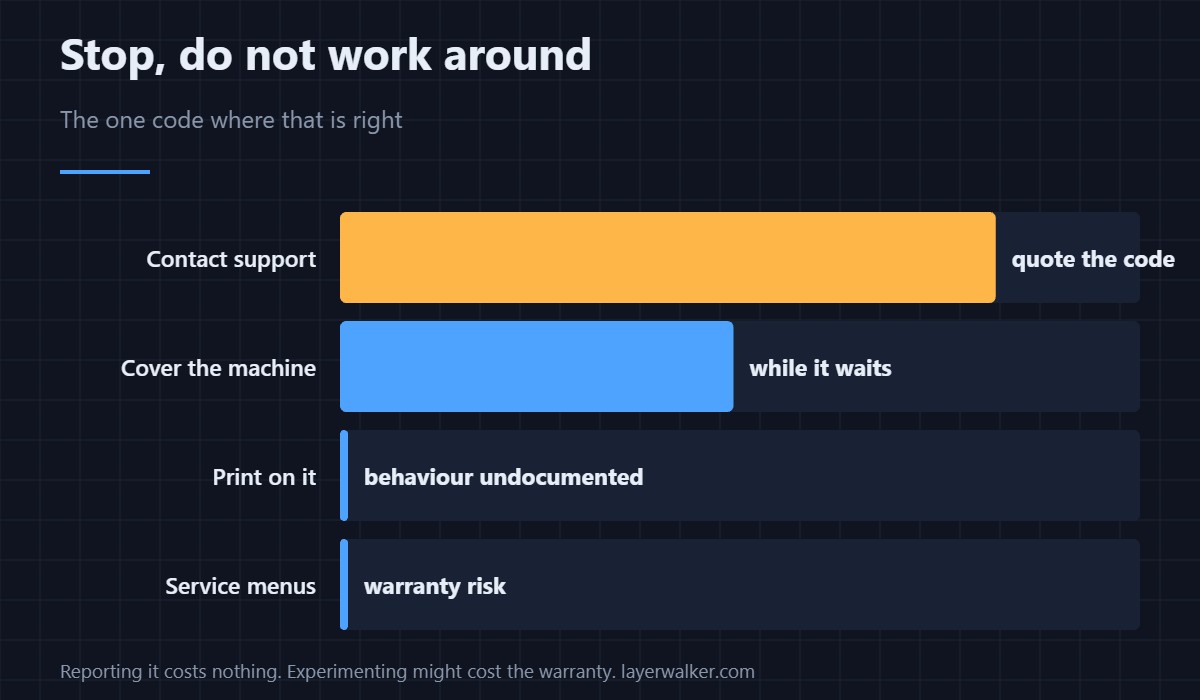
This is the one code in the group where the right action really is to stop and let someone else take over.
Where to buy


Do not try to exit it yourself
There is no supported user procedure, and guessing at service menus on a machine in an unknown state is how a warranty case becomes a repair bill. Report it, quote the code exactly, and say whether the machine is new or has been serviced.
Say how it got there, if you know
A machine that arrived in this state is a dispatch problem. One that entered it after an interrupted firmware update is a different conversation. Either is useful to support, and neither is embarrassing.
Protect the machine while it waits
A printer standing unused for a fortnight collects dust in every mechanism you later have to clean. A fitted dust cover is a few dollars and keeps the chamber, rails and plate in the condition you left them.
Give it clean power if it stays plugged in
If the machine must stay powered for diagnostics, a battery backup keeps it from being reset mid-session by something else on the circuit. Clean power during a support investigation also removes a variable nobody wants to argue about afterwards.
If it has to be shipped back
Keep the original packaging if you still have it. If not, a roll of bubble wrap and a properly sized box protect the gantry far better than newspaper, and a machine damaged in transit becomes an argument rather than a repair. Keep any spare modules bagged as well — see HMS 0C00-0200-0001-0005.
Why HMS 0C00-0300-0001-000A is different from other support codes
A camera malfunction such as HMS 0C00-0400-0001-0005 still leaves you a working printer with one feature missing. Factory mode puts the whole machine in a state whose behaviour is not documented for users. Unreadable factory data in a module, HMS 0C00-0100-0001-0005, is the nearest relative and even that is narrower. The machine itself is described in the Bambu Lab X1 Carbon.
HMS 0C00-0300-0001-000A FAQ
Can I print in factory mode?
Do not. Calibration and safety behaviour are not guaranteed to match normal operation.
Will a firmware update clear it?
Do not attempt one as a fix. Ask support first; an update at the wrong moment can make things worse.
Is my printer faulty?
Not necessarily. It may simply be in the wrong state, which support can address.
Does it affect my warranty?
Reporting it does not. Experimenting with service menus might.

LayerWalker
Print defect diagnosis, calibration procedures and parts that actually fit. Corrections welcome through the contact page.