HMS 0C00-0400-0002-0017: No Visual Markers Detected in Print-Then-Cut
LayerWalker is a participant in the Amazon Services LLC Associates Program. We may earn a commission when you buy through links on our site, at no extra cost to you.
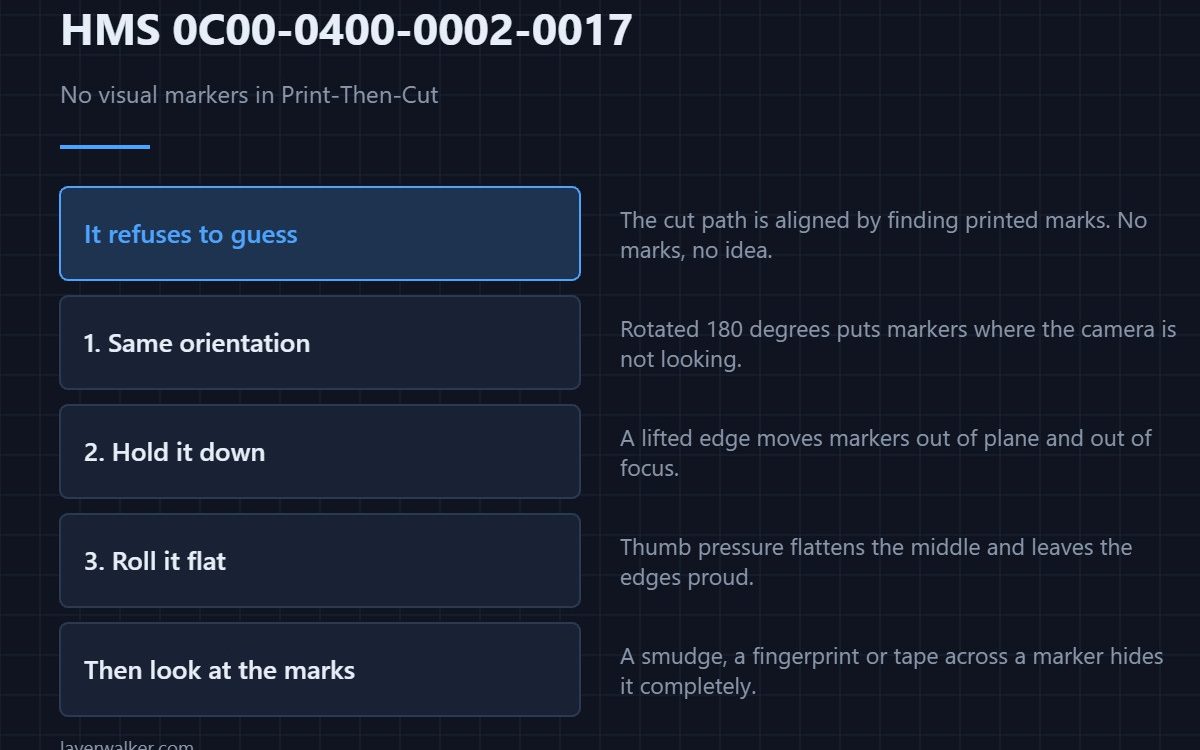
HMS 0C00-0400-0002-0017 means no visual markers were detected in Print-Then-Cut, and it asks you to reattach the material in the correct position. The cut path is aligned by finding marks that were printed earlier, so if the camera cannot see them it genuinely does not know where to cut.
The machine is refusing to guess, which is the behaviour you want from something holding a blade.
Where to buy


Put the sheet back the way it came out
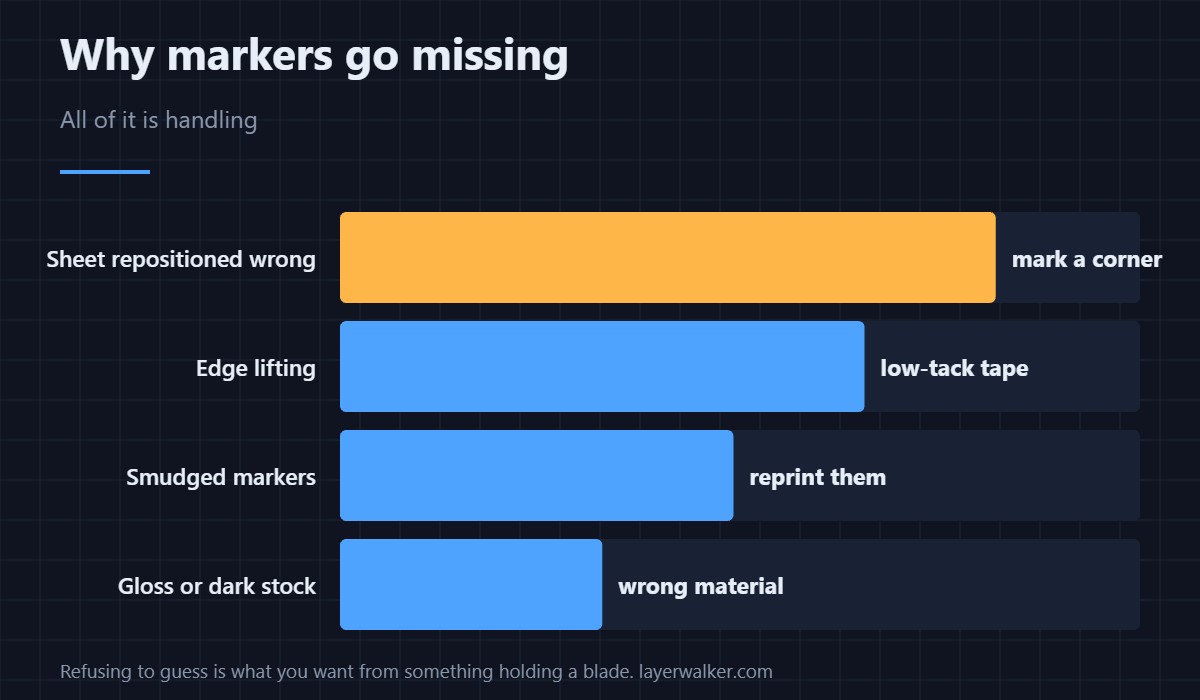
Orientation matters as much as position. A sheet rotated by 180 degrees puts the markers where the camera is not looking, and that reads as no markers at all rather than as wrong markers. Mark one corner before you remove anything.
Hold it down so it cannot shift
A sheet that lifts at an edge moves the markers out of plane and out of focus. Low-tack masking tape at the corners holds it without tearing the surface when you take it off, which ordinary packing tape will not promise.
Flatten it, do not just press it
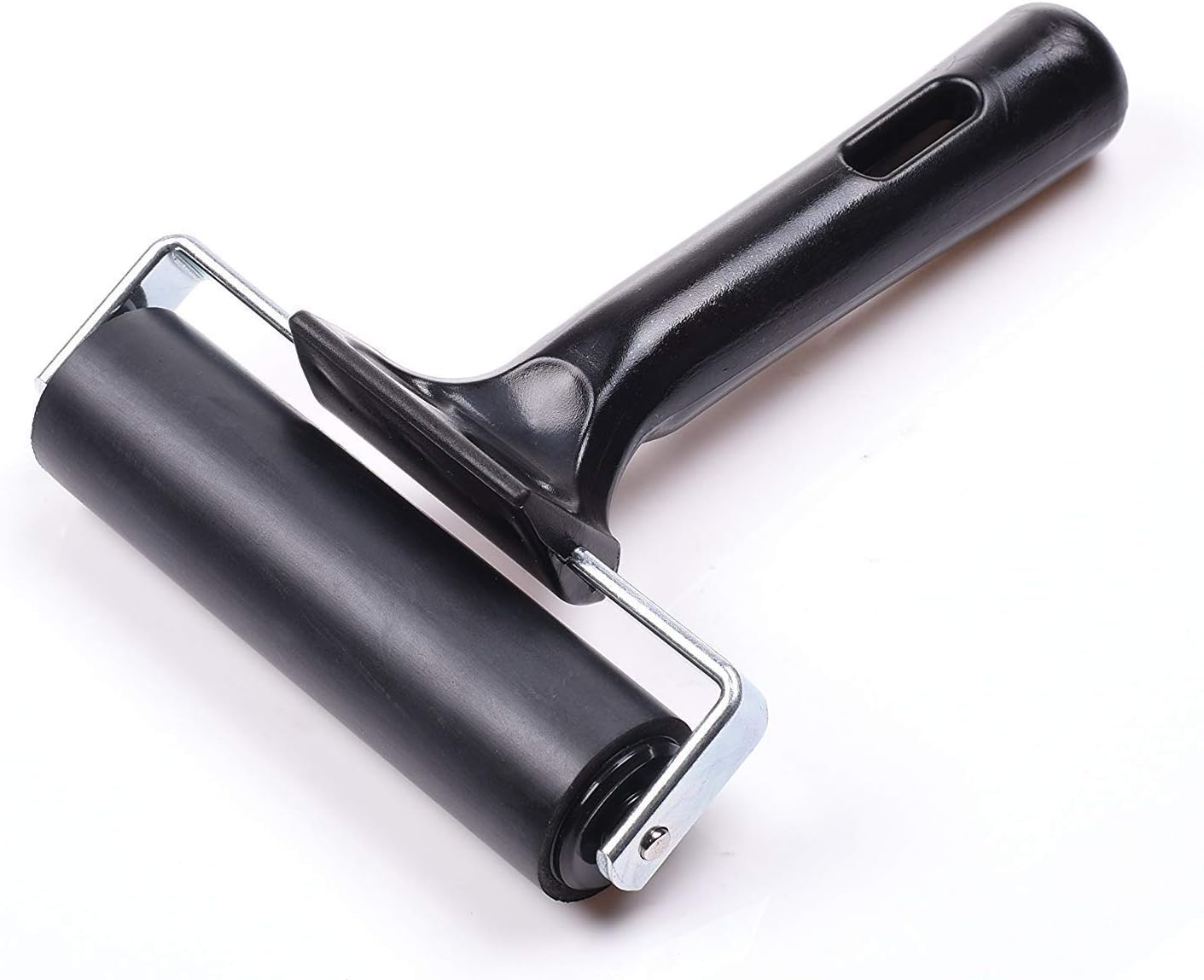
Thumb pressure flattens the middle and leaves the edges proud. A rubber brayer rolled from the centre outwards puts the whole sheet down evenly, which is exactly the trick vinyl people have used for decades for the same reason.
Then make sure the markers are clean
Smudged ink, a fingerprint across a marker, or a scuff from handling is enough. Look at them from the camera’s angle rather than yours — a small inspection mirror lets you see the bed from the side without moving the sheet you just positioned.
How HMS 0C00-0400-0002-0017 differs from a blade fault
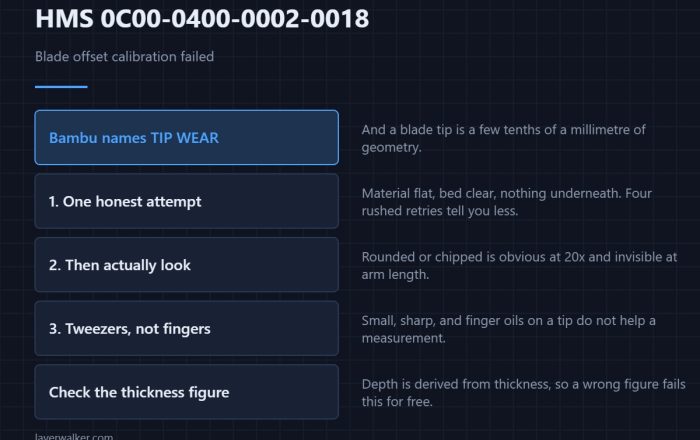
This code is about not knowing where to cut. Not being able to cut accurately once it knows is HMS 0C00-0400-0002-0018, which is about the blade itself. The equivalent plate-marker complaint on the print side is HMS 0C00-0300-0002-000C.
If the markers never print well
A material that will not take a crisp mark is the wrong material for this workflow, not a machine fault. Matte stock takes markers; gloss and dark stock fight them, in the same way they fight thickness measurement in HMS 0C00-0400-0002-0023. The machine is reviewed in the Bambu Lab H2D review.
HMS 0C00-0400-0002-0017 FAQ
Can I nudge the sheet to fix it?
Reattach it deliberately instead. Nudging usually moves it out of plane.
Does tape across a marker matter?
Yes. Tape over a marker hides it as effectively as dirt.
Why does orientation matter?
The camera looks where the markers should be. Rotated, they are not there.
Which materials work best?
Matte and light. Gloss and dark are the hard cases for anything camera-based.

LayerWalker
Print defect diagnosis, calibration procedures and parts that actually fit. Corrections welcome through the contact page.