HMS 0C00-0300-0002-000C: Build Plate Localization Marker Not Detected
LayerWalker is a participant in the Amazon Services LLC Associates Program. We may earn a commission when you buy through links on our site, at no extra cost to you.
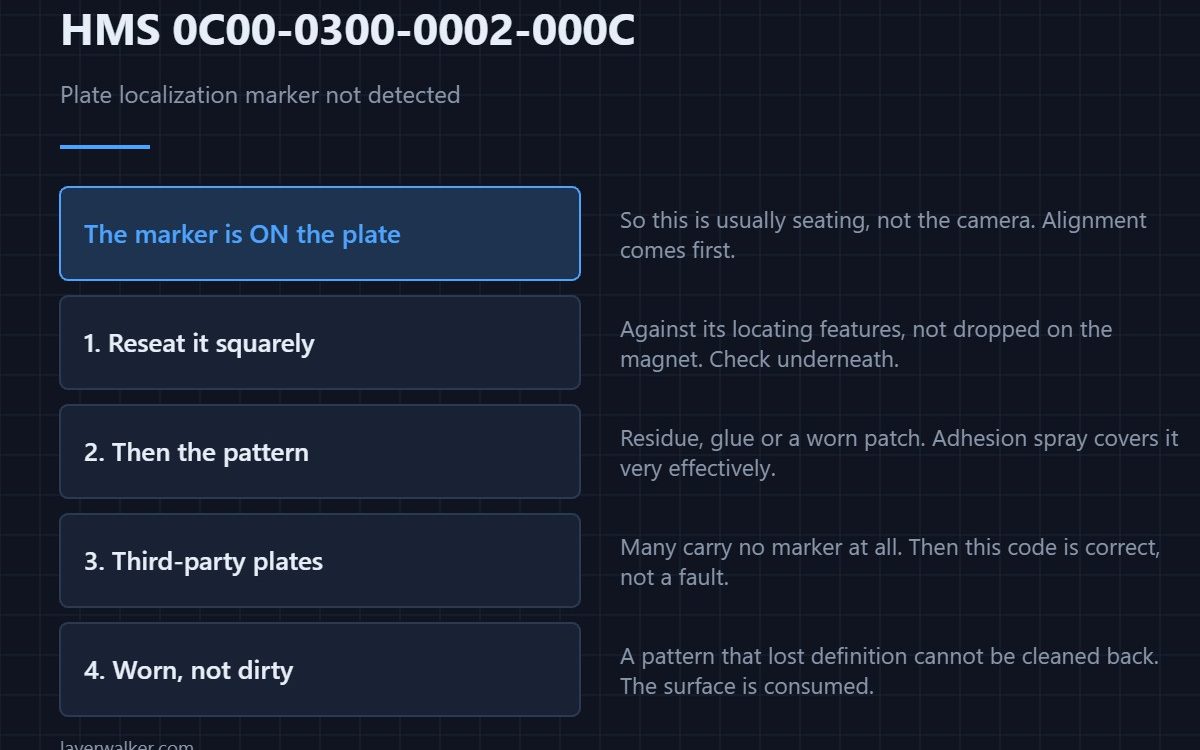
HMS 0C00-0300-0002-000C means the machine could not find the localization marker on the build plate, and it asks you to check whether the plate is aligned correctly. The marker is printed on the plate itself, so this is usually a seating problem rather than a camera problem.
Alignment comes first in the message because a plate a few millimetres out puts the marker where nothing is looking.
Where to buy


Reseat the plate squarely
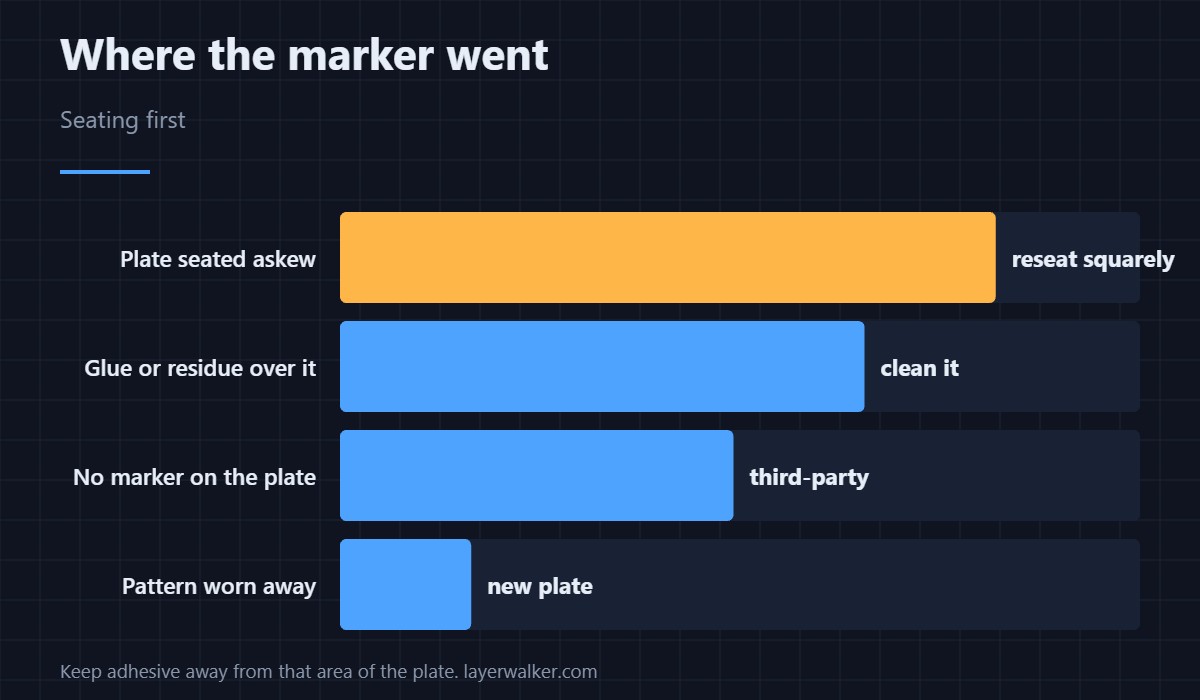
Lift it off and put it back against its locating features rather than dropping it on the magnet. A plate that is rotated, offset, or sitting on a fragment of purge will hold the marker outside the search area. Check underneath while it is off, because debris under one corner is what causes most of these.
Then look at the marker itself
Find the printed pattern and inspect it for residue, glue or a worn patch. Adhesion sprays and glue sticks cover it quite effectively, and a marker that has been scraped at with a metal tool is damaged rather than dirty. Clean with isopropyl alcohol on a lint-free cloth; a plastic razor lifts hardened residue without taking the print off — the same discipline as cleaning a contaminated plate in HMS 0C00-0200-0002-0008.
Third-party plates often have no marker
If the plate came from someone other than Bambu, it may carry no localization pattern at all, in which case this code is correct behaviour rather than a fault. The practical choice is to keep a marked plate for jobs where you want the inspection features — surface options are in Bambu build plates.
What HMS 0C00-0300-0002-000C turns off
Localization is how the machine knows where the plate is relative to its own coordinates, so first-layer inspection and plate-aware features stop until it is found. The orientation-specific sibling is HMS 0C00-0200-0002-0006.
When the plate is worn rather than dirty
A pattern that has lost definition cannot be cleaned back, and that is the point at which the surface is consumed. What the coatings actually differ on is in PEI build plates.
HMS 0C00-0300-0002-000C FAQ
Does it stop the print?
It stops the inspection rather than the job, but a misaligned plate is worth fixing before printing anyway.
Can I print on an unmarked plate?
Yes, with the plate-aware features unavailable.
Does glue really hide the marker?
Completely, if it covers the pattern. Keep adhesive away from that area.
Which way round does the plate go?
The way its locating features allow. If it fits two ways, the marker decides which is correct.

LayerWalker
Print defect diagnosis, calibration procedures and parts that actually fit. Corrections welcome through the contact page.