HMS 0C00-0200-0002-0007: The Vertical Laser Is Not Lit
LayerWalker is a participant in the Amazon Services LLC Associates Program. We may earn a commission when you buy through links on our site, at no extra cost to you.
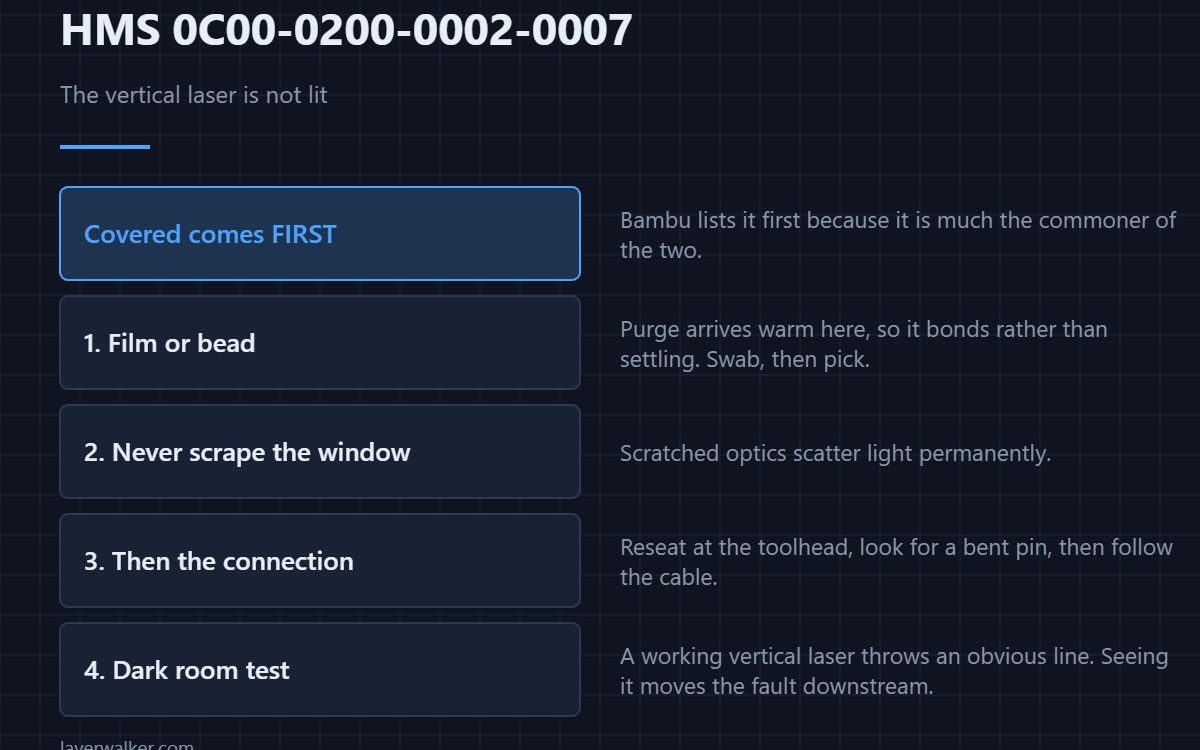
HMS 0C00-0200-0002-0007 means the vertical laser is not emitting, and Bambu asks you to check whether it is covered or whether the hardware connection is normal. Covered comes first in the message for a reason: it is the more common of the two and the cheaper to rule out.
This is the laser whose line the lidar reads across the plate, so nothing in the first-layer check works without it.
Where to buy
![WD-40 Specialist Contact Cleaner, Fast-Dry, No-Residue, 13.3 OZ [1-Pack]](https://m.media-amazon.com/images/I/61iOBAiLRdL._SL1500_.jpg)


Covered, in practice
Something physically in front of the aperture, or a film across it. Purge residue is the usual culprit at this position, and because it arrives warm it bonds rather than settling. A foam swab with isopropyl alcohol lifts a film; a pick removes a bead. Do not scrape the window. The plate surface it projects onto matters too — see Bambu build plates.
Then the hardware connection
Reseat the connector at the toolhead with the power off, and look into it for a bent pin before deciding anything about the cable. Then run your fingers along the cable looking for a flattened section where it has been pinched by a cover or a cable guide.
Check it in a dark room
Dim the room, kill the enclosure lights, and run the routine. A working vertical laser throws an obvious line. If you can see it and the code persists, the emitter is fine and the fault has moved into what reads the line.
What HMS 0C00-0200-0002-0007 is not
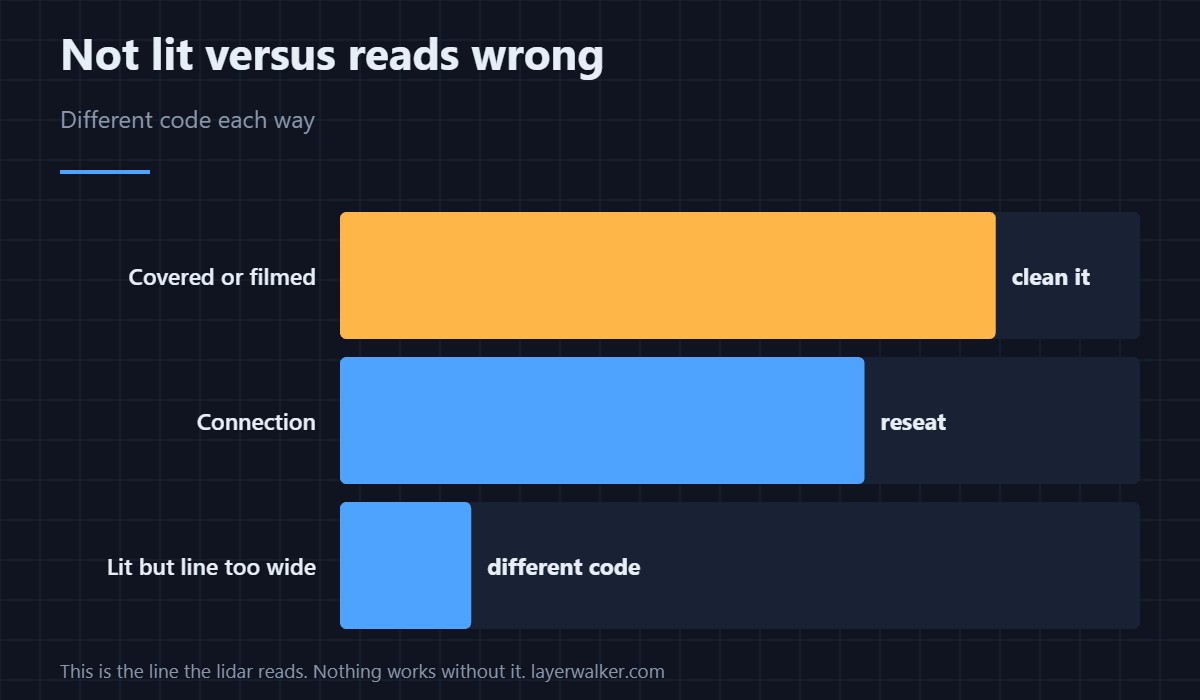
It is not the line-quality codes. A laser that is lit but reads wrongly produces faults such as HMS 0C00-0200-0002-0008, where the line came back too wide because the plate was contaminated. Not lit means no line at all, which is a shorter list of causes.
And not the height probe
The height probe is a separate emitter with its own code, HMS 0C00-0200-0001-0001. Two lasers, two codes, and the one you have tells you which to clean. Background on printer sensing is in bed levelling sensors.
HMS 0C00-0200-0002-0007 FAQ
How do I know it is covered rather than dead?
Look at the aperture under light. A film or a bead is visible once you know to look for it.
Can I clean it with a cloth?
A swab is better. A cloth bridges the recess and cleans the housing instead.
Will the print continue?
Without first-layer inspection, which is the thing this laser enables.
Does a firmware update help?
Rarely for this one. It is an optical or wiring fault far more often than a software one.
Obstruction is a recurring theme across this group of codes. HMS 0C00-0400-0002-0007 wants a clear bed, no mat and a visible locating marker before the BirdsEye camera will commission itself.

LayerWalker
Print defect diagnosis, calibration procedures and parts that actually fit. Corrections welcome through the contact page.