HMS 0C00-0400-0002-0007: BirdsEye Camera Is Setting Up
LayerWalker is a participant in the Amazon Services LLC Associates Program. We may earn a commission when you buy through links on our site, at no extra cost to you.
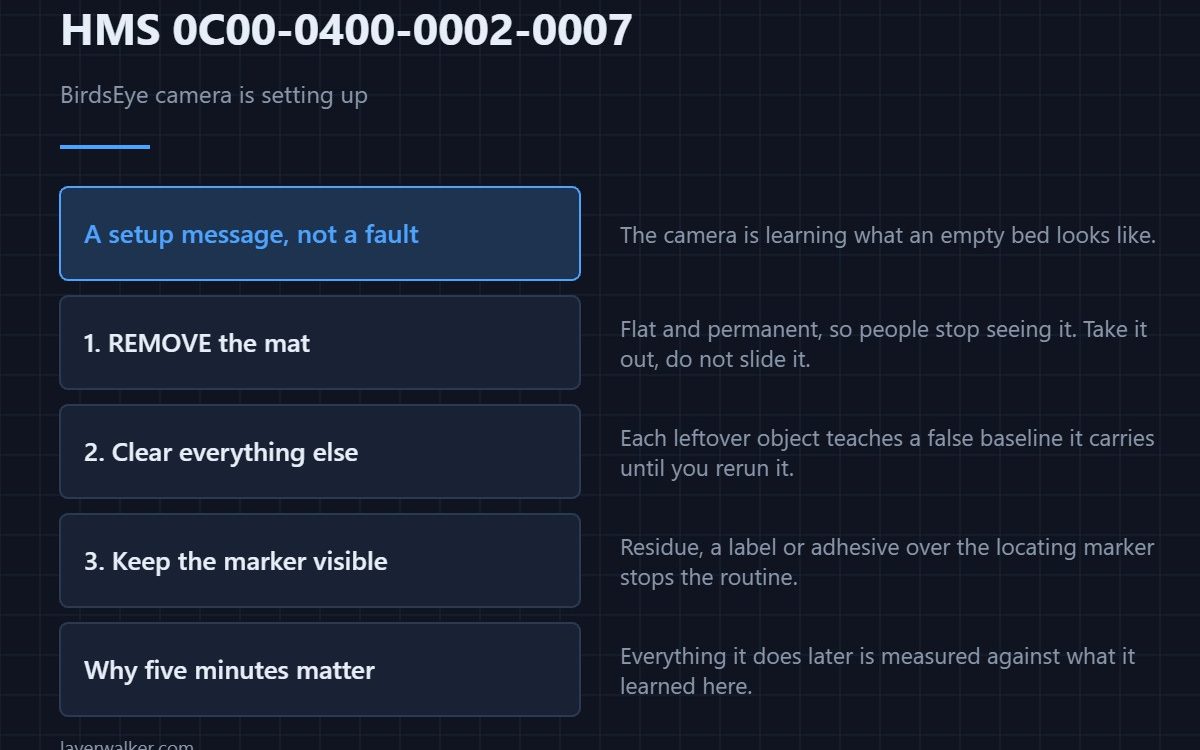
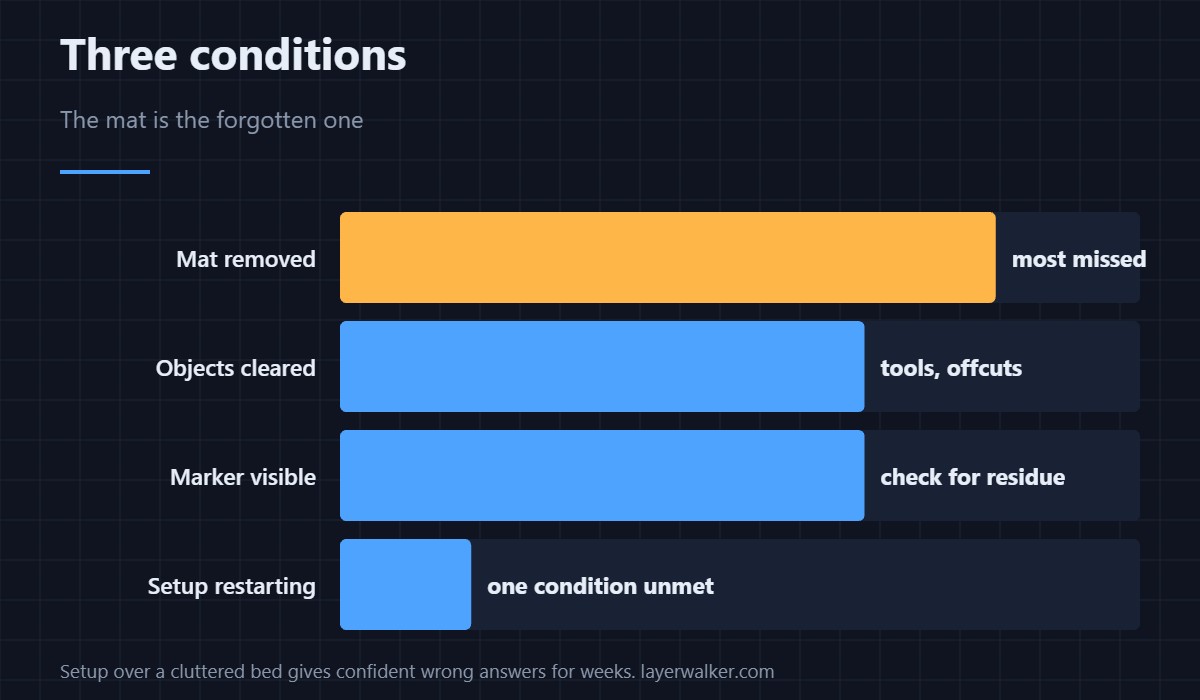
HMS 0C00-0400-0002-0007 is a setup message rather than a fault: the BirdsEye camera is commissioning itself and wants three things. Clear all objects, remove the mat, and make sure the marker is not obstructed. The mat is the one people forget, because it lives in the machine and stops registering as an object.
Nothing here is broken. The camera is learning what an empty bed looks like, and anything you leave becomes part of that.
Where to buy


Remove the mat, not just the parts
A cutting or work mat covers the surface the camera is trying to learn, and because it is flat and permanent people stop seeing it. Take it out of the machine rather than sliding it aside, and store it flat so it does not take a curl that makes it sit badly next time.
Then clear everything else
Tools, offcuts, a part lifted off and left at the back. The routine is comparing against a bare bed, so each leftover object teaches it a false baseline that it will carry until you run the routine again. A small bin beside the machine is the practical fix, and the foreign-object code that catches what you miss is HMS 0C00-0300-0002-0010.
Then check the marker
The camera locates itself against a printed marker, so anything covering that marker stops the setup regardless of how clear the rest of the bed is. Look for residue, a label stuck over it, or adhesive spray. The equivalent plate-side fault is HMS 0C00-0300-0002-000C.
When setup keeps restarting
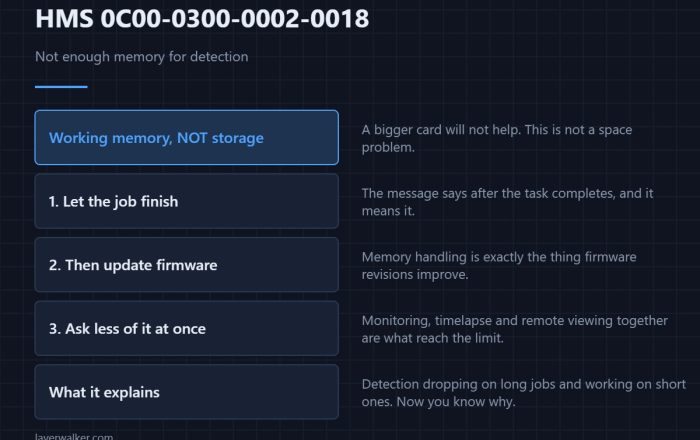
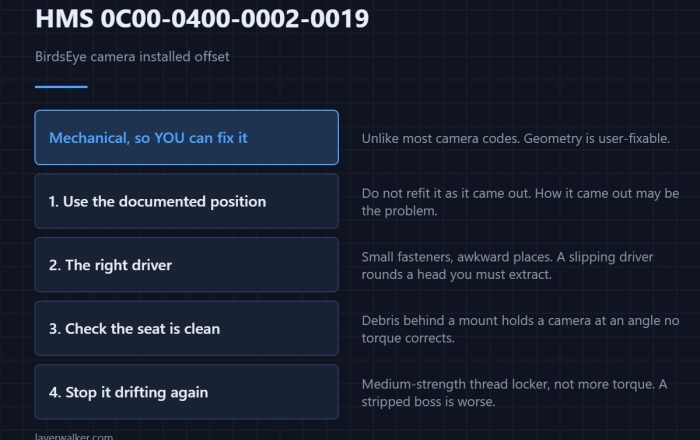
A setup that never completes usually means one of the three conditions is still unmet rather than that the hardware is faulty. If everything is genuinely clear and it still will not finish, look at how the camera is mounted — a crooked one reports as HMS 0C00-0400-0002-0019.
Why HMS 0C00-0400-0002-0007 matters later
Everything the BirdsEye camera does afterwards is measured against what it learned here, so a setup run over a cluttered bed produces confident wrong answers for weeks. Five minutes of clearing now is the cheapest accuracy you will ever buy. The laser-side equivalent is HMS 0C00-0200-0002-0007.
HMS 0C00-0400-0002-0007 FAQ
Is this a fault?
No. It is the camera commissioning itself and telling you what it needs.
Why remove the mat?
Because it covers the surface being learned. Sliding it aside is not enough.
How long does it take?
Minutes once the bed is genuinely clear.
Does it need redoing?
After the camera is moved or replaced, yes.

LayerWalker
Print defect diagnosis, calibration procedures and parts that actually fit. Corrections welcome through the contact page.