HMS 0C00-0300-0002-0018: Insufficient System Memory for Foreign Object Detection
LayerWalker is a participant in the Amazon Services LLC Associates Program. We may earn a commission when you buy through links on our site, at no extra cost to you.
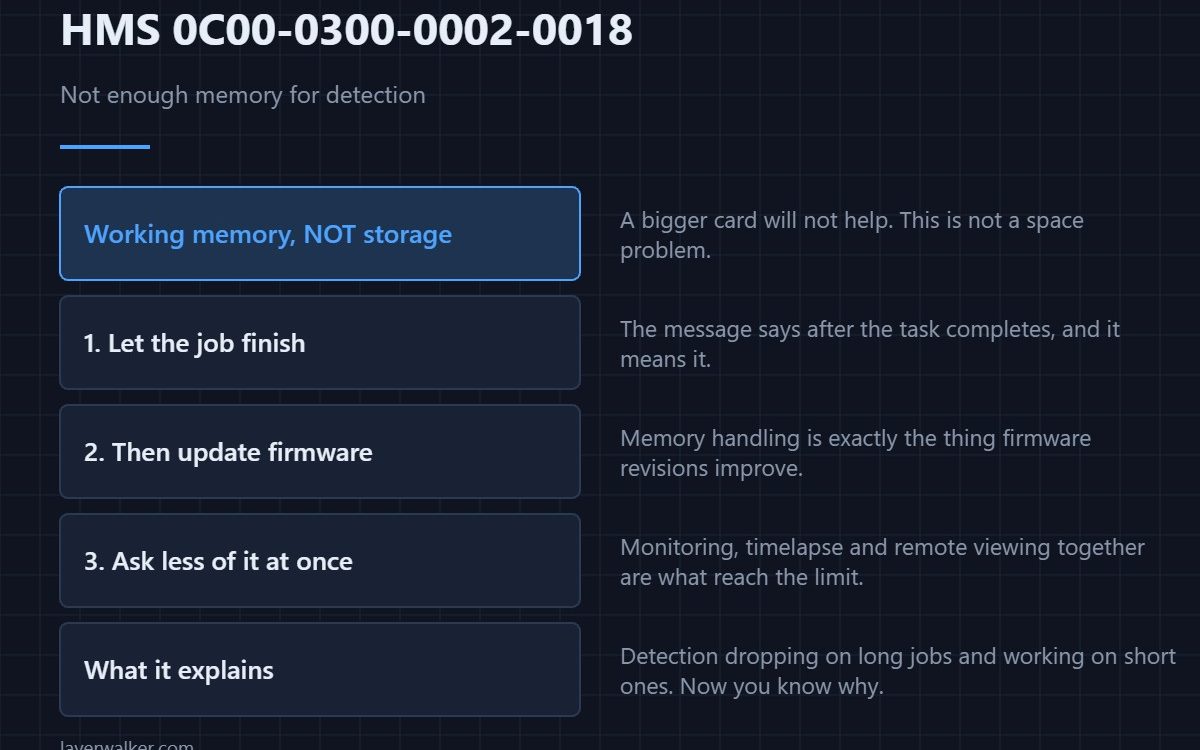
HMS 0C00-0300-0002-0018 means the printer ran short of system memory and dropped foreign object detection to cope. Bambu suggests restarting after the current task finishes, or updating to the latest firmware, and describes both as potential improvements rather than fixes.
That hedging is accurate and worth reading literally: this is a resource limit, not a broken part.
Where to buy


Let the job finish, then restart
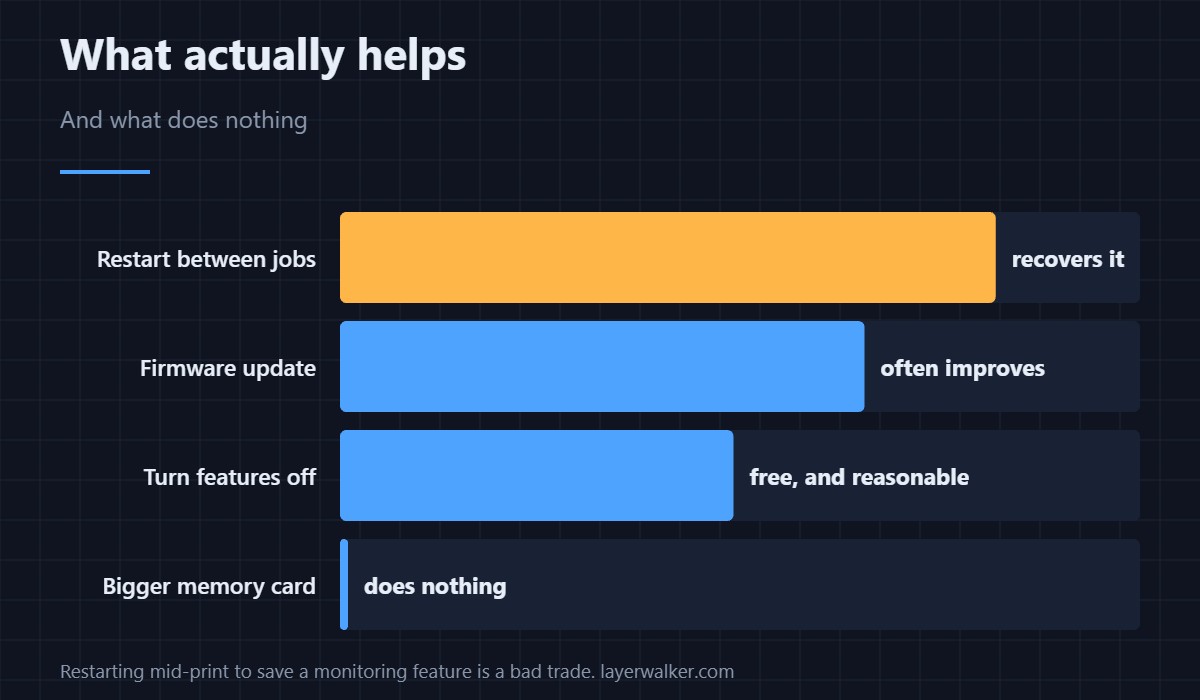
The message deliberately says after the task is completed. Memory pressure builds over a long session, so a restart between jobs recovers it without costing you a plate. Restarting mid-print to clear a monitoring feature is the wrong trade.
Then update the firmware
Memory handling is exactly the kind of thing firmware revisions improve, and a release note that mentions stability often means this. Keep a USB drive formatted and set aside so that updating is a short job rather than a project.
Reduce what you are asking of it
Long multi-colour jobs with monitoring, timelapse and remote viewing all running at once are what reach the limit. Turning off the features you are not watching is not a workaround so much as a reasonable allocation, and it is free. What spaghetti detection costs you to lose is in HMS 0C00-0300-0003-0008.
What HMS 0C00-0300-0002-0018 explains
If detection has been dropping out on long jobs and working on short ones, this code is the explanation. It also explains the generic version, HMS 0C00-0300-0002-0013, which reports the same symptom without naming the cause.
What it is not
It is not storage space, and swapping the card will not fix it. It is also not the uncalibrated case, which is HMS 0C00-0300-0002-0012 and needs a menu rather than a restart. Routine maintenance that genuinely does need doing on long jobs is in HMS 0C00-0300-0003-0006.
HMS 0C00-0300-0002-0018 FAQ
Will a bigger memory card help?
No. This is working memory, not storage.
Should I restart mid-print?
No. The message says after the task completes, and it means it.
Is my printer faulty?
No. It is managing a limit, and telling you which feature it sacrificed.
Does it get better with firmware?
Often, and that is the one change worth making deliberately.

LayerWalker
Print defect diagnosis, calibration procedures and parts that actually fit. Corrections welcome through the contact page.