HMS 0C00-0300-0002-0012: Foreign Object Detection Inactive, Camera Needs Calibration
LayerWalker is a participant in the Amazon Services LLC Associates Program. We may earn a commission when you buy through links on our site, at no extra cost to you.
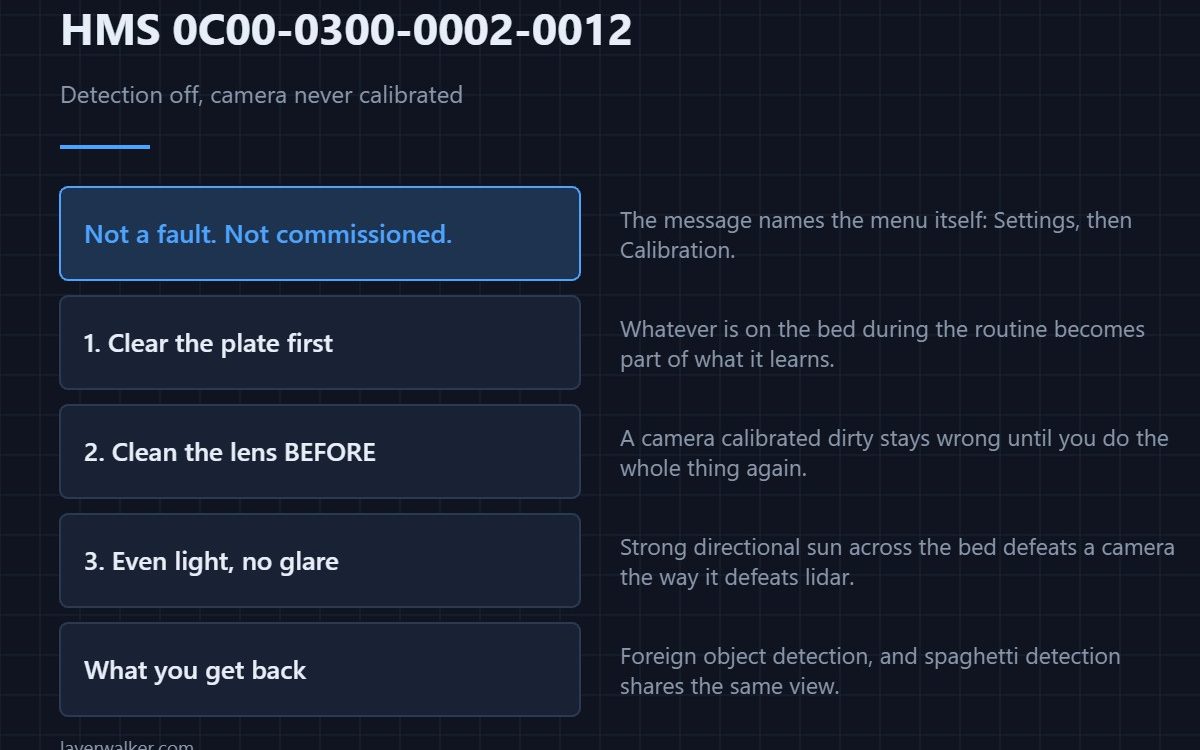
HMS 0C00-0300-0002-0012 means foreign object detection is switched off because the Live View camera has never been calibrated, and it tells you exactly where to go: Settings then Calibration on the printer screen. Nothing is faulty; a feature is simply not commissioned yet.
This is the code most owners of a new machine meet, and it is the easiest in the group to clear.
Where to buy


Clear the plate before you start
The calibration looks at an empty bed, so anything left on it becomes part of what the camera learns. Take the build plate out if the routine asks for it, lift off stray purge with a plastic razor rather than a metal scraper, and give the surface a wipe. Five minutes here saves repeating the routine.
Then give the camera a clear view
Good light helps and glare does not. Work with the enclosure lights on and strong sunlight off the machine, because the same contrast problem that defeats lidar readings defeats a camera calibration. If the lens itself is dusty, clean it with a lens cloth before calibrating rather than afterwards — the lens-cleaning detail is in HMS 0C00-0100-0001-0004.
What foreign object detection actually does
It watches for things on the plate that are not in the sliced file, which is the check that catches a tool left behind or a part from a previous job before the nozzle meets it. Running without it is perfectly possible; you are simply the one doing that check now.
How HMS 0C00-0300-0002-0012 differs from a failed calibration
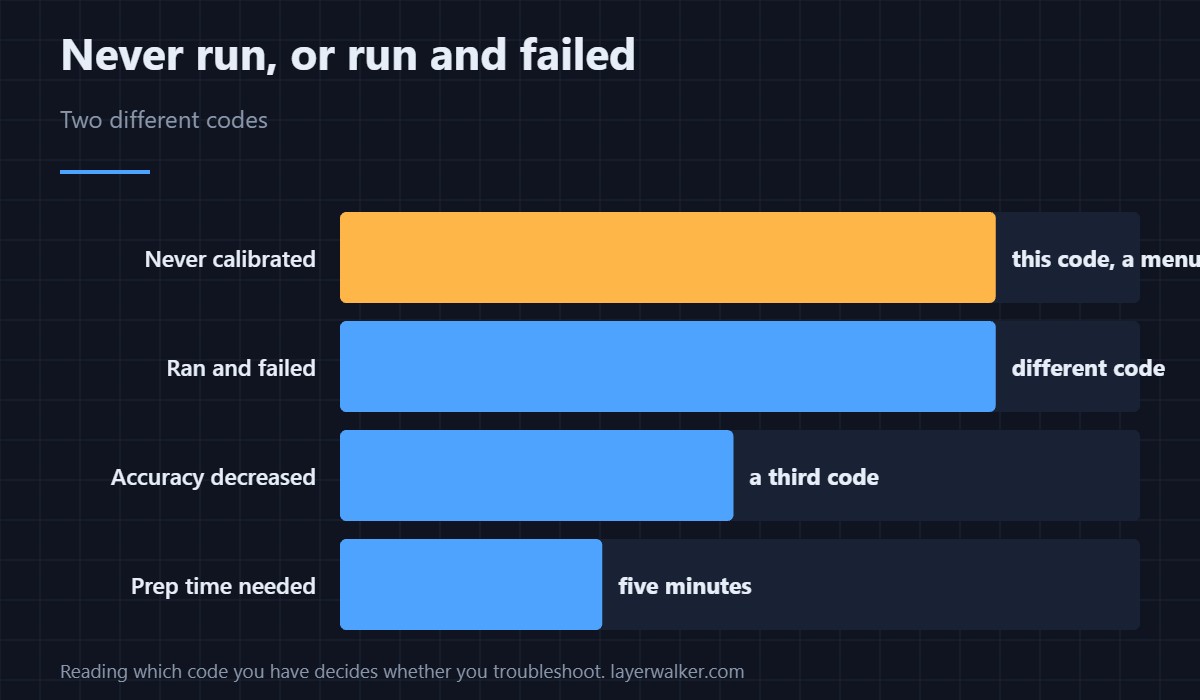
This code means the routine has not been run. When it runs and fails you get HMS 0C00-0100-0001-0011 instead, which names the plate and the camera view specifically. Reading which one you have tells you whether to tap through a menu or start troubleshooting.
What else depends on this camera
Spaghetti detection shares the same view, so calibrating here restores more than one feature — that code is HMS 0C00-0300-0003-0008. The general calibration sequence is in calibrating a 3D printer.
HMS 0C00-0300-0002-0012 FAQ
Can I print without it?
Yes. You lose the automatic check, not the printer.
How long does calibration take?
Minutes, once the plate is clear. Preparation is most of the job.
Does it need redoing?
After the camera is replaced or moved, yes. Not between ordinary prints.
Why does it keep appearing?
Because the calibration has not completed successfully. Watch for a failure message rather than assuming it worked.

LayerWalker
Print defect diagnosis, calibration procedures and parts that actually fit. Corrections welcome through the contact page.