HMS 0C00-0100-0001-0011: Live View Camera Calibration Failed
LayerWalker is a participant in the Amazon Services LLC Associates Program. We may earn a commission when you buy through links on our site, at no extra cost to you.
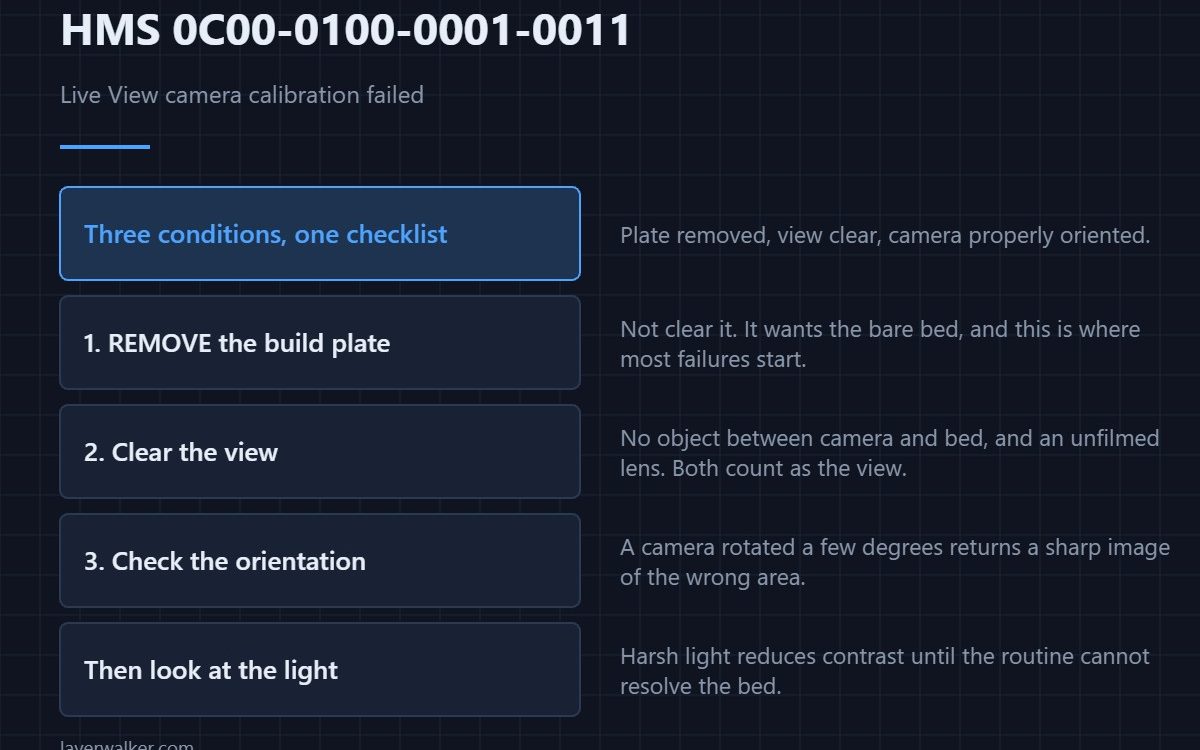
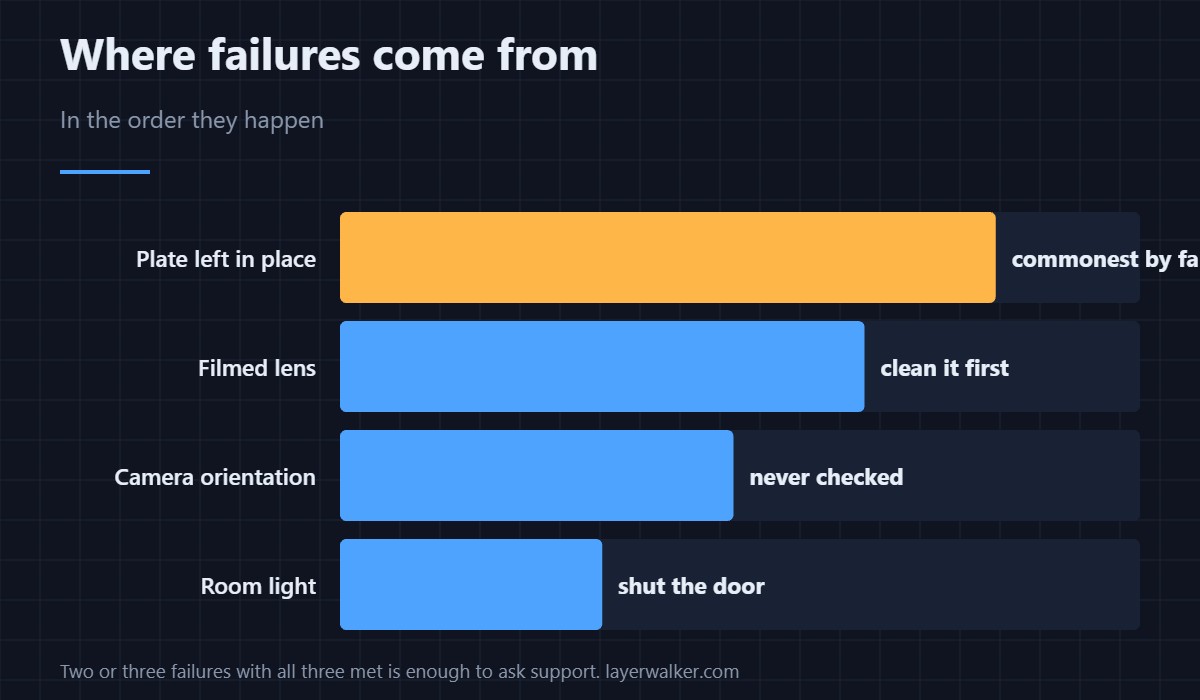
HMS 0C00-0100-0001-0011 means the Live View camera calibration ran and did not succeed, and Bambu names three conditions: the build plate must be removed, the camera view must be clear, and the camera must be properly oriented. The first one is where most failures come from.
Read it as a checklist rather than a fault report. Each condition is something you can verify in a minute.
Where to buy


Remove the build plate, genuinely
The routine wants to see the bare bed, and a plate left in place changes what is underneath the camera completely. Take it off rather than clearing it. While it is out, check nothing is sitting on the bed beneath where it normally sits, because that is the other half of the same mistake.
Clear the view
A clear view means no object between camera and bed, and also an unobstructed lens. Filament dust films the glass gradually, and a filmed lens reduces contrast until the routine cannot resolve what it needs. Clean it before the attempt, not after the failure.
Check the orientation
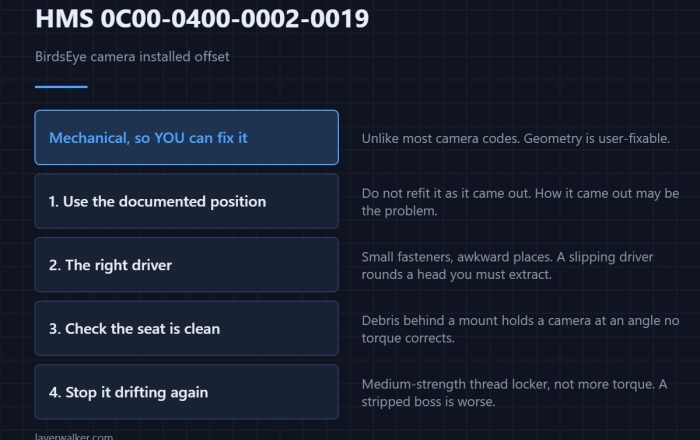
Properly oriented is the condition people never think to check, and it matters if the camera has been removed, knocked, or installed by hand. A camera rotated a few degrees still returns a perfectly sharp image of the wrong area. Compare it against the documented position rather than eyeballing it.
Then the light
Strong directional light across the bed defeats a camera calibration the same way it defeats a lidar reading. Shut the door, use the machine’s own lighting, and keep sunlight off it — the same contrast problem defeats the lidar chart in HMS 0C00-0100-0001-000B.
How HMS 0C00-0100-0001-0011 differs from the inactive codes
This one means the routine ran and failed. Detection being off because the routine was never run is HMS 0C00-0300-0002-0012, which needs a menu tap rather than troubleshooting. Plate surfaces are covered in Bambu build plates, and the sequence in calibrating a 3D printer.
HMS 0C00-0100-0001-0011 FAQ
Why remove the plate rather than clean it?
Because the routine is calibrating against the bed, not the plate.
How many attempts before contacting support?
The message says repeated failures. Two or three with all three conditions met is enough.
Does the plate type matter?
Not for this routine, since the plate should be out of the machine.
Can gloves help?
They stop you adding fingerprints to a lens or a bed you have just cleaned, which is worth it.

LayerWalker
Print defect diagnosis, calibration procedures and parts that actually fit. Corrections welcome through the contact page.