HMS 0C00-0100-0001-000B: Failed to Calibrate Micro Lidar
LayerWalker is a participant in the Amazon Services LLC Associates Program. We may earn a commission when you buy through links on our site, at no extra cost to you.
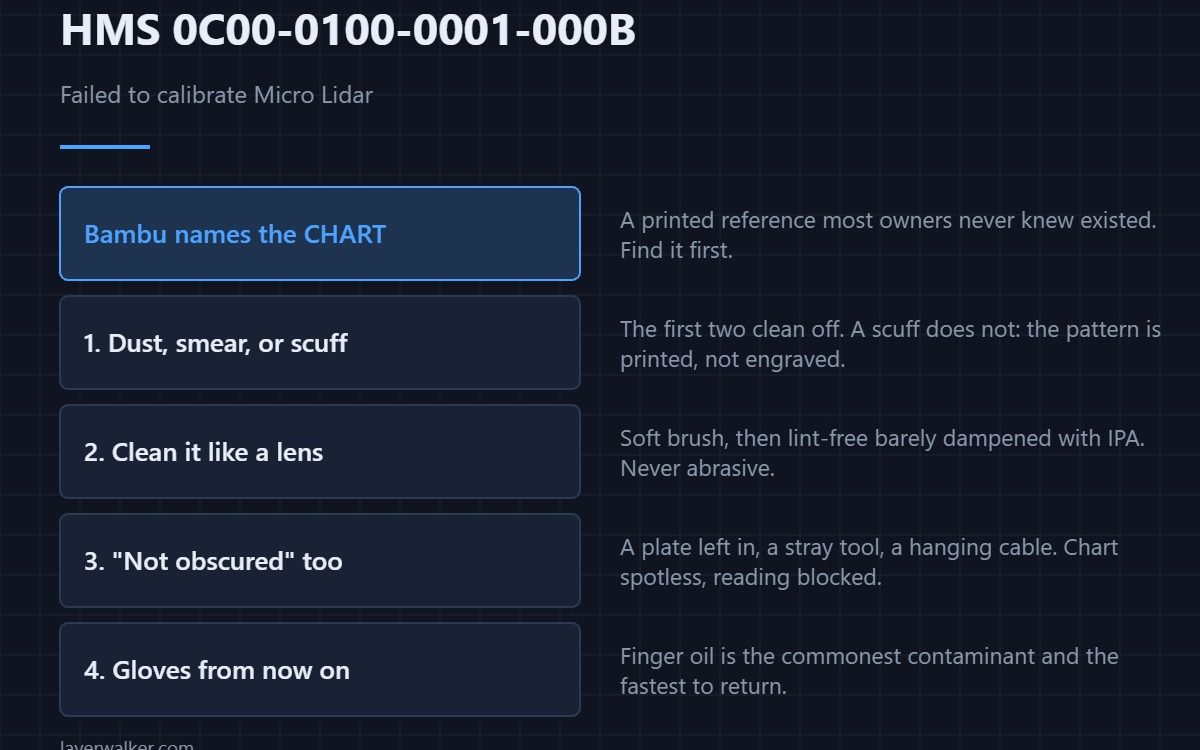
HMS 0C00-0100-0001-000B means the Micro Lidar calibration did not complete, and Bambu tells you what to check: the calibration chart must be clean and not obscured, then run machine calibration again. The chart is a printed reference the machine measures against, and most people do not know it exists until this code appears.
Find the chart first. Everything else in this fault is downstream of whether the machine can see it.
Where to buy


Find the chart and look at it
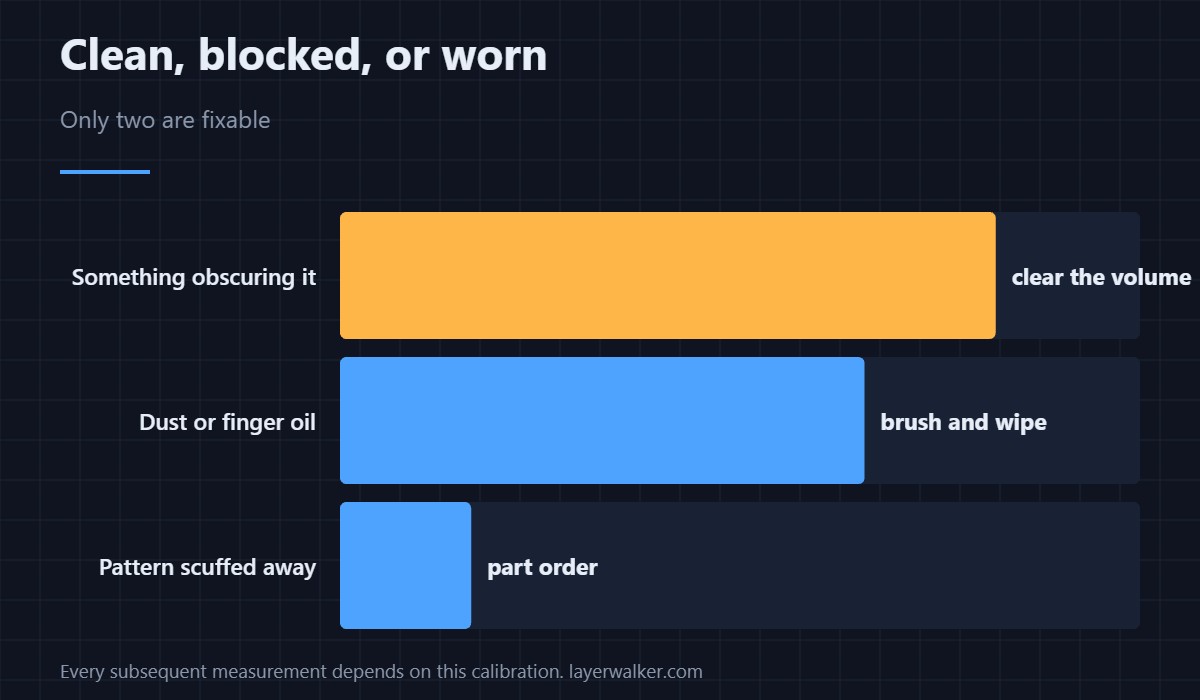
It is a printed pattern the machine reads during calibration. You are looking for three things: dust across it, a smear from a finger, and a scuff that has taken part of the pattern away. The first two clean off and the third does not, because the pattern is printed rather than engraved.
Clean it like a lens, not like a plate
A soft brush lifts dust without dragging it. If a film remains, a lint-free cloth barely dampened with isopropyl alcohol will take it. Avoid anything abrasive and avoid pressing: a chart you have polished a hole in is a part order rather than a clean.
Obscured is the other half of the message
Not obscured means nothing between the lidar and the chart. A build plate left in place, a stray tool, filament debris, even a cable hanging where it should not, all block the reading while leaving the chart itself spotless. Clear the volume before you blame the chart.
Handle it with gloves from now on
Finger oil is the most common contaminant and the one that returns fastest. Nitrile gloves cost pence and remove the problem permanently, which matters because the calibration is what every subsequent measurement depends on, including the mesh described in bed levelling mesh.
What HMS 0C00-0100-0001-000B blocks
Without a successful lidar calibration the first-layer inspection has no trustworthy reference, so expect inspection codes alongside it — HMS 0C00-0300-0002-0002 is the usual companion. The hardware failure case is HMS 0C00-0100-0002-0002, and the general sequence is in calibrating a 3D printer.
HMS 0C00-0100-0001-000B FAQ
Can the chart be replaced?
It is part of an assembly on most machines, so a damaged one means a part rather than a reprint.
Can I print without calibrating?
You can, with the lidar features unavailable. The first layer is then yours to check.
Does lighting matter?
Yes. Strong light across the chamber reduces contrast enough to fail a reading.
Should I recalibrate after cleaning?
Yes, and the message says so. Cleaning alone does not restore the stored values.
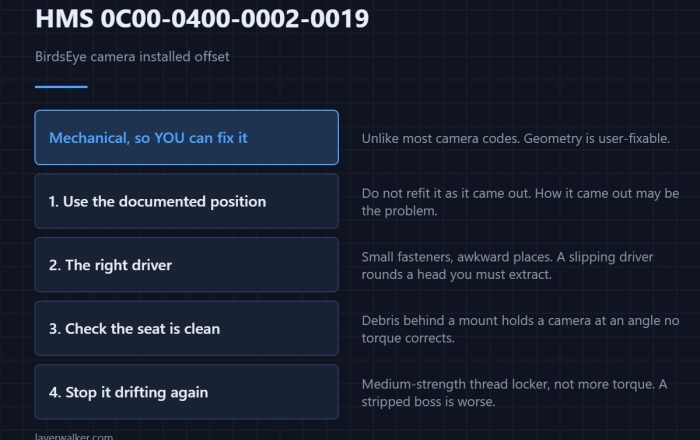
Geometry matters here as much as cleanliness does. HMS 0C00-0400-0002-0019 means the BirdsEye camera is mounted out of position, and it is one of the few camera faults you can put right yourself.

LayerWalker
Print defect diagnosis, calibration procedures and parts that actually fit. Corrections welcome through the contact page.