HMS 0C00-0100-0002-0002: Micro Lidar Camera Is Malfunctioning
LayerWalker is a participant in the Amazon Services LLC Associates Program. We may earn a commission when you buy through links on our site, at no extra cost to you.
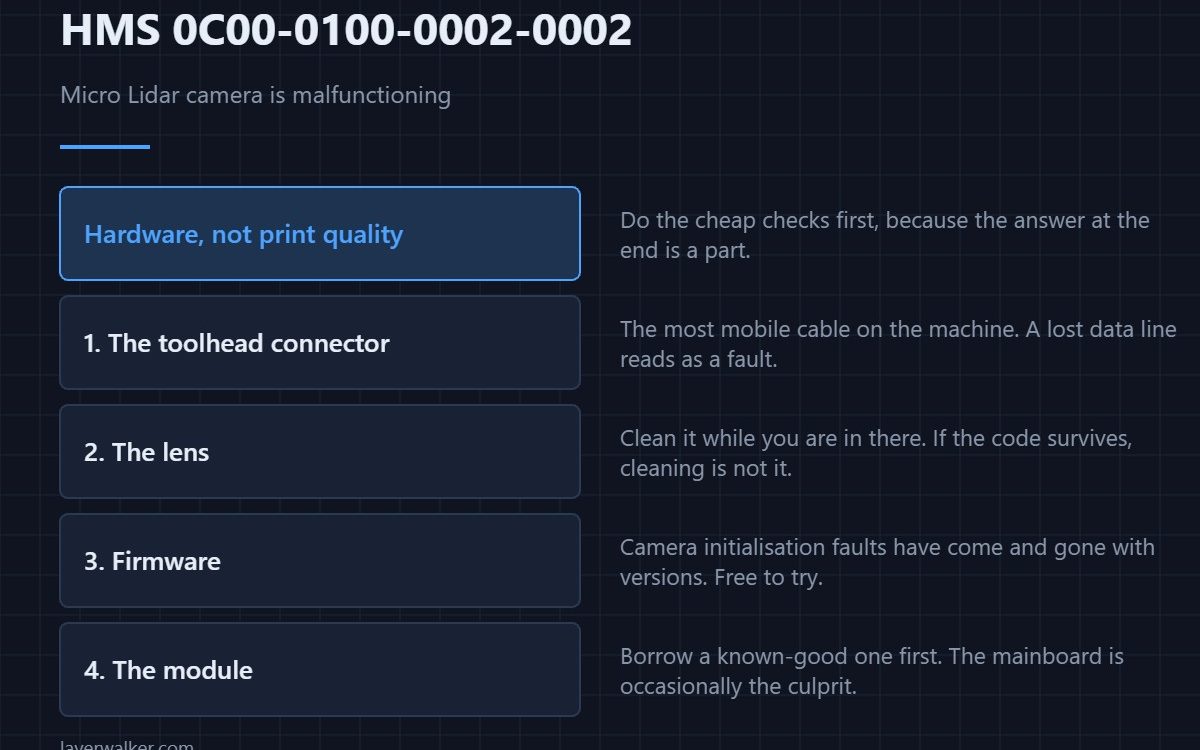
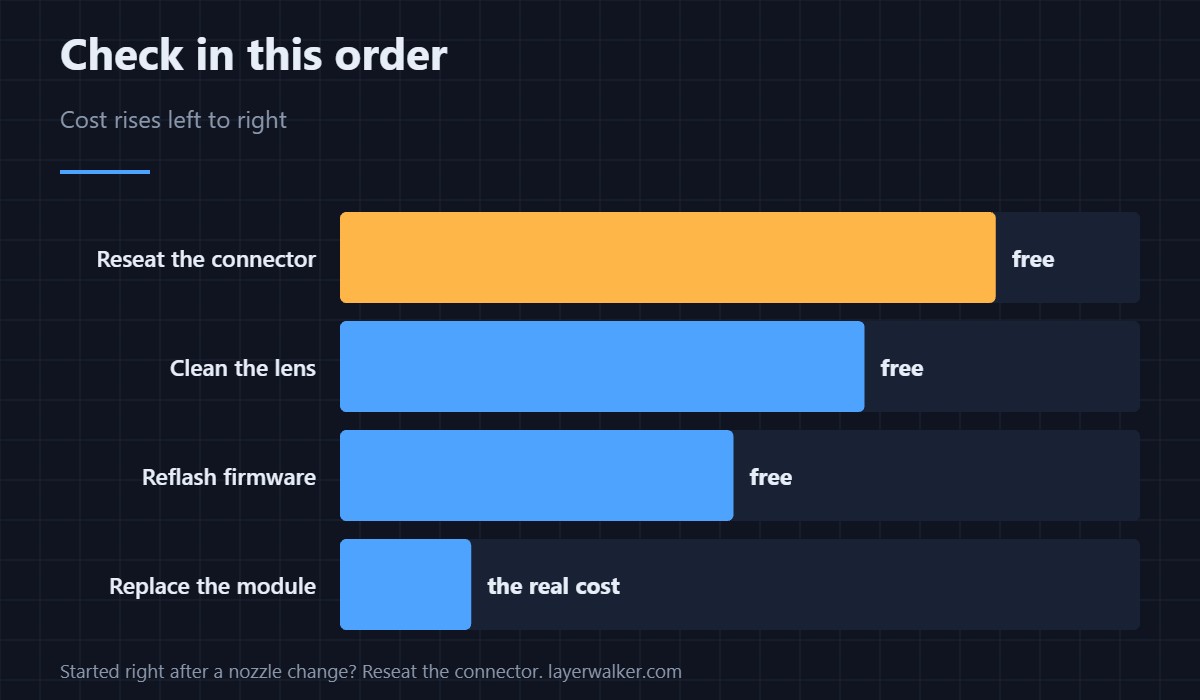
HMS 0C00-0100-0002-0002 means the Micro Lidar camera is not returning usable images, which is a hardware fault rather than a print quality problem. Work through it in order: the ribbon connector at the toolhead, then the lens, then a firmware reflash, and only then the module itself.
This one rarely resolves by cleaning, but the cheap checks come first because the expensive answer is a replacement part.
Where to buy



The connector, first and always
The lidar connects through a short cable in the most mobile part of the machine. Thousands of toolhead accelerations work connectors loose, and a camera that has lost a data line reports as malfunctioning rather than as disconnected. Power down, unseat the connector, and reseat it until it clicks. A connector that needed reseating once is worth checking again after a few prints.
Then the lens, briefly
A heavily fogged lens can push the camera into reporting a fault rather than a dim image, so clean it while you are in there with a lens pen and isopropyl alcohol on a lint-free swab. If the code survives a clean connector and a clean lens, cleaning is not your answer.
Then firmware
Camera initialisation faults have been introduced and fixed by firmware more than once on this platform. Reflashing the current version costs nothing and occasionally clears the code outright, which is worth establishing before ordering a module.
What HMS 0C00-0100-0002-0002 disables
Without the camera there is no first-layer inspection, no spaghetti detection, and no automatic flow calibration from the lidar scan. The machine prints, but it stops checking its own work — which means you are the inspection now. The manual equivalent for the levelling side is in bed levelling mesh.
How it differs from the LED code
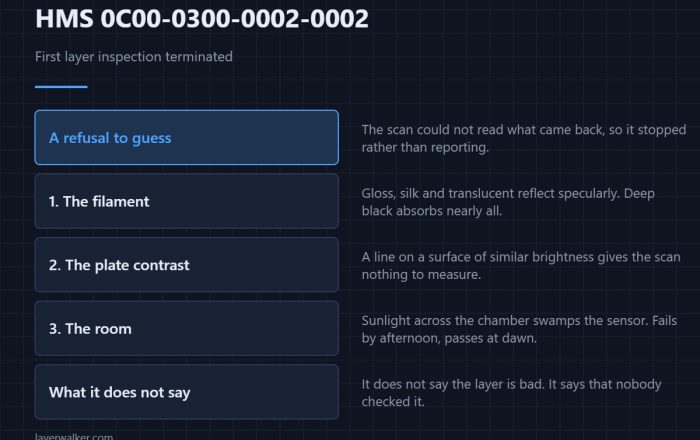
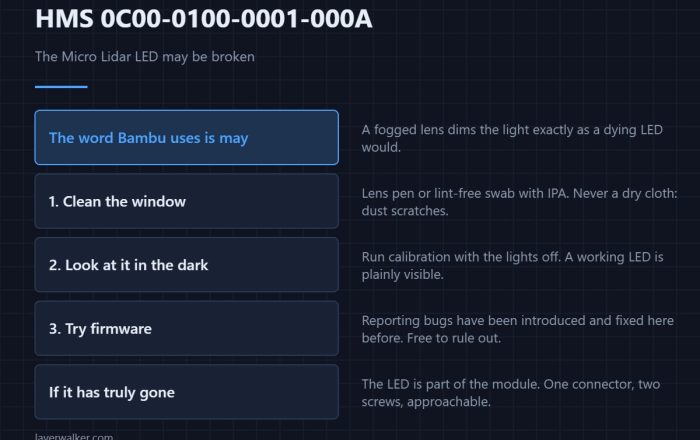
A dead illumination LED and a dead camera are reported separately, and the LED version is HMS 0C00-0100-0001-000A. The distinction matters because a dim lens is worth cleaning and a dead camera is not. What the sensor contributes in normal operation is in bed levelling sensors.
HMS 0C00-0100-0002-0002 FAQ
Can I keep printing?
Yes, with the automatic checks off. Treat long unattended prints as a worse idea than usual.
Is the camera separate from the lidar module?
No. They are one assembly, which is why the repair is a module swap rather than a component swap.
Could the mainboard be at fault?
Occasionally, and a borrowed known-good module settles it. Test before replacing the expensive part.
Why did it start after a nozzle change?
Because the connector is disturbed during that job. Reseat it — that is the most common trigger of all. Downstream data faults appear as HMS 0C00-0300-0002-0002.

LayerWalker
Print defect diagnosis, calibration procedures and parts that actually fit. Corrections welcome through the contact page.