HMS 0C00-0100-0001-000A: The Micro Lidar LED May Be Broken
LayerWalker is a participant in the Amazon Services LLC Associates Program. We may earn a commission when you buy through links on our site, at no extra cost to you.
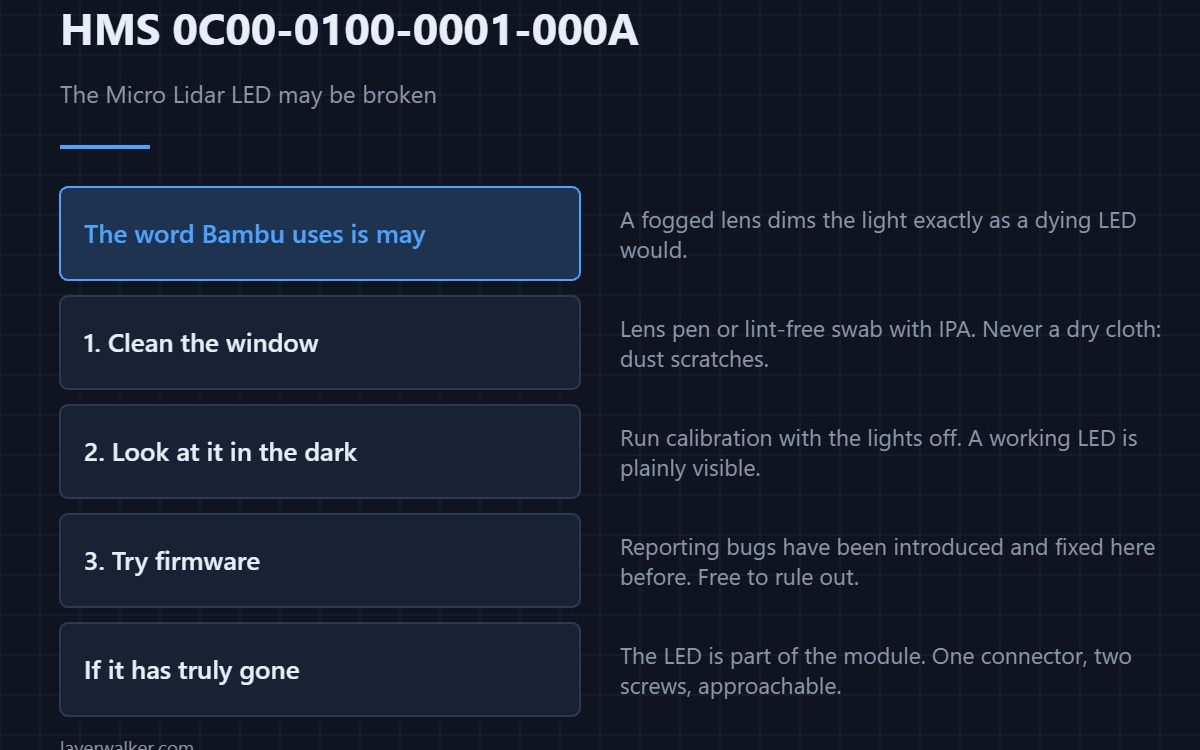
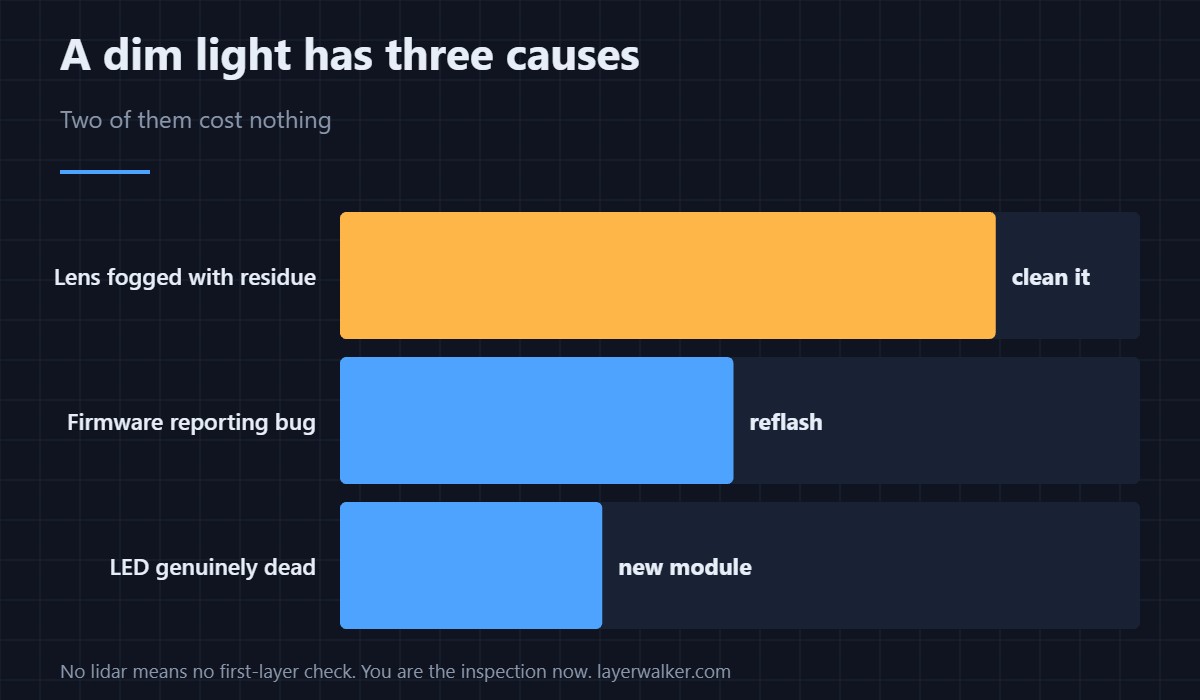
HMS 0C00-0100-0001-000A means the Micro Lidar reported that its own illumination LED may have failed. Before accepting that, check the window in front of it: a lens fogged with purge residue or plastic dust dims the light exactly as a dying LED would, and it is the far more common finding on a machine that has been printing for a year.
The word Bambu uses is may. The sensor cannot tell the difference between no light and light it cannot see through, and neither can you from the screen.
Where to buy

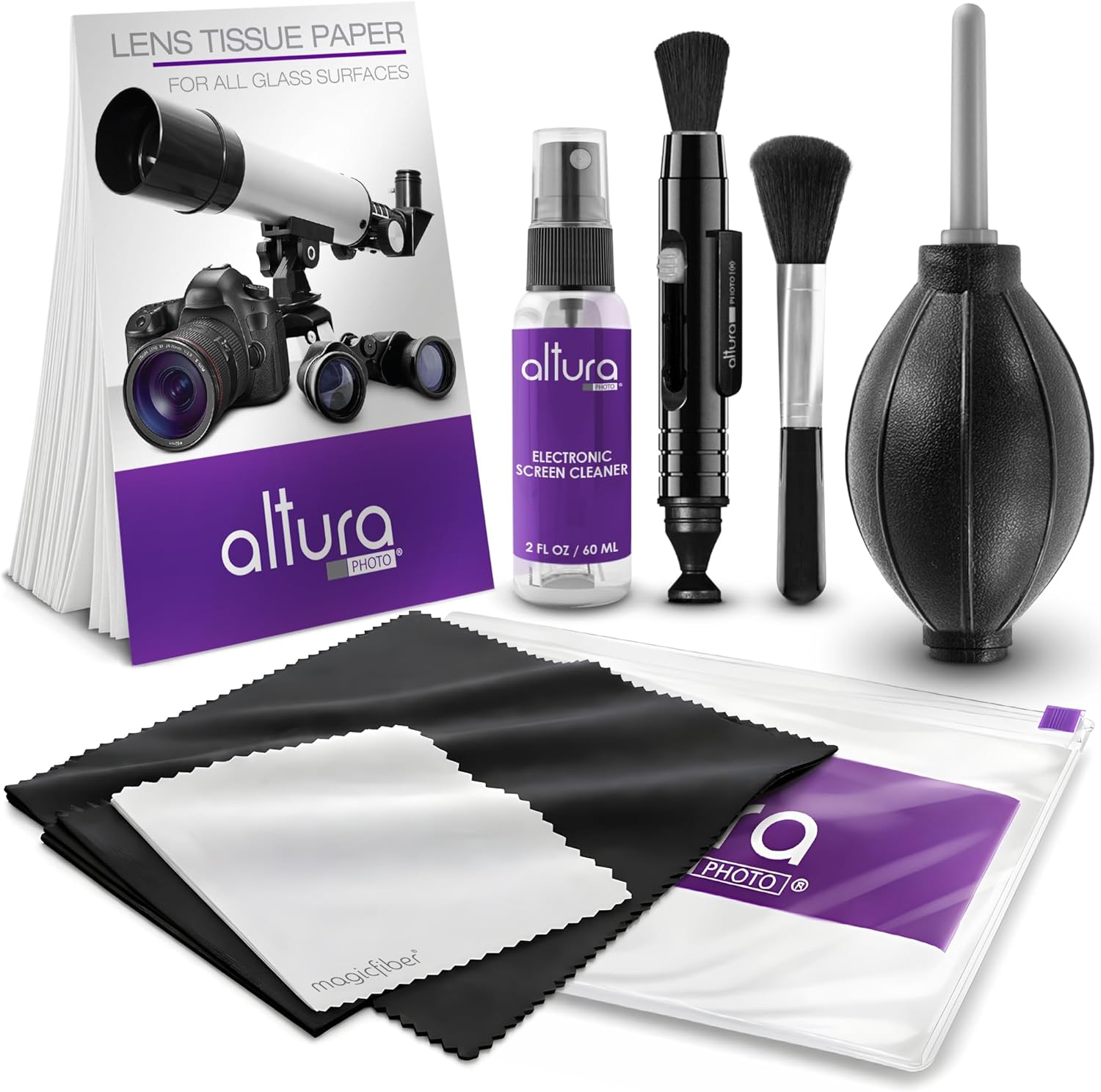

Clean the window before condemning the part
The lidar sits beside the nozzle, which means it lives in the path of every drip and every wisp of filament dust the machine makes. Power down, let the toolhead cool, and clean the small lens with a lens pen or a lint-free swab dampened with isopropyl alcohol. Do not use a dry cloth on it: dust dragged across a lens scratches it, and a scratched lens is a permanent version of this fault.
Look at it in the dark
Run a calibration with the enclosure lights off and the room dim. A working LED is plainly visible as a bright point or stripe. If you can see it clearly and the code persists, the illumination is fine and the fault is downstream in the camera or its wiring.
When the LED has genuinely gone
The LED is part of the lidar assembly rather than a separately replaceable bulb, so a genuine failure means replacing the module. It is a single connector and a couple of screws, and it is one of the more approachable repairs on the machine. What the sensor is actually for, and what you lose without it, is in bed levelling sensors.
What HMS 0C00-0100-0001-000A takes away while it lasts
Without working illumination there is no first-layer inspection and no automatic flow calibration, so the machine falls back on whatever profile values you give it. Printing is still possible; the automatic safety net is not. The manual version of that net is in bed levelling.
How it differs from a camera fault
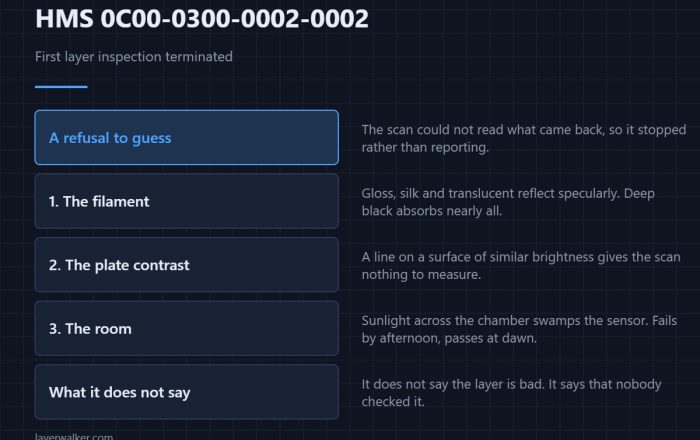
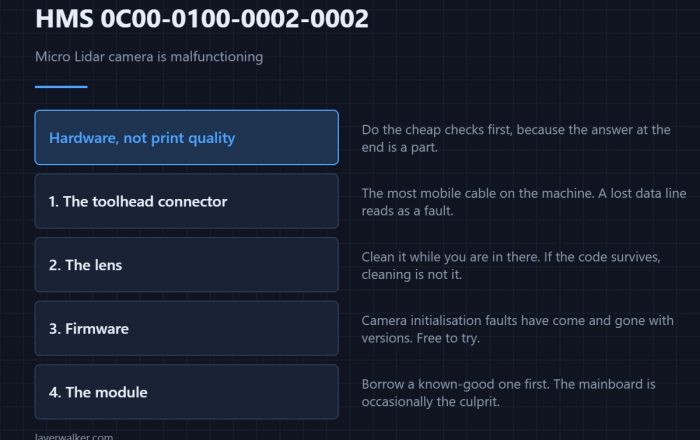
A failed light and a failed sensor produce different codes, and the camera version is HMS 0C00-0100-0002-0002. Reading which one you have decides whether cleaning is worth attempting at all.
HMS 0C00-0100-0001-000A FAQ
Can I print with this code showing?
Yes, with calibration done manually and the first-layer check unavailable. Watch the first layer yourself.
Is the LED sold on its own?
No. It is integrated into the lidar module, which is the replaceable unit.
Will a firmware update clear it?
Only if the cause was a reporting bug, which happens occasionally. It is free to try before buying anything.
Does a new module need calibrating?
Yes, and the machine will ask for it. Related detection faults appear as HMS 0C00-0100-0002-0008.

LayerWalker
Print defect diagnosis, calibration procedures and parts that actually fit. Corrections welcome through the contact page.