HMS 0C00-0300-0003-000D: Objects May Have Fallen or the Extruder Is Not Extruding
LayerWalker is a participant in the Amazon Services LLC Associates Program. We may earn a commission when you buy through links on our site, at no extra cost to you.
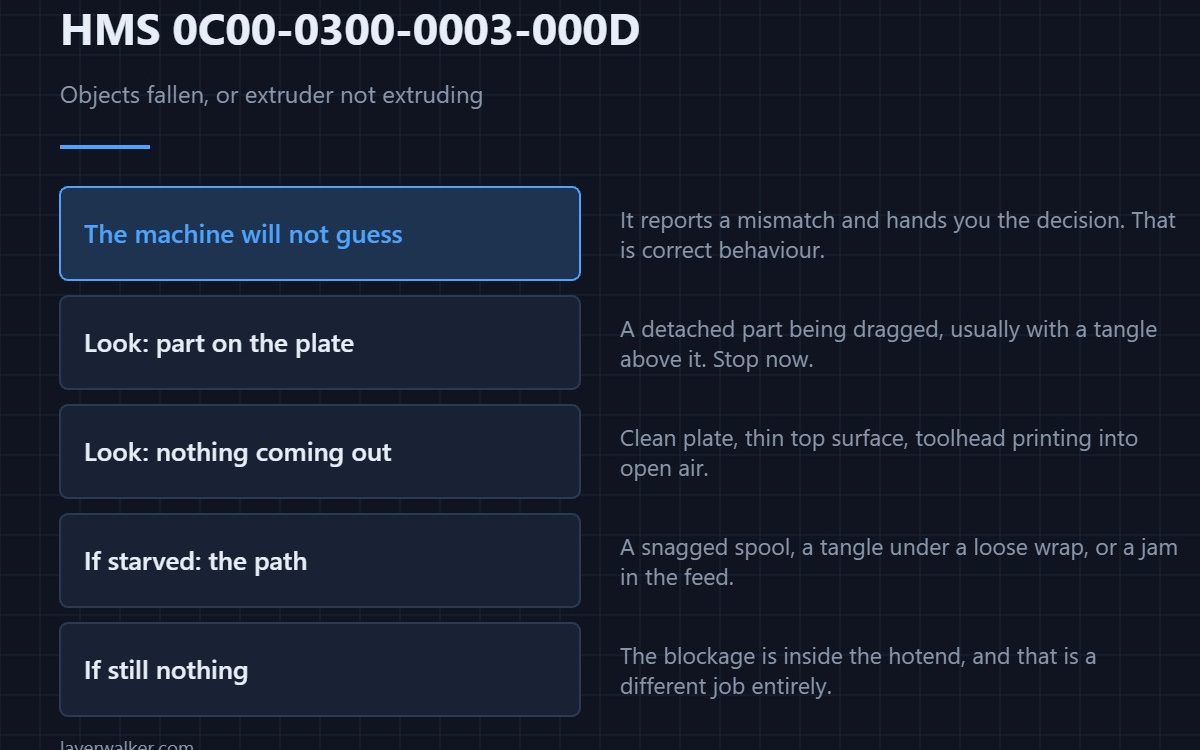
HMS 0C00-0300-0003-000D means the inspection saw material where it did not expect it, or nothing where it did, and it offers you two readings: something has fallen over, or the extruder has stopped delivering. It then hands the decision back to you, because only one of those is worth continuing through.
The code is deliberately open-ended. Bambu is reporting a mismatch rather than claiming to know the cause, which is why the first step is to look rather than to fix.
Where to buy


Open the door and read the plate
A part that has broken off its adhesion and is now being dragged around is unmistakable: you will see it lying on the surface, usually with a tangle above it. A toolhead printing into the air with nothing coming out looks entirely different — clean plate, clean part, and a thin or absent top surface. These two findings lead opposite ways.
If something has detached
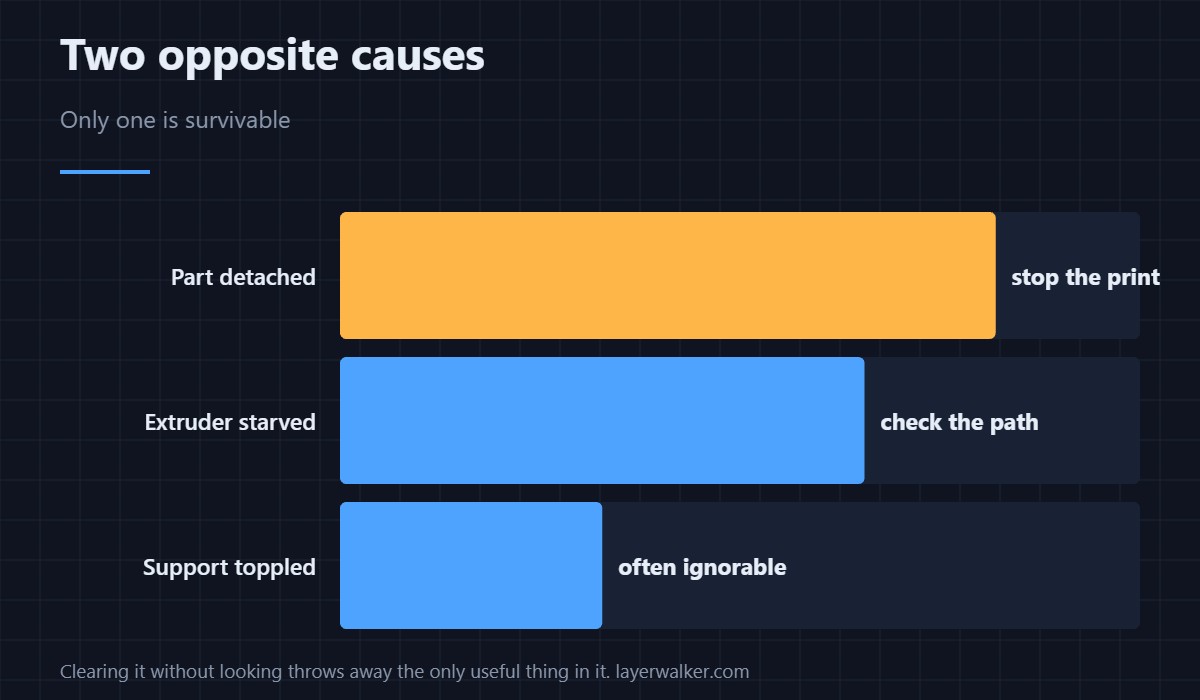
Stop the print. A loose part gets welded into the next pass and then dragged, and that is how a failed job turns into a toolhead that needs cleaning. The adhesion causes behind a detached part are in a first layer that will not stick, and the surface side of it is in Bambu build plates.
If nothing is coming out
Feel the filament path. A spool that has snagged on its own holder, a tangle under a loose wrap, or a jam in the feed all starve the nozzle while the machine carries on moving. If the path is clear and flow is still absent, the blockage is in the hotend — the route from there is a clogged nozzle.
Why HMS 0C00-0300-0003-000D asks you to decide
Some prints survive a detached support and lose nothing. Others are ruined by the same event. An automatic stop would waste the first case and an automatic continue would waste the second, so the machine presents what it saw and lets you judge. That is the correct behaviour, and it means clearing the message without looking throws away the only useful thing about it.
The overlap with a coated nozzle
A tip caked in material extrudes weakly and inconsistently, which produces the same empty-looking inspection. If you have seen HMS 0C00-0300-0003-000F recently on the same machine, treat the nozzle as the likely single cause instead of hunting two faults.
HMS 0C00-0300-0003-000D FAQ
Should I always stop the print?
No. Stop it if a part has come loose. Continue only when you have looked and the plate is intact.
Why did it not catch this sooner?
The inspection runs at set points rather than continuously, so a failure between checks is reported at the next one.
Can a support falling over trigger it?
Yes, and that is the most common harmless version. A thin support that topples is often ignorable.
Does it mean the lidar is misreading?
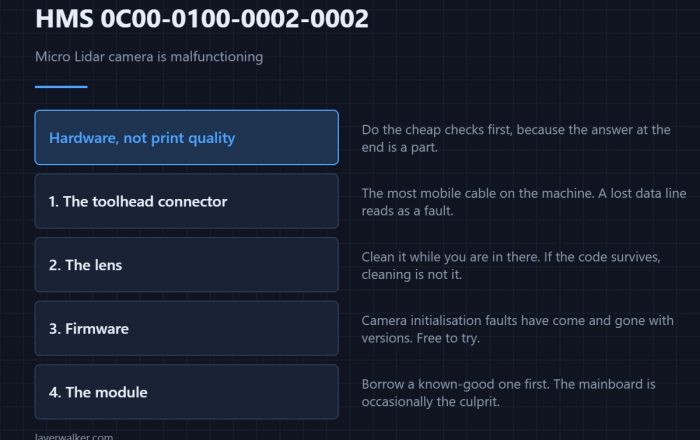
Usually not. Hardware faults in the sensor produce their own codes, such as HMS 0C00-0100-0002-0008.

LayerWalker
Print defect diagnosis, calibration procedures and parts that actually fit. Corrections welcome through the contact page.