HMS 0C00-0300-0002-0002: First Layer Inspection Terminated Due to Abnormal Lidar Data
LayerWalker is a participant in the Amazon Services LLC Associates Program. We may earn a commission when you buy through links on our site, at no extra cost to you.
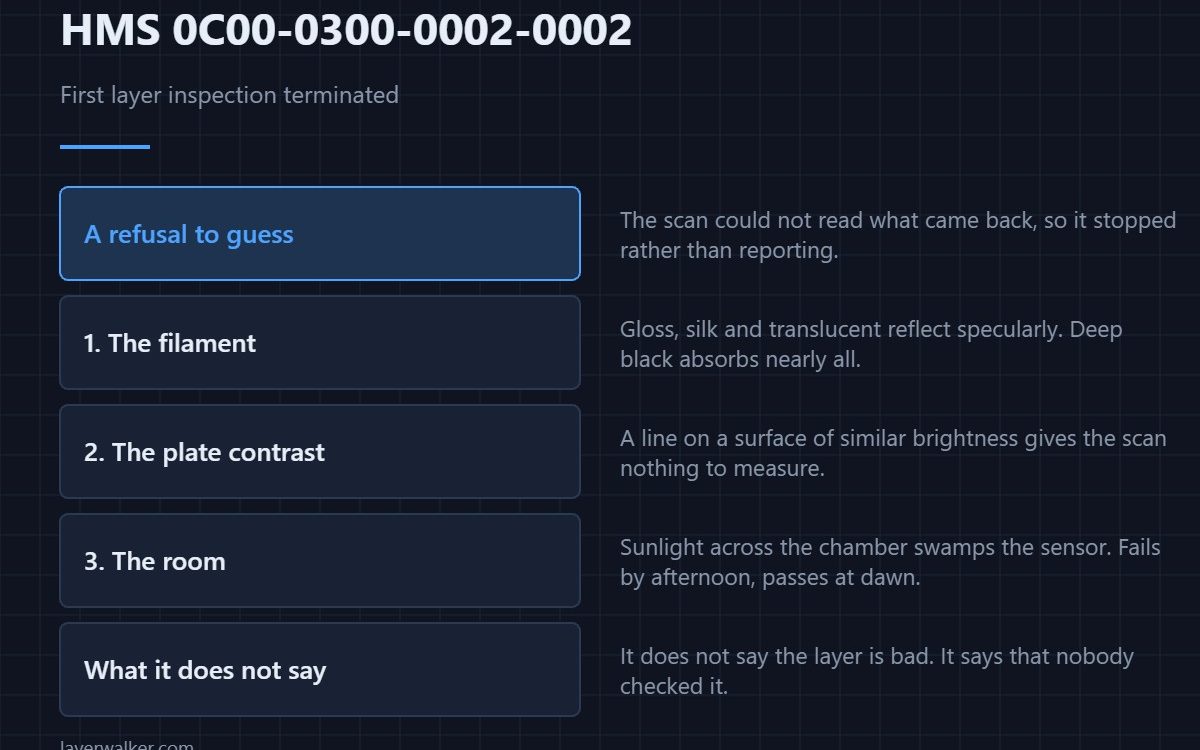
HMS 0C00-0300-0002-0002 means the first-layer inspection started, could not make sense of what the lidar returned, and stopped rather than reporting a result it did not trust. The print itself may be perfectly fine. What failed is the measurement, and the usual cause is the filament you loaded rather than the machine.
This is a refusal to guess, which is the behaviour you want from an automatic check. It is still worth knowing why it refused.
Where to buy


Glossy, clear and dark filaments
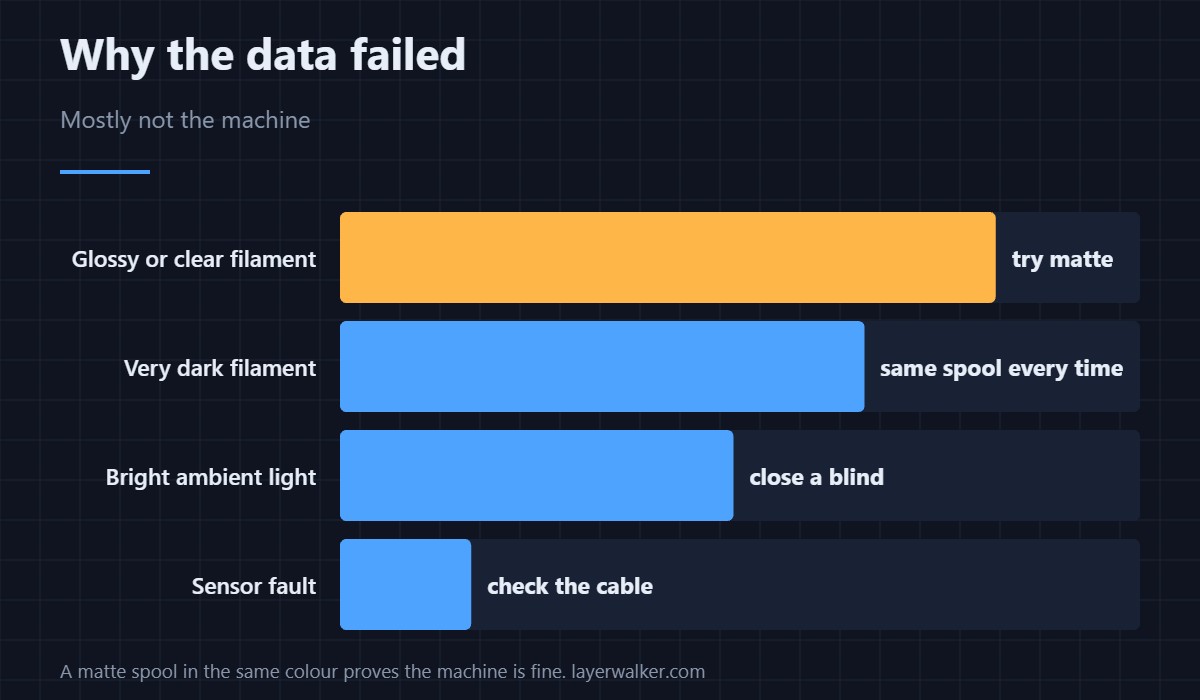
The scan depends on a diffuse reflection from the extruded line. High-gloss, translucent and silk filaments reflect specularly instead, and deep blacks absorb so much that almost nothing returns. Any of these can make the data unreadable while the part comes out fine. A matte filament in the same colour family will inspect cleanly, which is the simplest proof that the machine is not at fault.
The plate underneath
Contrast is what the scan actually measures, so a line on a surface of similar brightness gives it nothing to work with. A dirty or worn surface makes this worse by scattering the laser before it ever reaches the plastic — that version has its own code, HMS 0C00-0200-0002-0008.
Ambient light getting in
Strong sunlight or a bright lamp across the chamber swamps the sensor. A printer on a windowsill will produce this code in the afternoon and not in the morning, which is a diagnosis you can confirm by closing a blind rather than buying anything.
When the sensor is the problem
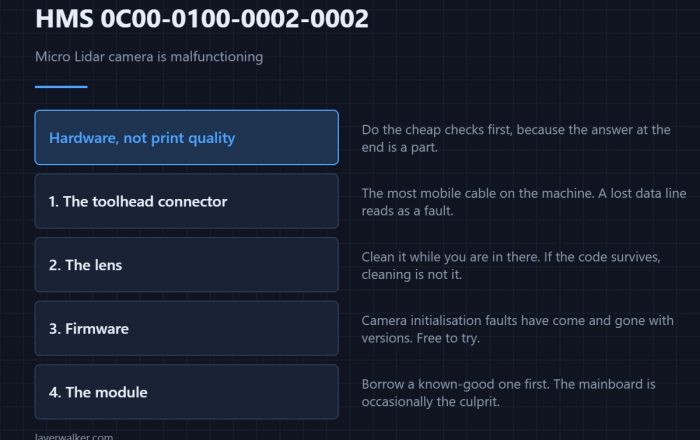
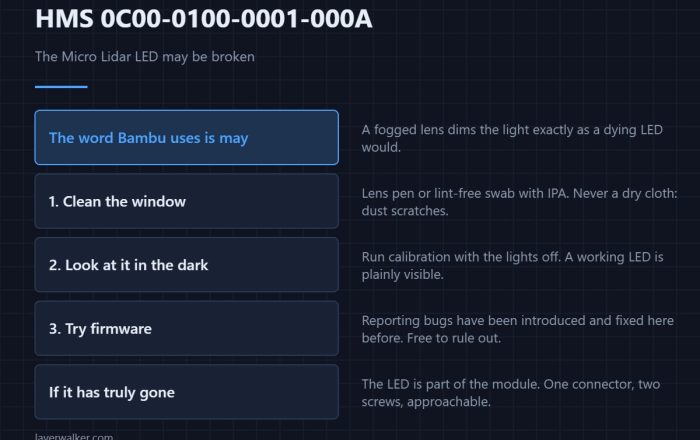
If the data is abnormal regardless of material, plate and lighting, the fault has moved into the hardware and the module is the suspect. Check the connector first — the camera fault code is HMS 0C00-0100-0002-0002, and a loose cable produces both.
What HMS 0C00-0300-0002-0002 does not tell you
It does not say the first layer is bad. It says nobody checked. On a long or expensive print that is worth a manual look before the machine builds twelve hours on top of it, using the signs set out in first layer problems and the squish test in Z offset and first layer squish.
HMS 0C00-0300-0002-0002 FAQ
Is my print ruined?
Probably not. The inspection failed, not the layer. Look at it and decide.
Why only with one spool?
Because its finish reflects the laser rather than scattering it. That spool will do this every time.
Can I turn the inspection off?
You can, and for a known-awkward material that is reasonable. Turning it off permanently gives up the check on every other job.
Does the first layer still get calibrated?
Flow calibration from the scan is skipped, so the machine uses your profile values unchanged.

LayerWalker
Print defect diagnosis, calibration procedures and parts that actually fit. Corrections welcome through the contact page.