HMS 0C00-0400-0002-0019: The BirdsEye Camera Is Installed Offset
LayerWalker is a participant in the Amazon Services LLC Associates Program. We may earn a commission when you buy through links on our site, at no extra cost to you.
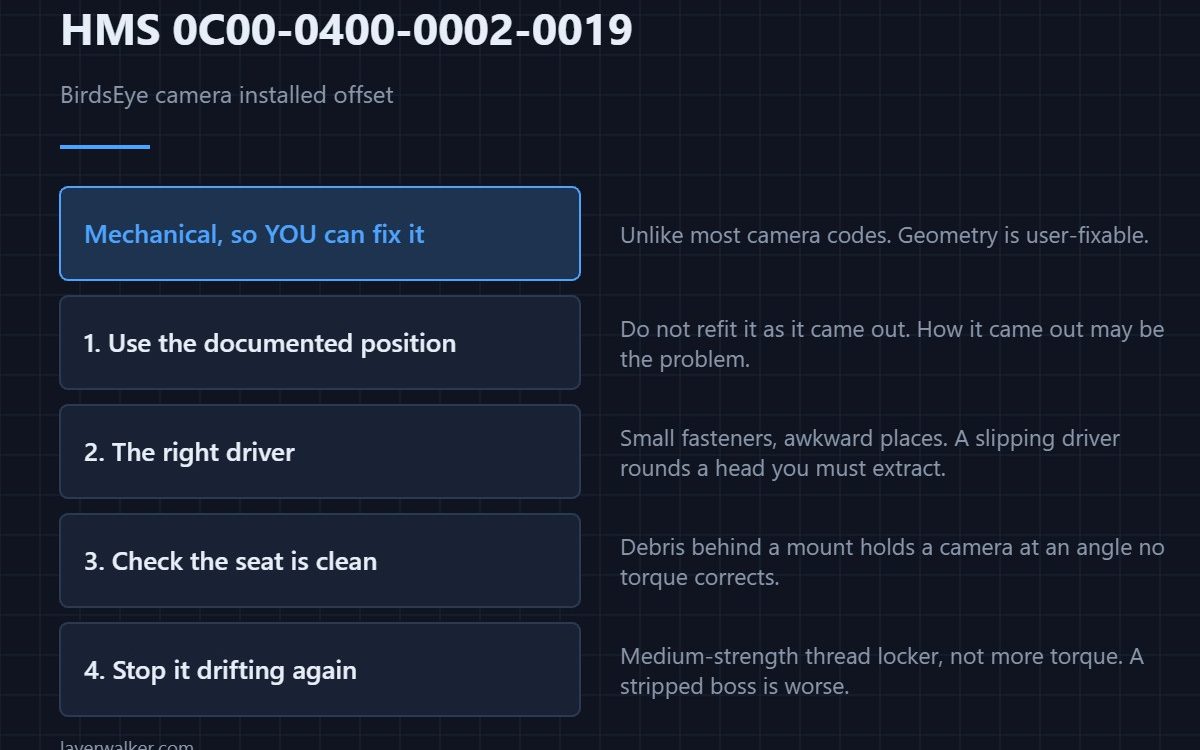
HMS 0C00-0400-0002-0019 means the BirdsEye camera is physically mounted out of position and Bambu refers you to the Wiki to reinstall it. Unlike most camera faults this one is mechanical, which means you can fix it yourself with hand tools and a careful eye.
The machine worked out that the view is wrong rather than merely poor, which is a more specific complaint than it sounds.
Where to buy


Follow the documented position
Do not eyeball it. A camera rotated a few degrees still returns a sharp image, of the wrong area, which is exactly the failure this code exists to catch. Use the Wiki position and orientation rather than refitting it the way it came out, because the way it came out may be the problem.
Work with the right driver
These mounts use small fasteners in awkward places, and a slipping driver rounds a head you will then have to extract. A T-handle hex set gives you control in a tight space that an L-key does not, and getting the fastener out intact matters more than speed.
Check the seat before you tighten
Debris behind a mount holds a camera at an angle no amount of tightening corrects. Clear the mounting face, offer the camera up dry, and confirm it sits flat before any fastener is torqued. A feeler gauge tells you about a gap your eye will miss.
Then stop it moving again
If the same camera drifts out of position repeatedly, a drop of medium-strength thread locker on the fasteners is the answer rather than more torque. Over-tightening a small fastener into a plastic boss strips it, and a stripped boss is a bigger part than a camera. The platform and its module mounts are described in the Bambu Lab H2D.
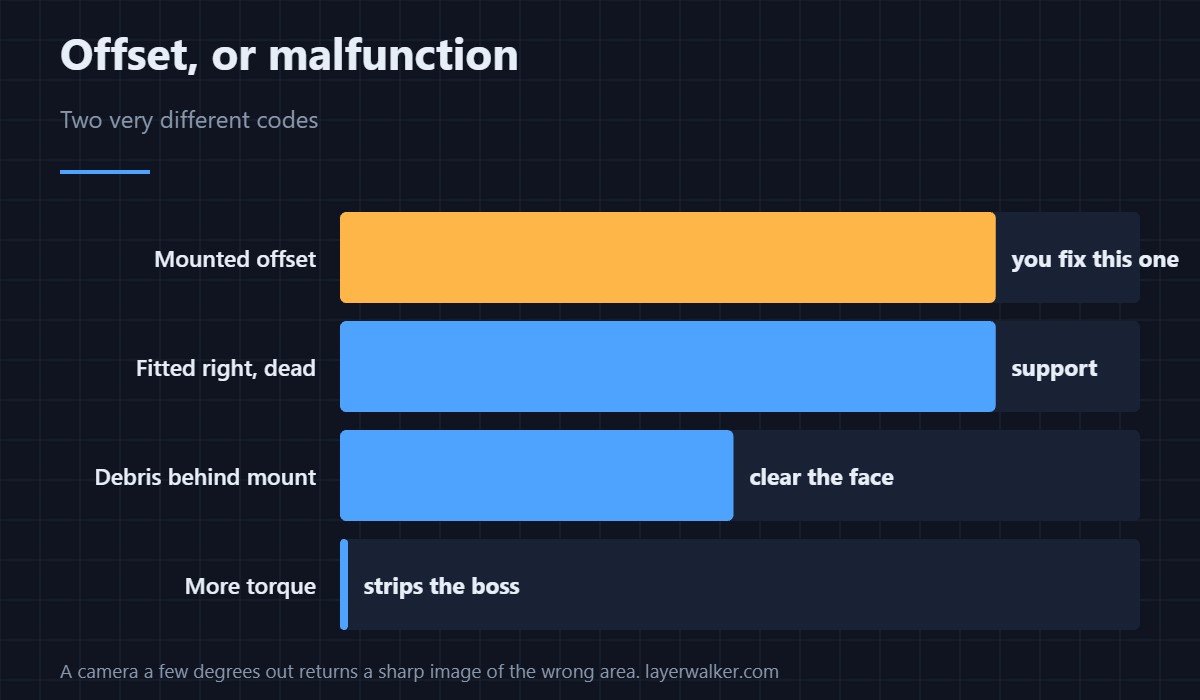
How HMS 0C00-0400-0002-0019 differs from a malfunction
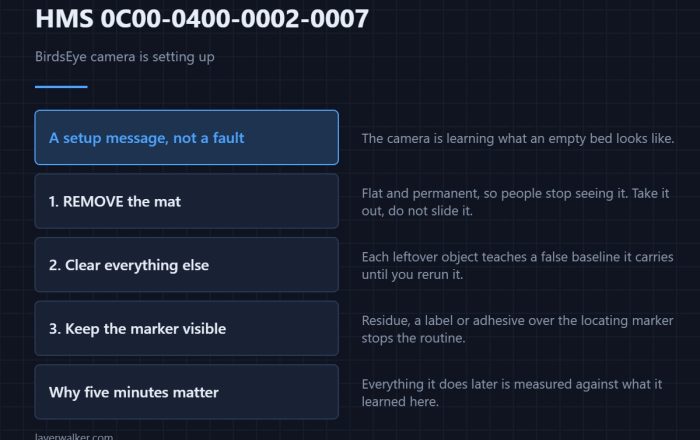
A camera that is fitted correctly and still not working reports as HMS 0C00-0400-0001-0005, which sends you to support. Offset is a geometry complaint, and geometry is user-fixable. Rerun the setup afterwards — that is HMS 0C00-0400-0002-0007. The machine is reviewed in the Bambu Lab H2D review.
HMS 0C00-0400-0002-0019 FAQ
How far out is too far?
Far enough for the machine to notice, which is less than you would guess. Use the documented position.
Do I need to recalibrate after?
Yes. Run the setup routine once it is mounted correctly.
Can I shim it?
Better to clear the seat. A shim fixes the symptom and hides the debris.
Why does it drift?
Vibration on fasteners that were never locked. Thread locker, not more torque.

LayerWalker
Print defect diagnosis, calibration procedures and parts that actually fit. Corrections welcome through the contact page.