HMS 0C00-0400-0001-0005: BirdsEye Camera Malfunction
LayerWalker is a participant in the Amazon Services LLC Associates Program. We may earn a commission when you buy through links on our site, at no extra cost to you.
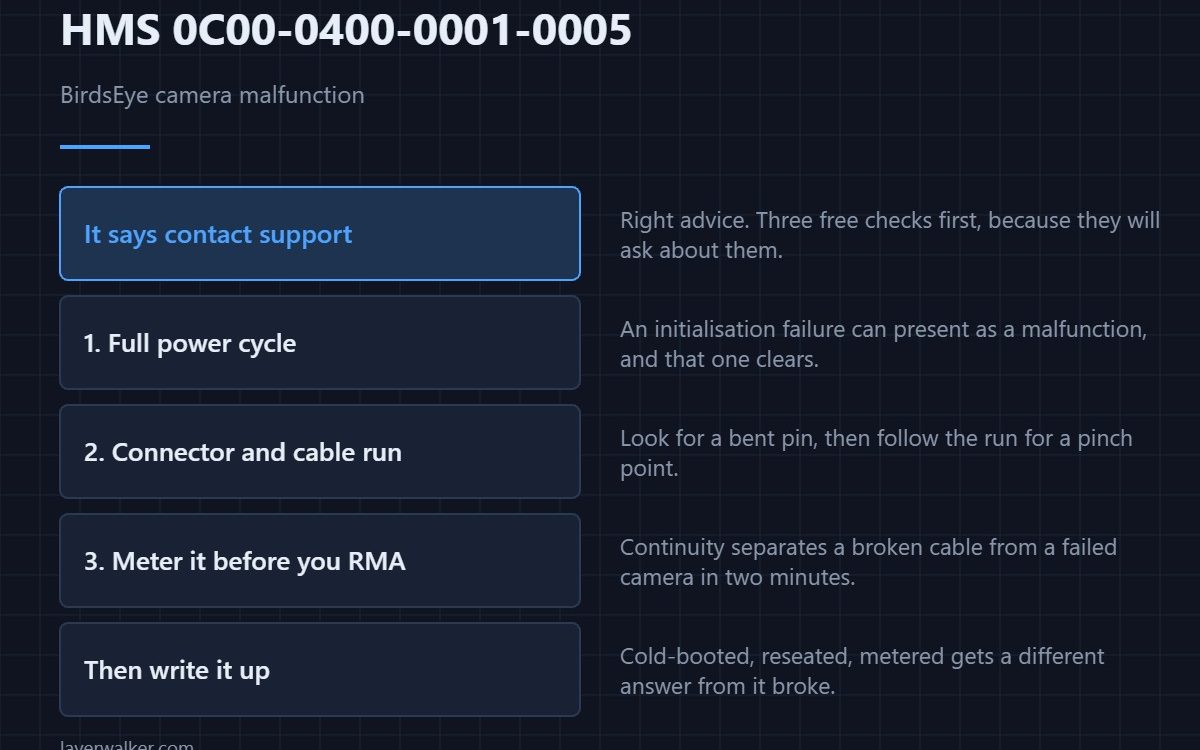
HMS 0C00-0400-0001-0005 reports a BirdsEye camera malfunction and tells you to contact customer support. That is the right advice, but there are three free checks worth doing first, because they are the ones support will ask about anyway.
A code that goes straight to contact support usually means the machine has already ruled out the easy causes. Usually.
Where to buy


One: a full power cycle
Down at the switch, not a soft restart. An initialisation failure can present as a malfunction, and that version clears on a cold boot — see HMS 0C00-0400-0002-0026 for the code that names it explicitly.
Two: the connector and the cable run
Reseat the camera connector with the power off and look into it for a bent pin. Then follow the cable for a pinch point or a chafed section. A conductor broken inside intact insulation looks exactly like a dead device, and it is the finding people miss because the outside looks fine.
Three: meter it before you RMA it
Continuity across the circuit separates a broken cable from a failed camera. That is a two-minute test and it changes the conversation with support from a guess to a measurement, which usually shortens it considerably.
Then contact support, with notes
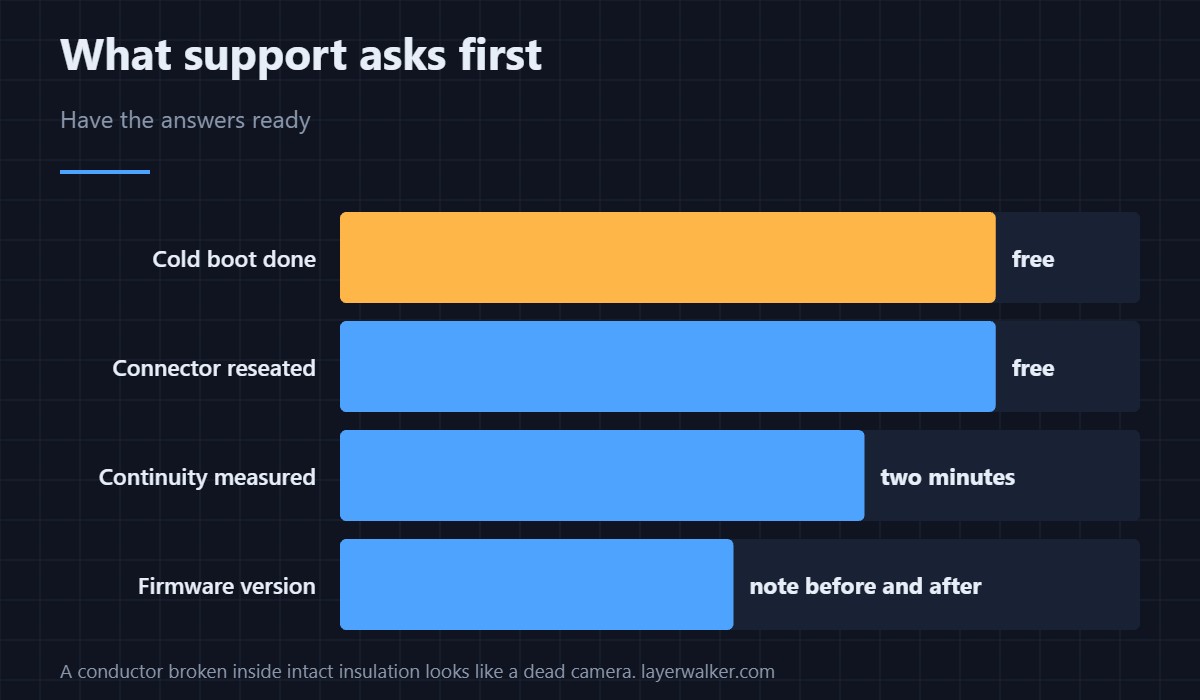
Quote the exact code, say what firmware you are on, and list what you have already done. A report that says cold-booted, reseated, metered gets a different answer from one that says it broke.
What HMS 0C00-0400-0001-0005 is not
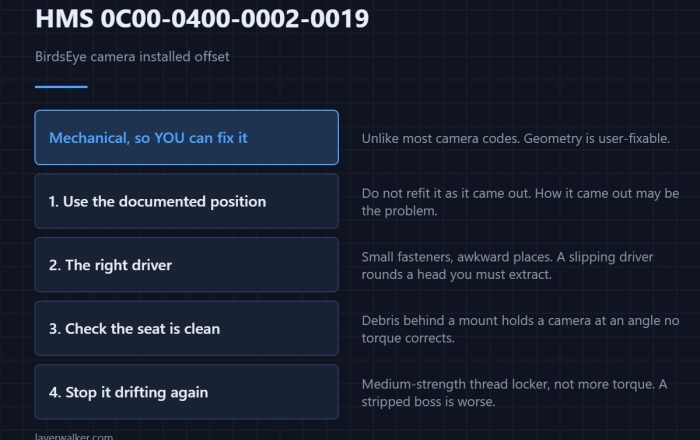
It is not the installation fault. A camera fitted crooked reports as HMS 0C00-0400-0002-0019, which has a fix you can do yourself. The equivalent sensing faults elsewhere on the machine, such as HMS 0C00-0200-0001-0001, follow the same cable-first logic. General background is in 3D printer cameras.
HMS 0C00-0400-0001-0005 FAQ
Should I just contact support?
Do the three checks first. They cost minutes and they often resolve it.
Can I print without this camera?
Generally yes, with the features that use its view unavailable.
Is it user-replaceable?
Often, but confirm with support rather than ordering on a guess.
Did a firmware update cause it?
Occasionally. Note your version before and after; it is useful evidence.

LayerWalker
Print defect diagnosis, calibration procedures and parts that actually fit. Corrections welcome through the contact page.