HMS 0C00-0300-0002-0013: Foreign Object Detection Is Not Functioning
LayerWalker is a participant in the Amazon Services LLC Associates Program. We may earn a commission when you buy through links on our site, at no extra cost to you.
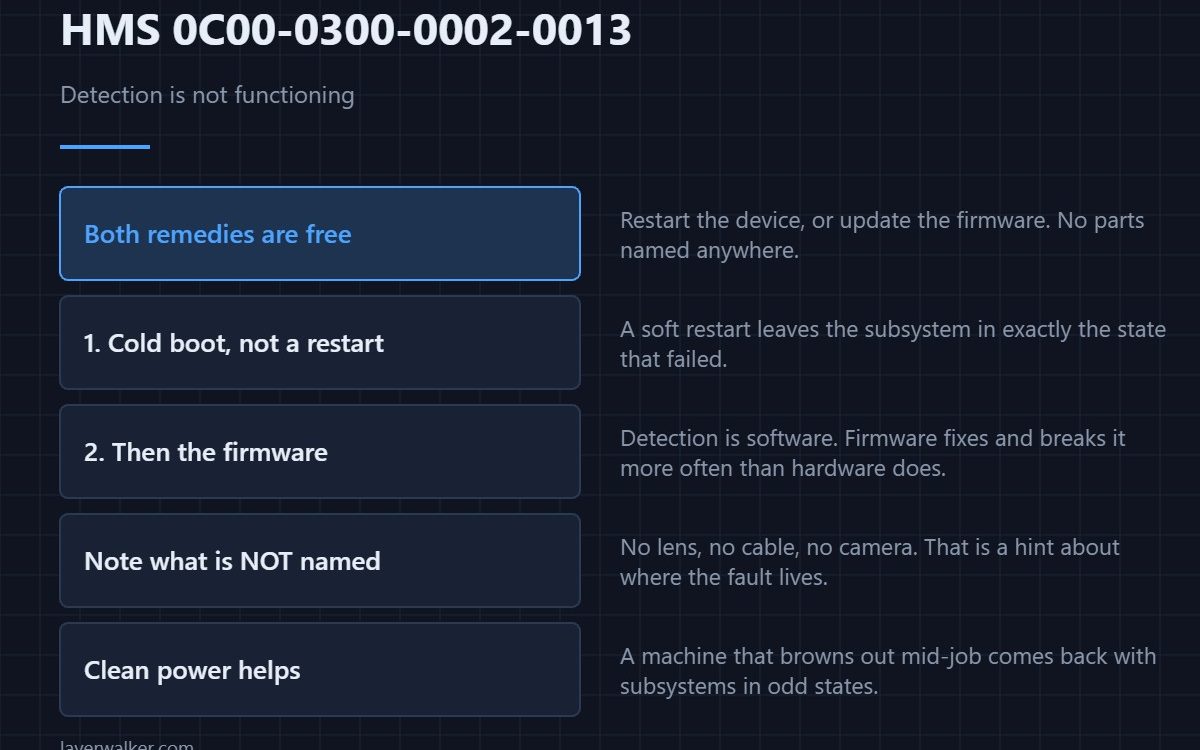
HMS 0C00-0300-0002-0013 means foreign object detection has stopped working, and Bambu offers two remedies: restart the device, or update the firmware. Neither costs anything, which is unusual in this family of codes and worth noticing before you start taking panels off.
Note what the message does not say. It does not name a lens, a cable or a camera, which is a hint about where the fault lives.
Where to buy


A full power cycle, not a restart
Power the machine down at the switch, wait, and bring it back up. A soft restart leaves parts of the system in the state that failed, and detection features are among the first things to be dropped when a subsystem does not initialise cleanly. This clears a surprising share of them.
Then the firmware
Detection features are software, so they get fixed and broken by firmware more often than hardware does. Check what version you are on and what is current. Keeping a USB drive formatted and ready makes this a five-minute job rather than an evening.
Give the machine a clean power supply
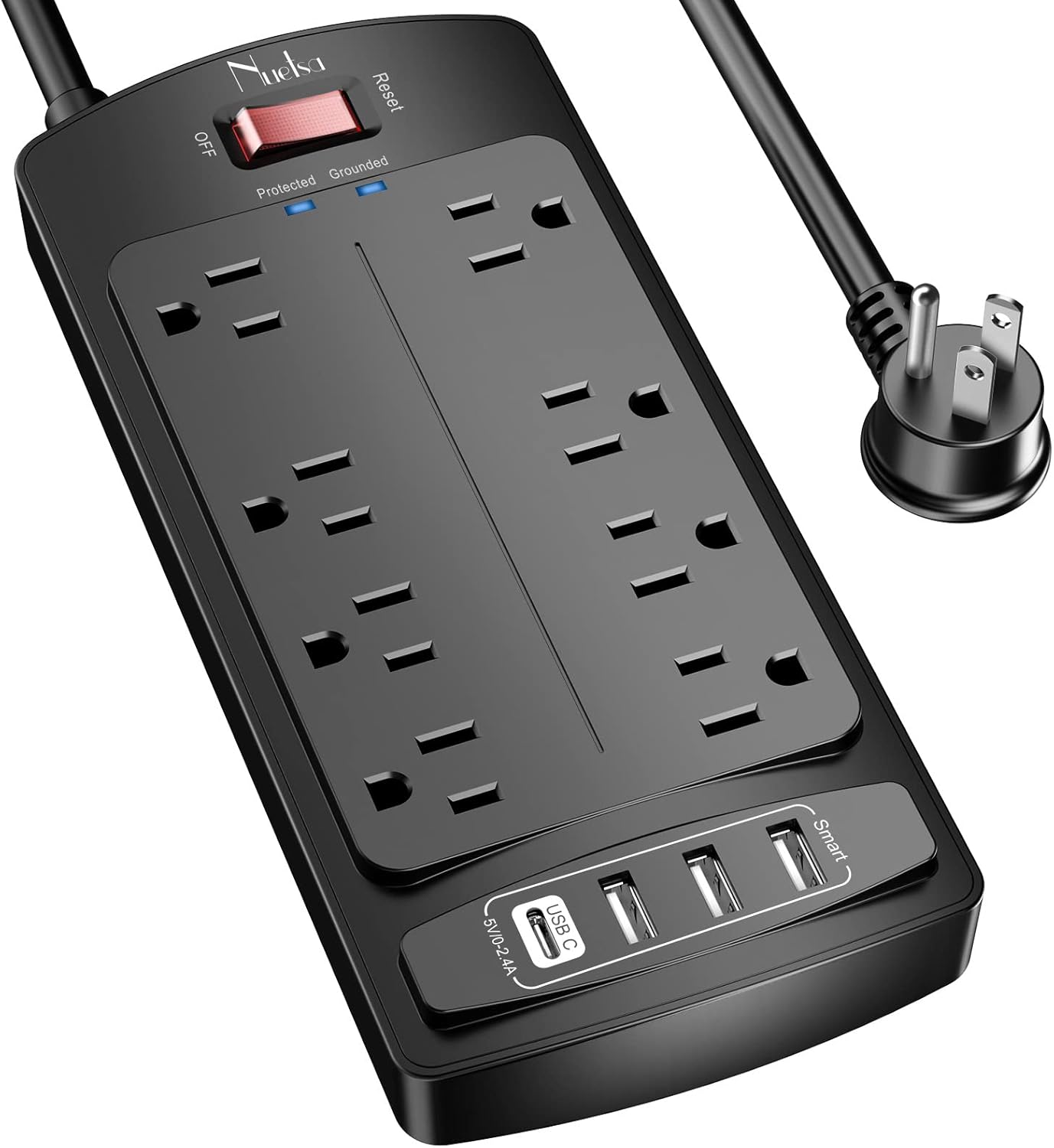
A printer that resets or browns out mid-job comes back up with subsystems in odd states, and this code is one of the symptoms. A surge-protected outlet is the cheap fix for an electrically noisy workshop, and the platform itself is described in the Bambu Lab H2D.
How HMS 0C00-0300-0002-0013 differs from its neighbours
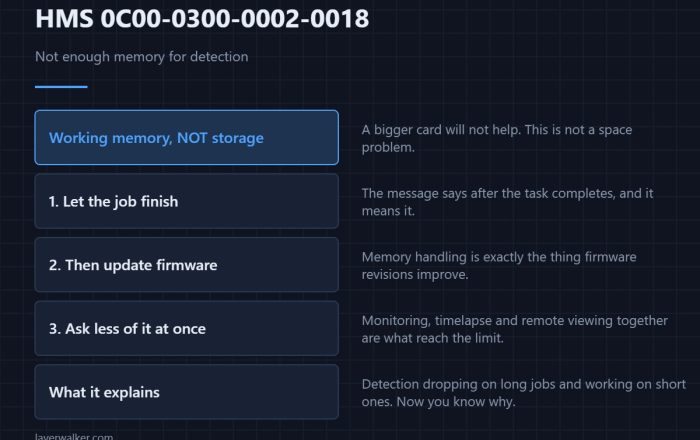
If the camera is simply uncalibrated the message names the calibration menu — that is HMS 0C00-0300-0002-0012. If the cause is memory pressure you get HMS 0C00-0300-0002-0018, which says so explicitly. This code is the generic one, which is why its remedies are generic.
When it is really the camera
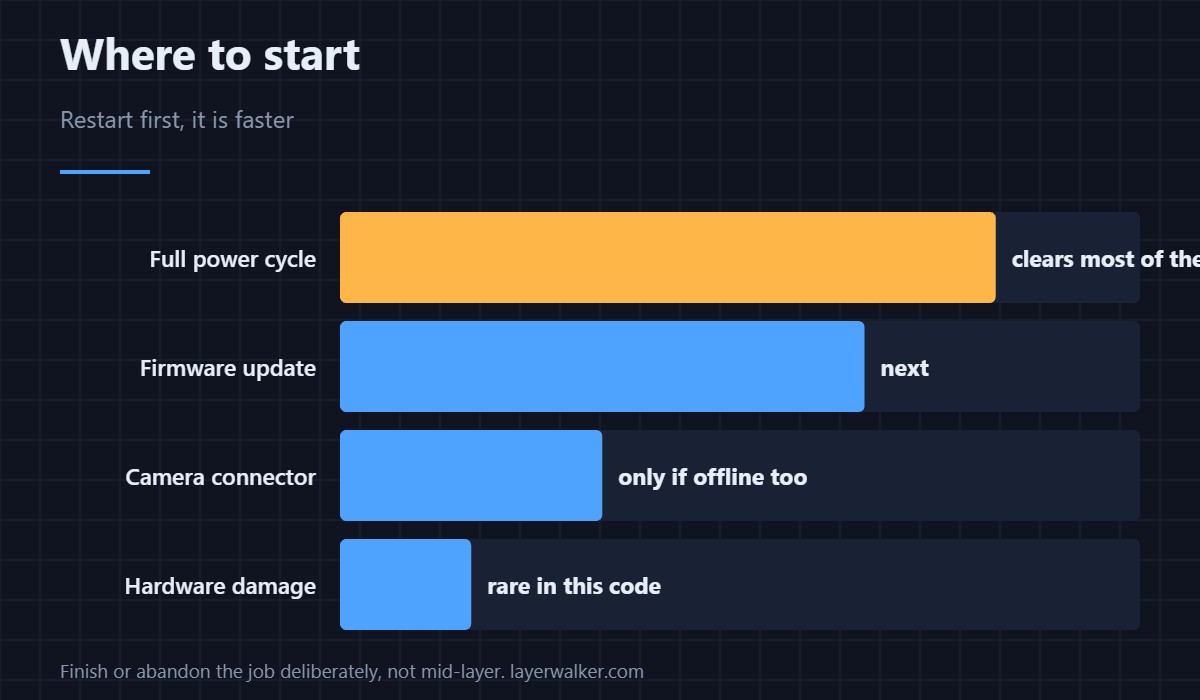
A camera that is not responding at all reports separately as HMS 0C00-0100-0001-0001. If you see that alongside this code, start with the connector rather than the firmware.
HMS 0C00-0300-0002-0013 FAQ
Restart or firmware first?
Restart. It is faster and it clears the commoner cause.
Will I lose the print?
A restart ends the current job, so finish or abandon it deliberately rather than mid-layer.
Is it safe to keep printing?
Yes, with the check unavailable. Clear the plate yourself before each job.
Does it indicate hardware damage?
Rarely. Hardware faults in this area name a camera or a cable.

LayerWalker
Print defect diagnosis, calibration procedures and parts that actually fit. Corrections welcome through the contact page.