HMS 0C00-0300-0002-0014: Foreign Object Detection Accuracy Has Decreased
LayerWalker is a participant in the Amazon Services LLC Associates Program. We may earn a commission when you buy through links on our site, at no extra cost to you.
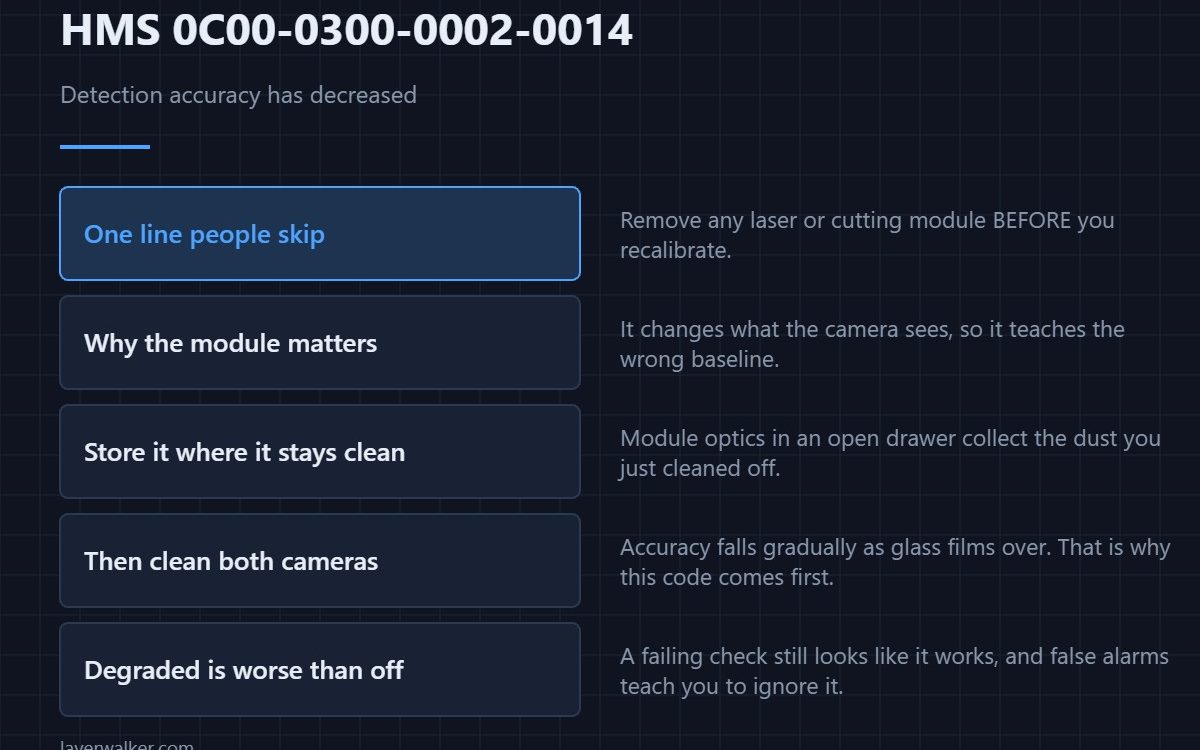
HMS 0C00-0300-0002-0014 means detection is still running but trusting itself less, and Bambu suggests calibrating the live camera if it happens often — with one specific instruction attached: remove any laser or cutting module before starting. That line is the part people skip.
A degraded check is more dangerous than a disabled one, because it still looks like it is working.
Where to buy


Remove the module first, as instructed
A laser or cutting module changes what the camera sees of the toolhead and the bed, so calibrating with one fitted teaches the machine the wrong baseline. Take it off, store it where its optics will not collect dust, and only then run the routine. A small lidded bin is enough and it stops the module becoming the next problem — the machine and its modules are reviewed in the Bambu Lab H2D review.
Then deal with the view
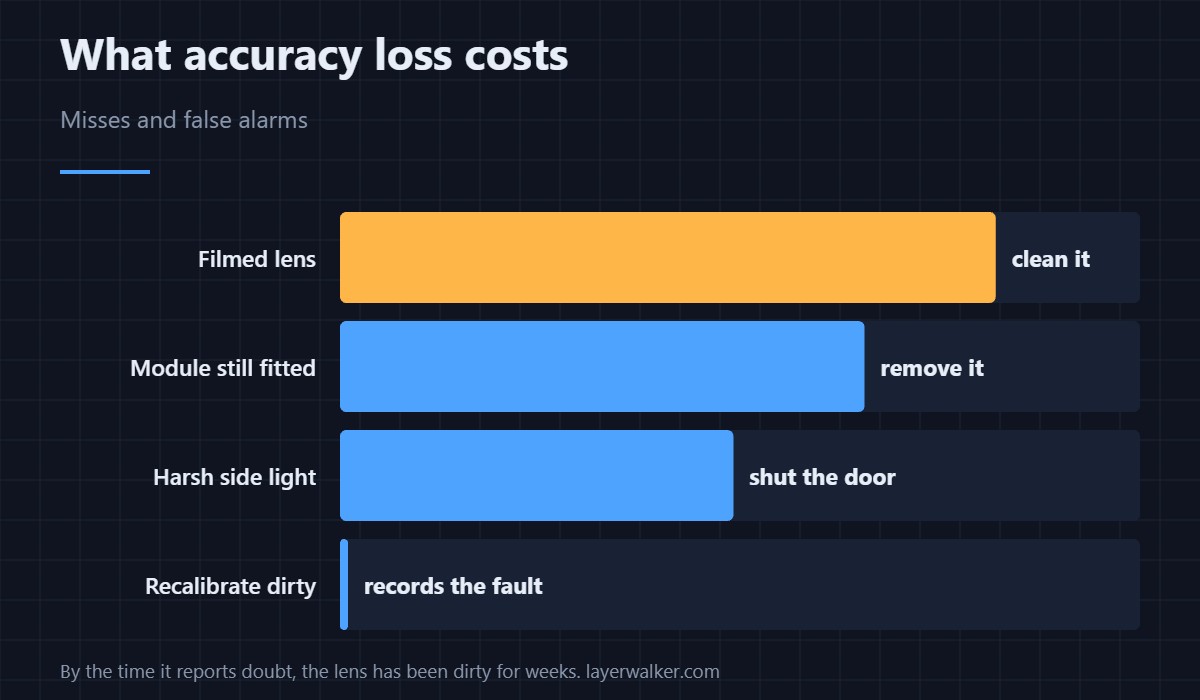
Accuracy falls off gradually as the lens films over, which is why this code arrives before the outright failures do. Clean the camera, and clean the chamber camera too if your machine has one — that fault reports as HMS 0C00-0100-0001-0009.
Then recalibrate, properly
Clear bed, no module, decent even light. Running the routine in the same conditions that degraded it just records the degradation. The general approach is in calibrating a 3D printer.
Why HMS 0C00-0300-0002-0014 is worth acting on
Detection that has lost accuracy produces both misses and false alarms, and false alarms are what teach people to ignore the warnings. By the time it is reporting its own doubt, the camera has usually been dirty for weeks.
If it has stopped rather than degraded
Then you are in a different code. Inactive because it was never calibrated is HMS 0C00-0300-0002-0012, which is a menu tap rather than a clean.
HMS 0C00-0300-0002-0014 FAQ
Can I ignore it once?
Once, yes. The message itself says to act if it happens often.
Why does the module matter?
It changes the camera’s view of the bed, so it corrupts the baseline the calibration stores.
How often should I calibrate?
When this appears, after cleaning the camera, and after the camera is moved or replaced.
Does lighting affect accuracy?
Yes. Strong directional light across the bed reduces contrast and raises false alarms.

LayerWalker
Print defect diagnosis, calibration procedures and parts that actually fit. Corrections welcome through the contact page.