HMS 0300-9000-0001-0002: chamber heating failed, not enclosed or too cold
LayerWalker is a participant in the Amazon Services LLC Associates Program. We may earn a commission when you buy through links on our site, at no extra cost to you.
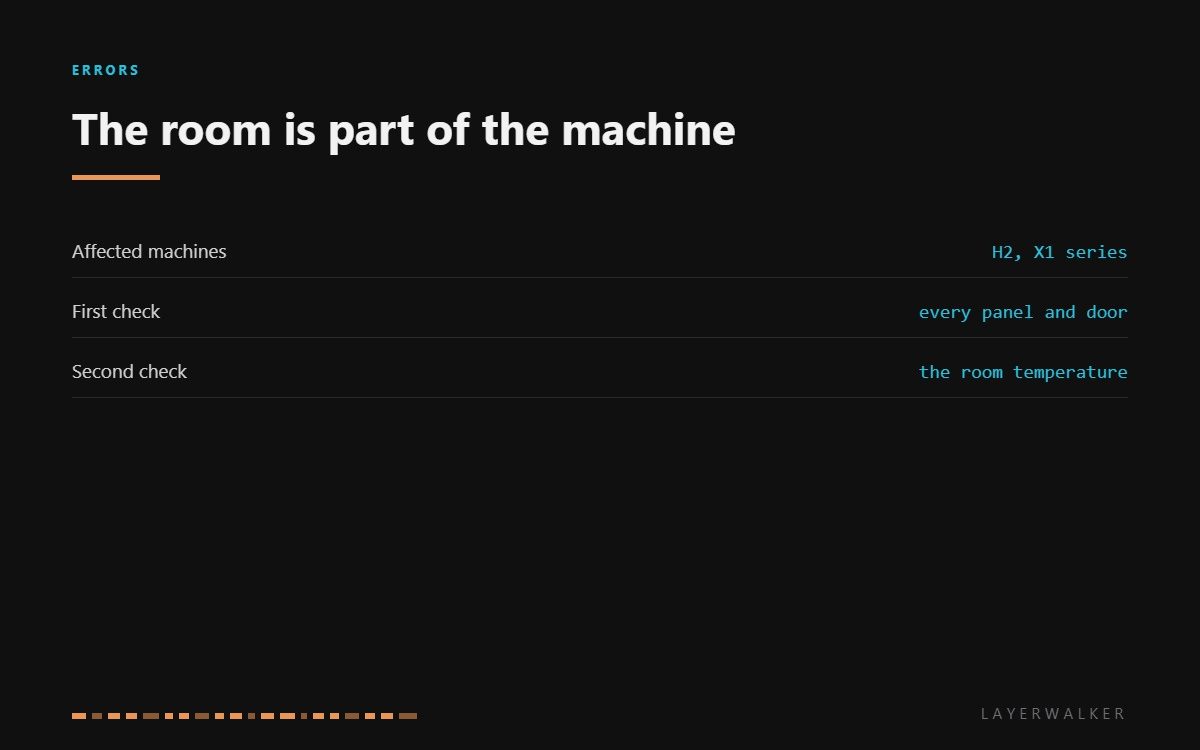
HMS 0300-9000-0001-0002 means chamber heating failed, and Bambu gives two reasons: the chamber may not be enclosed, or the ambient temperature may be too low. Both are about the room rather than the machine. A chamber heater has a finite output, and it can only raise the chamber so far above whatever the air around it is doing.
Difficulty easy
Time 10-30 min
Parts usually nothing
Tools None for the first attempt
Affected machines: H2 and the X1 series. This is one of the few codes where the fix is usually in the room rather than in the printer, which is why it is worth reading carefully before opening anything.
Where to buy


Close everything, then look at the thermometer
Start with the obvious: the front door, the top glass or lid, and any panel that was removed for maintenance and refitted loosely. A chamber with a gap is not a chamber, and on a cold day a single missing panel is enough to stop it reaching target at all.
Then the room. A passive or lightly heated chamber works by holding heat the printer itself generates, so it climbs a fixed amount above ambient. In a workshop at 12 degC you will not see 50 degC in the chamber no matter how long you wait. Somewhere around 18 to 20 degC ambient is where these machines start behaving as the specifications assume.
Only if both of those are right is the machine a suspect. Check that the chamber sensor reads sensibly and that the heater fan runs, and if the chamber genuinely is warm while the machine says it is not, the sensor is the thing that is lying.
Chamber never reaches its target and the printer reports that heating failed
A panel, lid or door not sealed, a room that is too cold, or a chamber sensor reading wrongly
- Check every panel, door and lid is closed and seated. Look along the edges rather than trusting the latch.
- Measure the room temperature. Below about 18 degC, expect chamber targets to be unreachable.
- Move the printer away from a window, an outside wall or an air conditioning vent if any of those apply.
- Confirm the chamber heater fan runs when heating starts, so the warm air actually circulates.
- Measure the chamber sensor cold: around 100k ohm is healthy.
- Retry the preheat and watch whether the temperature climbs steadily, stalls, or never moves.
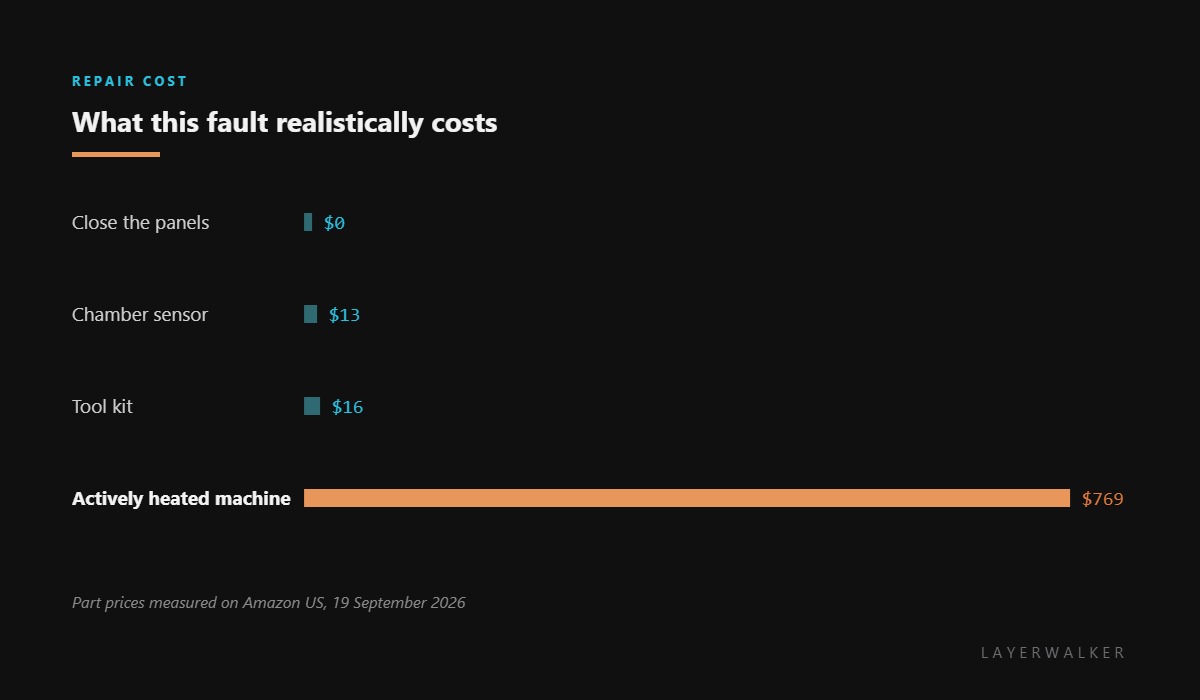
If your workspace is genuinely cold and you need engineering materials, this is a real limitation rather than a fault to repair. A machine with an actively heated chamber rather than a passive one is the honest answer, and it is worth knowing that before spending an afternoon looking for a broken part that does not exist.
The related code is chamber failed to reach the desired temperature. Our pages on enclosed printers and ABS and ASA explain what chamber heat buys you, and the troubleshooting index covers the rest.
HMS 0300-9000-0001-0002 FAQ
How cold is too cold?
Below about 18 degC ambient, chamber targets on these machines become unreliable. Below 12 degC they are out of reach.
Does one open panel really matter?
Yes. A chamber works by holding heat, and a gap turns it into an open frame with extra walls.
Can I heat the room instead?
That is the cheapest fix if the room is the problem, and it also improves first layer adhesion.
Is my heater broken?
Probably not. Rule out the panels and the room first; they explain the large majority of these.
When the chamber is properly closed and heating still fails, the hardware is the suspect instead: HMS 0300-9000-0001-0001 means no hot air is being blown at all.

LayerWalker
Print defect diagnosis, calibration procedures and parts that actually fit. Corrections welcome through the contact page.

