HMS 0300-9400-0002-0003: chamber failed to reach the desired temperature
LayerWalker is a participant in the Amazon Services LLC Associates Program. We may earn a commission when you buy through links on our site, at no extra cost to you.
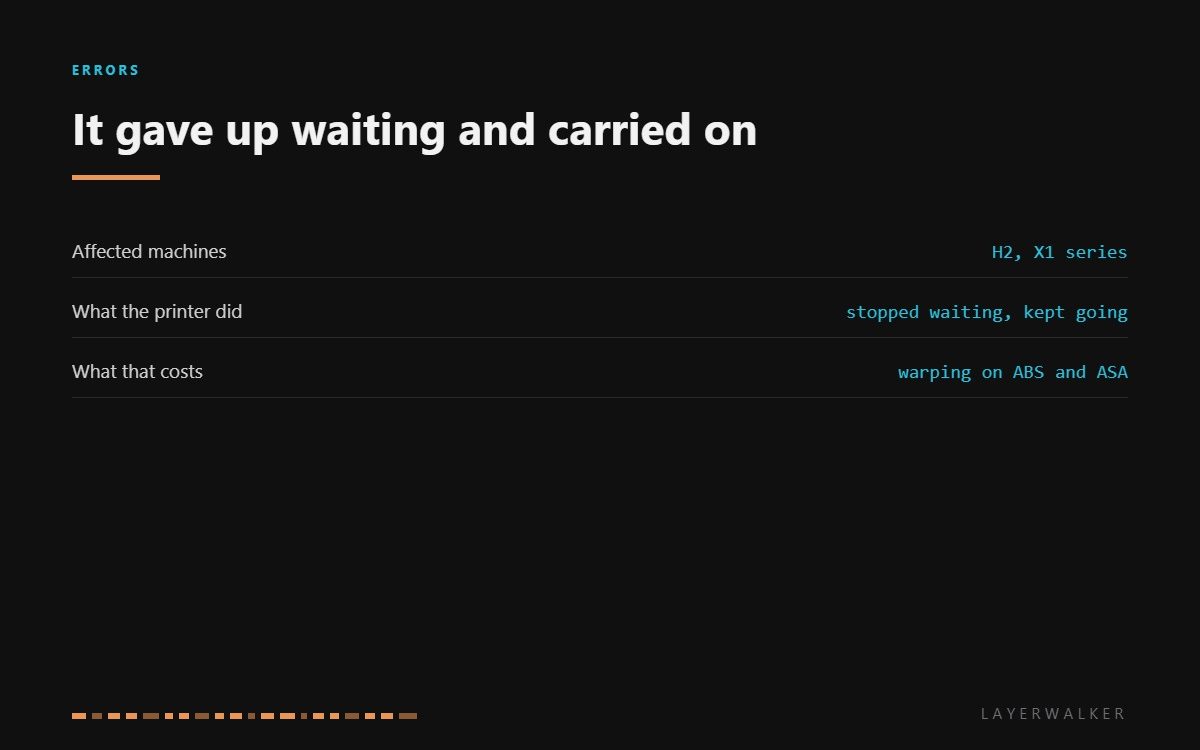
HMS 0300-9400-0002-0003 means the chamber did not reach the temperature you asked for within the time the printer allows, so it stopped waiting and started anyway. That last part is the important bit. This is not a stop: the print runs, in a chamber colder than the profile assumes, and the consequences show up as warping rather than as an error.
Affected machines: H2 and the X1 series. The machine is being pragmatic rather than broken. It would rather print in a cool chamber than sit waiting forever, and it tells you so that you can decide whether that is acceptable for the part you are making.

Where to buy


Decide before the print, not after
For PLA and PETG, ignore it. Those materials do not need chamber heat and print perfectly well without it.
For ABS, ASA and filled nylons, do not ignore it. Those materials rely on a warm chamber to stop the part contracting faster than the layer below it can hold, and the failure is a split down the side of a part six hours in. Cancel, fix the temperature problem, and restart rather than discovering it later.
The cause is usually the same trio as the heating-failed code: a panel not sealed, a room too cold, or a sensor reporting wrongly. What is different here is the timing: the chamber got somewhere, just not far enough, fast enough.
Printer reports the chamber did not reach temperature and starts the print anyway
Cold room, an unsealed panel, a slow heater, or a sensor reading low
- Decide first whether the material needs the chamber. For PLA and PETG, carry on.
- For ABS or ASA, cancel the print rather than letting it run in a cold chamber.
- Check every panel, lid and door is closed and seated properly.
- Measure the room. Below about 18 degC these chambers struggle to reach their targets in a reasonable time.
- Confirm the heater fan runs and the vents are clear, so the warm air actually reaches the chamber.
- Measure the chamber sensor cold, around 100k ohm, before deciding the heater is at fault.
Watch how far it got and how quickly. A chamber that climbs steadily and runs out of time is a heating capacity problem, which the room usually explains. A chamber that stalls at a fixed temperature and stops climbing points at an air leak or a fan that is not moving air.
The related fault is chamber heating failed, and the over-temperature case is heater over-temperature. Our pages on enclosed printers and ABS and ASA explain why the chamber matters, and the troubleshooting index covers the rest.
HMS 0300-9400-0002-0003 FAQ
Will the print still work?
In PLA or PETG, yes. In ABS or ASA, expect warping or a split part, so cancel and fix it first.
Why does the printer carry on rather than stopping?
Because for most materials the chamber is optional. It tells you and leaves the decision to you.
How long should the chamber take to heat?
Ten to twenty minutes from a normal room temperature. Much longer than that points at a leak or a cold room.
Can I preheat for longer to get around it?
Only if it was still climbing. If it stalled, extra time changes nothing.

LayerWalker
Print defect diagnosis, calibration procedures and parts that actually fit. Corrections welcome through the contact page.

