HMS 0300-1100-0002-0002: Y axis resonance differs from last calibration
LayerWalker is a participant in the Amazon Services LLC Associates Program. We may earn a commission when you buy through links on our site, at no extra cost to you.
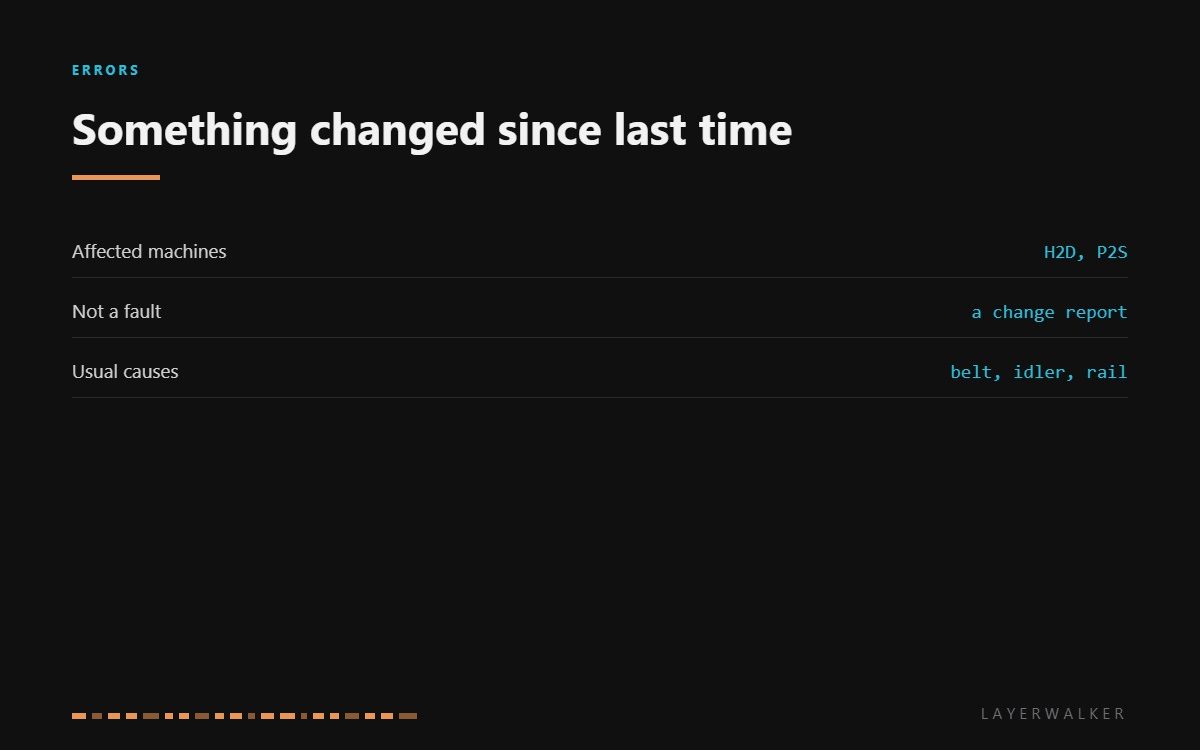
HMS 0300-1100-0002-0002 means the Y axis now rings at a different frequency from the last time the printer measured it. Read the wording carefully: this is a comparison, not a threshold. The machine is not saying the axis is wrong, it is saying the axis is no longer what it was, and recommending you recalibrate.
Affected machines: H2D and P2S. The printer measures resonance as part of input shaping, so it holds a reference from the last calibration. This code fires when the new measurement drifts far enough from that reference to make the stored shaping parameters unreliable.
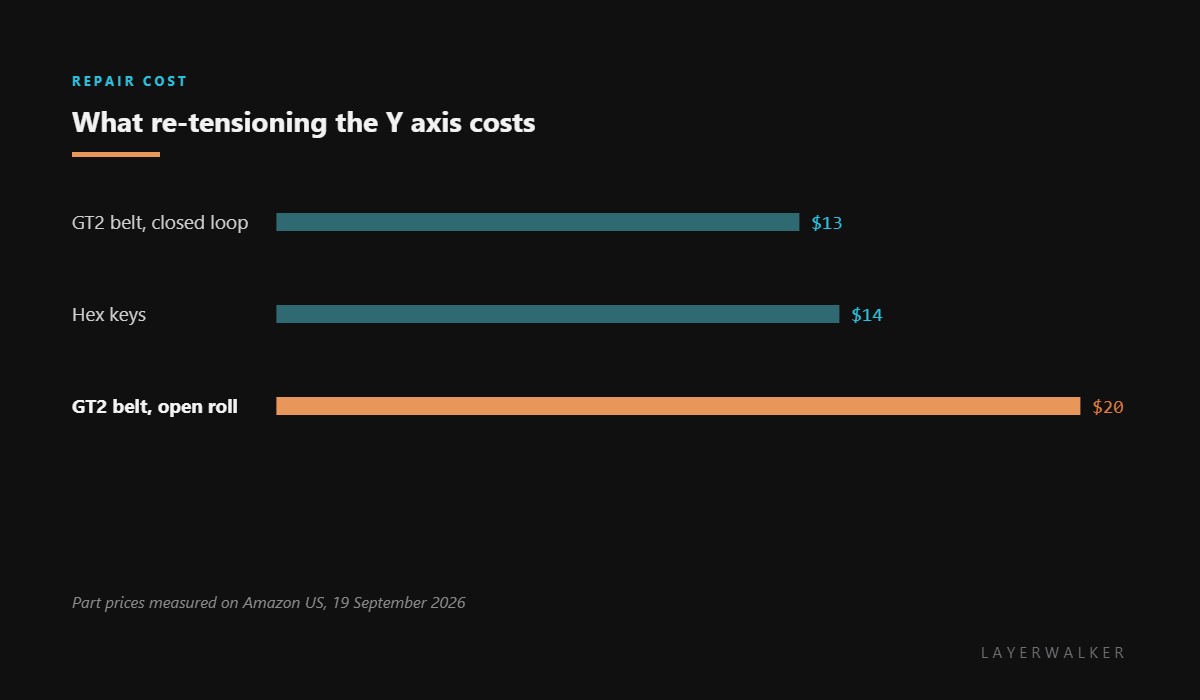
Where to buy


What actually moves the number
Tension is the obvious one. A belt that has relaxed over a few hundred hours rings lower, and that is the most common reason for the reading to drift downwards.
Mass is the second. Anything bolted to the moving assembly changes the resonance, so an added camera mount, a different toolhead or even a heavy drag chain routed differently will shift the figure without anything being wrong.
Friction is the third and the one people miss. A rail that has dried out or collected dust damps the axis, and damping changes what the accelerometer reads. Cleaning and re-lubricating the rails often brings the number back on its own.
Calibration reports the Y resonance has changed significantly since last time
Belt tension drift, added or changed mass on the axis, or friction from dry or dirty rails
- Power off and move the toolhead by hand through the full Y travel, feeling for stiff spots.
- Wipe the Y rails clean and re-lubricate them lightly if the machine’s schedule calls for it.
- Check belt tension by plucking. A healthy belt gives a clear note rather than a dull thud.
- Check that the idlers spin freely. A seized idler mimics a slack belt in the measurement.
- Adjust tension in small steps, keeping the belt square on its pulleys.
- Run the resonance calibration again so the printer stores a new reference.
If you have genuinely changed something on the axis, recalibrating is the whole fix and there is nothing to repair. That is worth saying because this code reads like a failure and often is not one.
The low-frequency version of this fault is Y axis resonance low, and the X axis equivalent is X resonance changed since last calibration. Our page on belt tension explains how to judge it by hand, and the troubleshooting index covers the rest.
HMS 0300-1100-0002-0002 FAQ
Is this a fault or a warning?
A warning. It reports a change against the stored reference rather than a value outside a safe range.
Can I just recalibrate and carry on?
If you know what changed, yes. If nothing changed, find out why the axis moved before storing the new figure.
Can dirty rails really change the reading?
Yes. Friction damps the axis, and damping is part of what the accelerometer measures.
Why did it appear after a firmware update?
Because the update re-ran the calibration. The axis had probably drifted before that.

LayerWalker
Print defect diagnosis, calibration procedures and parts that actually fit. Corrections welcome through the contact page.

