HMS 0300-1000-0002-0002: X axis resonance differs from last calibration
LayerWalker is a participant in the Amazon Services LLC Associates Program. We may earn a commission when you buy through links on our site, at no extra cost to you.
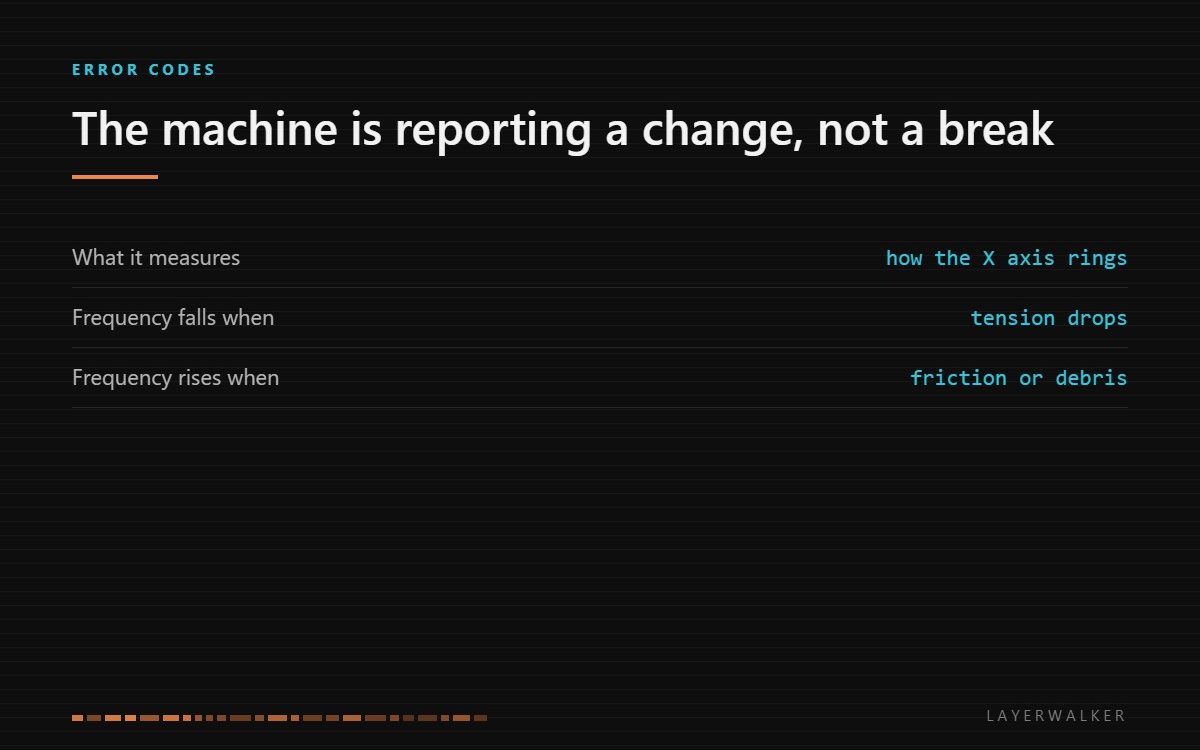
The printer measured the X axis resonance and found it well away from the value stored at the last calibration. Treat this as a report that the mechanics have changed, not as a component failure. Clean the guideway, check tension, then recalibrate.
Affected machines: H2D, P2S, X1 series. The machine measures how the X axis rings before printing so that input shaping can cancel it. That measurement doubles as a health check on the mechanics.
Where to buy


What moves the number
Resonant frequency depends on the stiffness of the system and the mass being moved. Two things change it in normal use, and they move it in opposite directions.
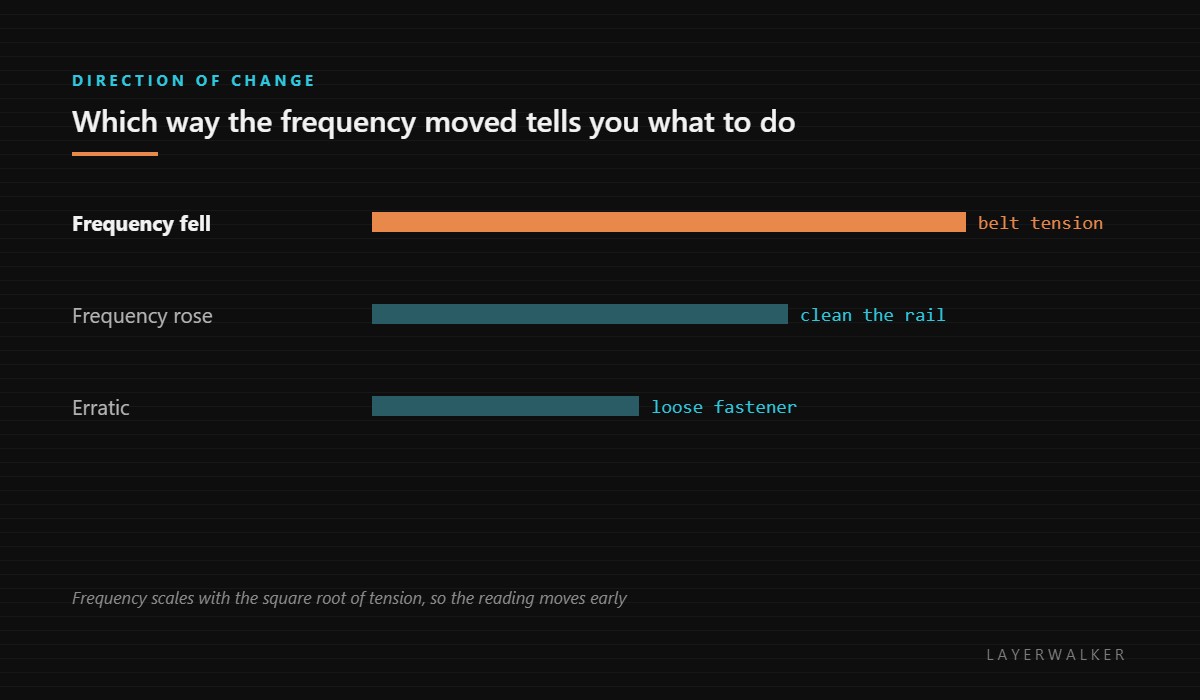
Tension falling lowers the frequency. A belt behaves like a string: slacken it and the note drops. Because frequency scales with the square root of tension, the reading shifts noticeably before the belt looks or feels loose.
Added friction raises the apparent stiffness and the measurement becomes erratic. Dust and dried lubricant on the linear guideway are the usual cause, which is exactly why the machine suggests cleaning the guideway first.
Code appears during the calibration phase at the start of a print, before any plastic is laid down
Belt tension lost, debris on the X guideway, or a fastener that has worked loose
- Finish or cancel the current print, then power off and let the machine cool.
- Wipe the X guideway with a clean dry cloth along its full travel and look for grit, filament debris or hardened grease.
- Pluck the X belt like a guitar string. A healthy belt gives a clear note; a dull thud means it has relaxed.
- Check the idler and the tensioner for a fastener that has worked loose, and check the pulley grub screws on the motor shafts.
- Run the automatic resonance calibration again and let it store a fresh baseline.
If the new calibration succeeds and the code does not return, nothing was broken: the machine simply noticed drift and asked you to deal with it. That is the intended use of this code.
Our page on belt tension covers judging tension without a meter and the failure mode of over-tightening, which is real. Input shaping and resonance explains what the calibration is doing, and the troubleshooting index covers the rest.
HMS 0300-1000-0002-0002 FAQ
Can I ignore it and keep printing?
You can finish the job. Recalibrate before the next one or ringing will show up on the part.
Should I tighten the belt hard?
No. Over-tension loads the bearings and is its own failure mode.
Why clean the rail before checking the belt?
Because debris is more common and costs nothing to rule out.
Does this mean my belt is worn out?
Rarely. Belts stretch slightly and relax; that is normal and adjustable.

LayerWalker
Print defect diagnosis, calibration procedures and parts that actually fit. Corrections welcome through the contact page.

