HMS 0300-1100-0002-0001: Y axis resonance low, belt loose
LayerWalker is a participant in the Amazon Services LLC Associates Program. We may earn a commission when you buy through links on our site, at no extra cost to you.
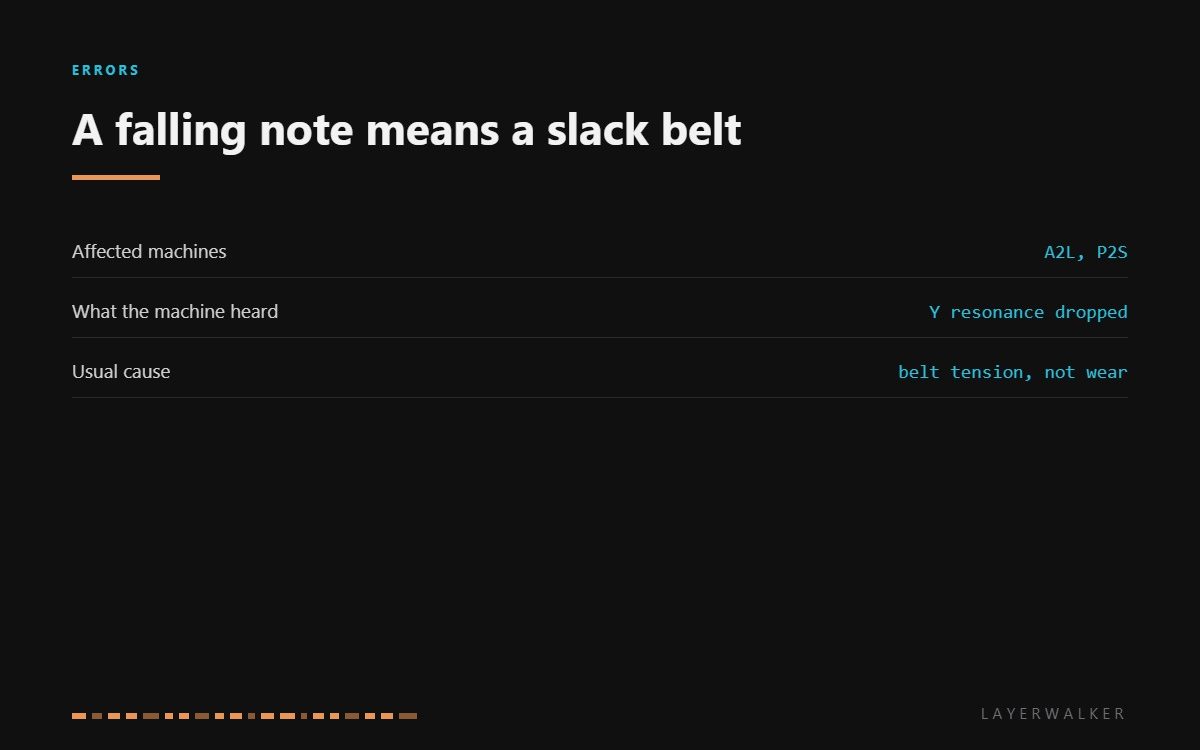
HMS 0300-1100-0002-0001 means the printer measured the natural frequency of the Y axis and found it lower than expected. Frequency falls when tension falls, so the machine is telling you the Y timing belt has gone slack. It is a measurement, not a breakage, and it is one of the few codes you can usually clear with a hex key.
Affected machines: A2L and P2S. The printer runs this measurement as part of its calibration routine, which is why the code often appears after a firmware update or a calibration you started yourself rather than in the middle of a print.
Where to buy


Why the machine can hear tension
A belt under tension behaves like a guitar string: pluck it and it rings at a frequency set by its tension, length and mass. Loosen it and the note falls. The printer does the same thing with its accelerometer, shaking the axis and reading back the frequency, then comparing that with what the axis should sound like.
This matters because tension is not a comfort setting. Too slack and the belt skips teeth under acceleration, which is how layer shifts start. Too tight and you load the motor bearings and the idlers, which wears them out early. The machine is asking for the middle, not the maximum.
Calibration reports low Y resonance, or prints show ringing and occasional layer shifts
Y timing belt has lost tension, occasionally a worn belt or a loose idler
- Power off and move the toolhead by hand to the middle of the Y travel.
- Find the Y tensioner and slacken its lock, noting the current position before you change anything.
- Pluck the belt. A correctly tensioned belt gives a clear low note, not a dull thud.
- Take up the tension in small steps, checking that the belt stays square on its pulleys and does not ride against a flange.
- Run the machine’s own resonance calibration and let it confirm the new figure.
- If the code returns at a tension that feels right, inspect the belt teeth for rounding and replace the belt.
Check the idlers while you are in there. A pulley that does not spin freely mimics a slack belt in the measurement, and no amount of tensioning will fix a seized bearing.
Our page on belt tension explains how to judge it by hand on any machine. The X axis version of this fault is resonance changed since last calibration, and the troubleshooting index covers the rest.
HMS 0300-1100-0002-0001 FAQ
How tight should the Y belt be?
Firm enough to give a clear note when plucked, loose enough that you can still deflect it slightly by hand. Tighter is not better.
Can I print while this code is showing?
You can, but expect ringing on vertical faces and a risk of layer shifts on fast moves.
Does a new belt need running in?
Yes, a little. Re-check tension after the first few hours because a new belt settles.
Why did this appear after a firmware update?
Because the update re-ran the calibration that measures it. The belt was probably slack beforehand.

LayerWalker
Print defect diagnosis, calibration procedures and parts that actually fit. Corrections welcome through the contact page.

