HMS 0300-0F00-0001-0001: abnormal accelerometer data
LayerWalker is a participant in the Amazon Services LLC Associates Program. We may earn a commission when you buy through links on our site, at no extra cost to you.
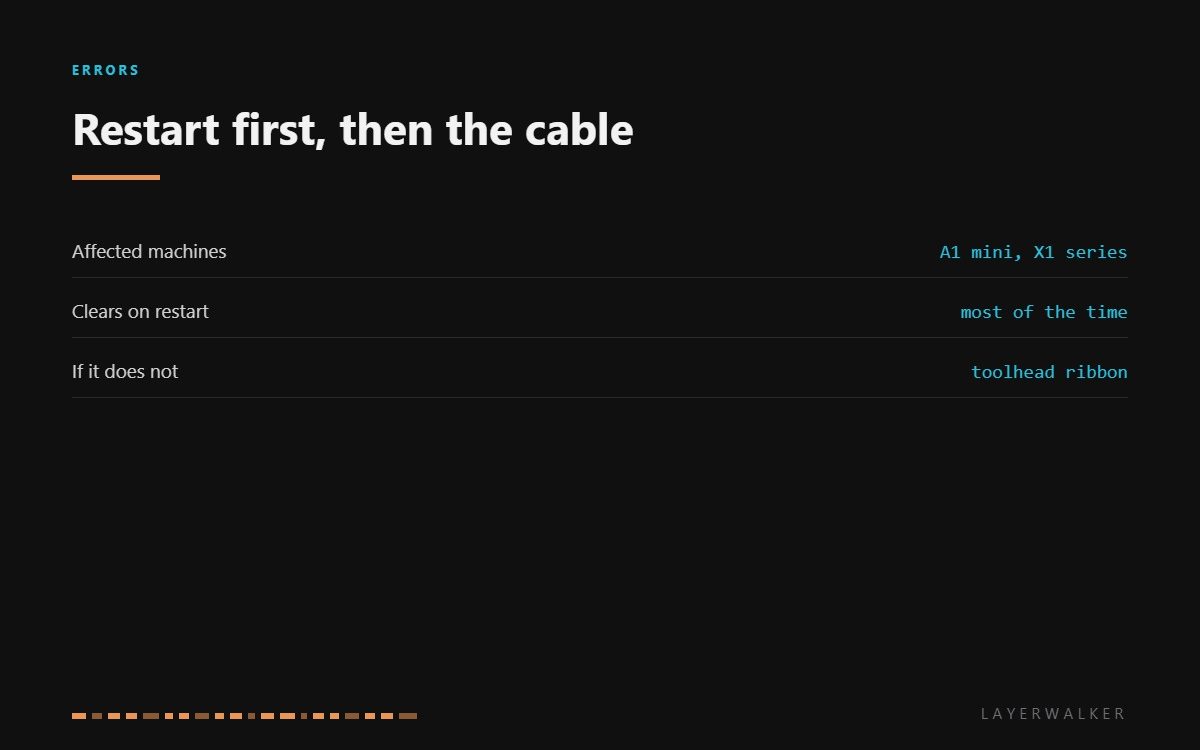
HMS 0300-0F00-0001-0001 means the printer read something implausible from its accelerometer. That sensor lives in the toolhead and is used for resonance calibration, not for printing, so the code is usually a nuisance rather than a stoppage. Bambu’s own advice is to restart first, and it is right: most instances never come back.
Affected machines: A1 mini and the X1 series. The accelerometer sits on the toolhead board and reaches the rest of the machine through the same flexible cable that carries everything else, which is the part of the chain that actually moves millions of times.
Where to buy


Why a restart genuinely fixes it
The sensor is read over a short digital bus. A single corrupted exchange is enough to produce a reading the firmware knows cannot be real, and once the bus is confused it stays confused until something resets it. A power cycle does exactly that.
What matters is whether it comes back. A one-off is noise. A code that returns on every calibration is a physical problem, and on these machines that means the toolhead cable or its connectors rather than the sensor itself. The sensor is a solid-state part with nothing to wear; the cable is a flexible loom that bends every time the head moves.
Resonance calibration fails, or the printer reports abnormal accelerometer data
Transient bus error, or a tired toolhead cable and its connectors
- Power the printer off at the wall, wait thirty seconds and power it back on.
- Run the resonance calibration again. If it passes, the fault was transient and needs nothing further.
- If it fails again, power off and open the toolhead cover.
- Unseat and reseat the toolhead ribbon connector at both ends, checking for a pin that is not sitting flat.
- Inspect the cable along the drag chain for a crease, a kink or a chafed spot where it passes a sharp edge.
- Run the calibration once more. If it still fails, record the code and raise a support ticket.
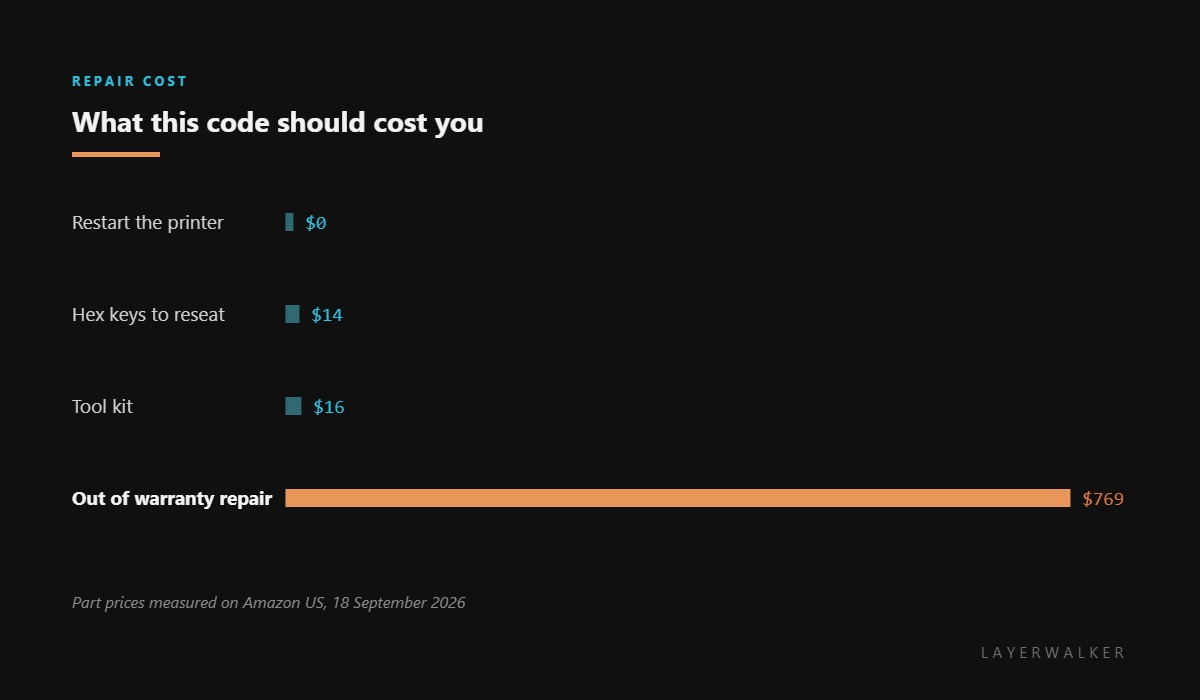
There is no accelerometer to buy for these printers. It is soldered to the toolhead board, so the repair is a board or a cable, both of which come through service rather than a parts shop. That is why the product list here is tools rather than spares.
Our page on input shaping explains what the accelerometer is for and why a failed calibration matters. The belt fault it often gets confused with is low Y resonance, and the troubleshooting index covers the rest.
HMS 0300-0F00-0001-0001 FAQ
Can I print with this code showing?
Yes. The accelerometer is used for calibration, not for printing, so existing profiles keep working.
Can I buy a replacement accelerometer?
No. It is part of the toolhead board on these machines, which makes it a service item.
Why does it only appear during calibration?
Because that is the only time the printer reads the sensor. It is not polled during a normal print.
Does a firmware update help?
Sometimes, when the cause is a bus timing issue. Try the restart first, then update, then look at the cable.

LayerWalker
Print defect diagnosis, calibration procedures and parts that actually fit. Corrections welcome through the contact page.

