HMS 0300-2E00-0003-0001: motor noise cancellation needs recalibrating
LayerWalker is a participant in the Amazon Services LLC Associates Program. We may earn a commission when you buy through links on our site, at no extra cost to you.
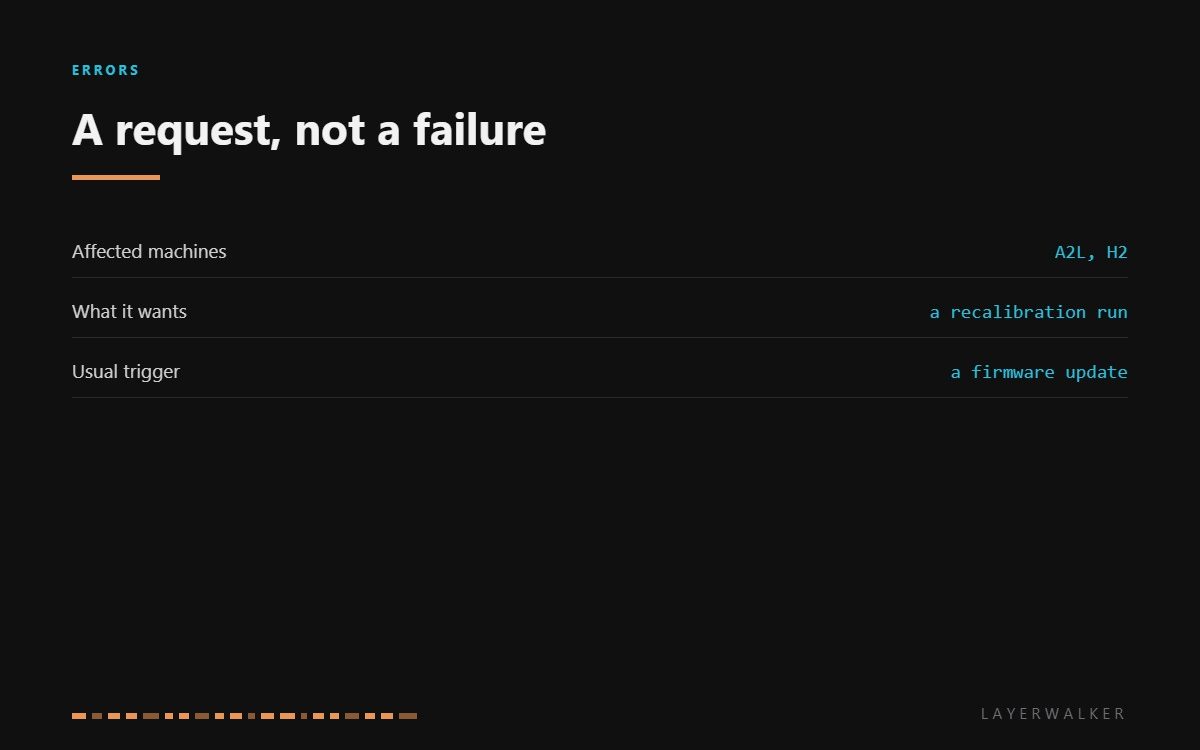
HMS 0300-2E00-0003-0001 means the motor noise cancellation feature needs updating and asks you to recalibrate. Of all the HMS codes this is the least alarming: nothing has broken, and the machine is telling you that a stored profile no longer matches the firmware or the hardware it is running on. Run the calibration and it clears.
Affected machines: A2L and H2. Noise cancellation works by shaping the current waveform sent to the stepper motors so they hum less. That shaping depends on a stored profile, and the profile is tied to both the firmware version and the mechanical state of the machine.
Where to buy


Why the profile goes stale
A firmware update is the usual reason. If the algorithm changed, the old profile is no longer valid and the machine says so rather than quietly using stale numbers.
Mechanical change is the other. Anything that alters how the motors are loaded, from belt tension to a different toolhead mass, changes what the right waveform is. That is why this code sometimes appears alongside a resonance change report: both are the machine noticing the same underlying shift.
Either way there is nothing to repair. Run the calibration, let it finish undisturbed, and the code goes. The only thing worth adding is that the machine should be on a stable surface while it runs, because the calibration measures vibration and a wobbly table becomes part of the measurement.
Printer reports that motor noise cancellation needs updating and asks for a recalibration
Firmware update invalidating the stored profile, or a mechanical change on the machine
- Make sure the printer is on a solid, level surface and not touching a wall or another machine.
- Remove anything resting on the machine, including spools sitting loose on the top.
- Run the motor noise cancellation calibration from the machine’s own menu.
- Let it complete without opening the door or touching the printer, since it is measuring vibration.
- If the calibration fails rather than completes, check belt tension and rail cleanliness before running it again.
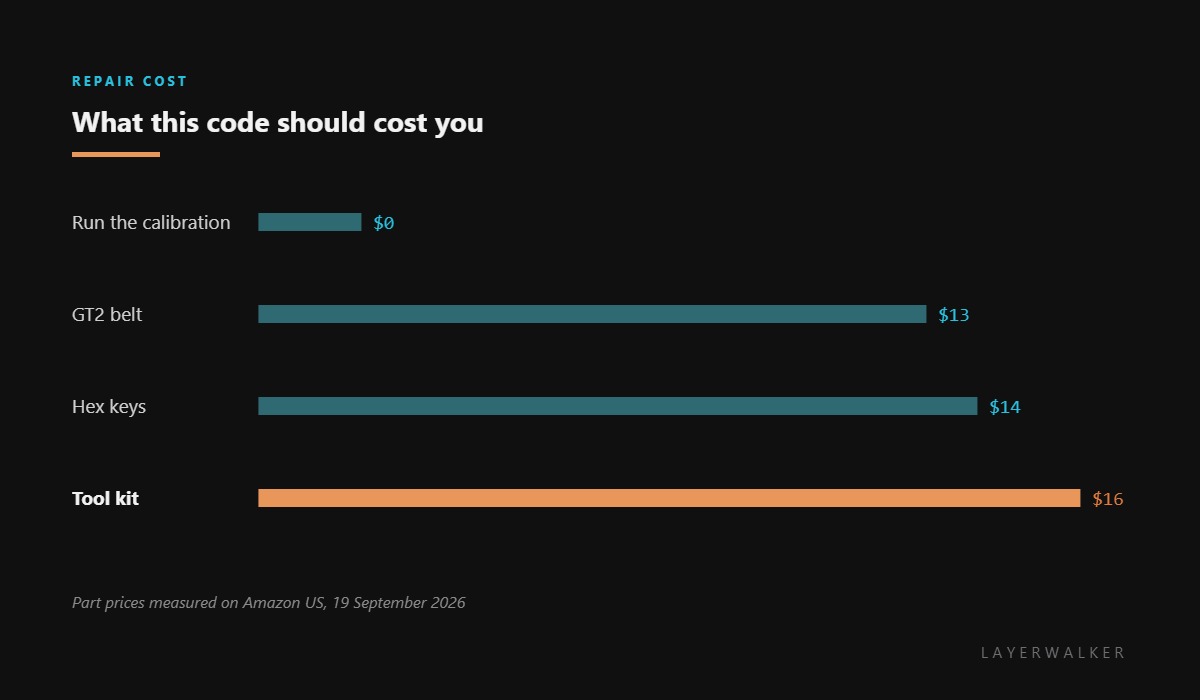
If calibration keeps failing, stop treating it as a software request and start treating it as a mechanical one. A slack belt, a dry rail or a loose idler all make a repeatable measurement impossible, and that is the point at which the tools on this page become relevant.
The related mechanical report is Y resonance changed since last calibration. Our pages on belt tension and high speed printers explain why these measurements matter, and the troubleshooting index covers the rest.
HMS 0300-2E00-0003-0001 FAQ
Is anything actually broken?
No. This is a request to recalibrate, and running the calibration is the whole fix.
Can I ignore it and keep printing?
You can. The machine will simply be noisier than it needs to be.
Why did it appear after a firmware update?
Because the update invalidated the stored profile. That is the most common trigger by far.
Calibration keeps failing. What now?
Check belt tension, rail cleanliness and that the printer sits on something solid. A wobbly table makes the measurement impossible.

LayerWalker
Print defect diagnosis, calibration procedures and parts that actually fit. Corrections welcome through the contact page.

