HMS 0300-9000-0001-0010: chamber temperature controller communication abnormal
LayerWalker is a participant in the Amazon Services LLC Associates Program. We may earn a commission when you buy through links on our site, at no extra cost to you.
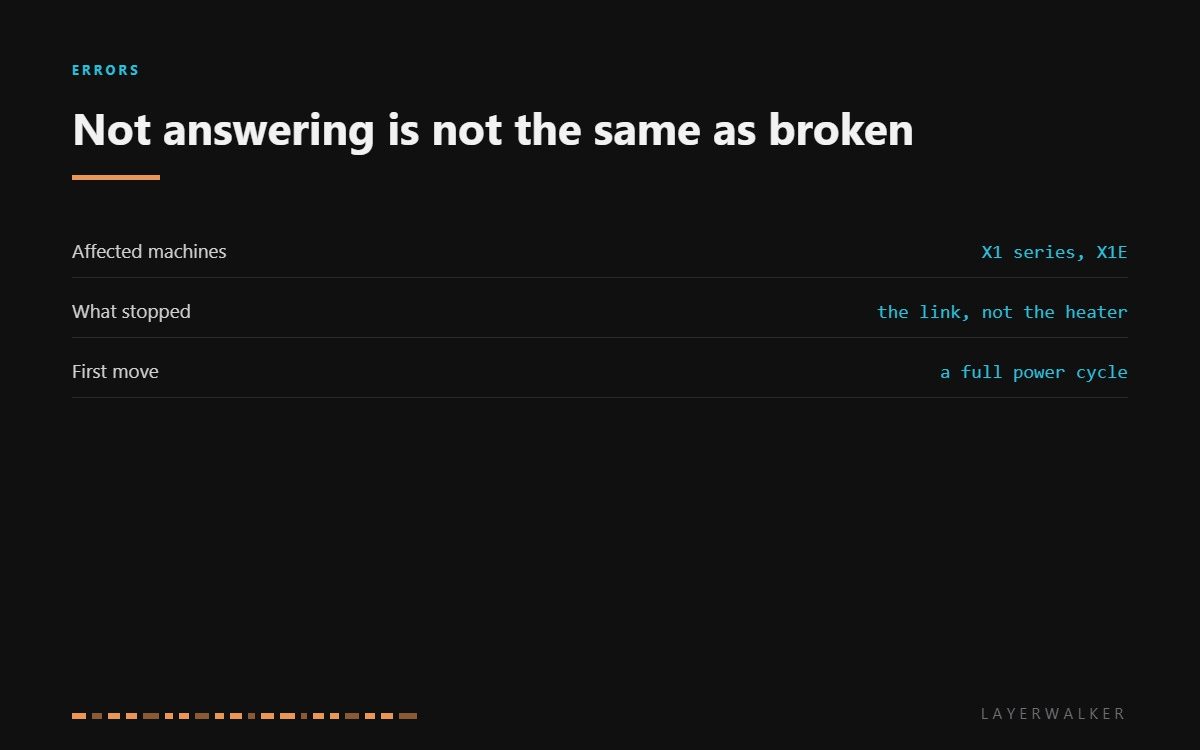
HMS 0300-9000-0001-0010 means the chamber temperature controller is not answering the machine. Read the wording carefully: this is a communication fault, not a heating fault. The heater may be perfectly healthy; what has broken is the conversation between it and the rest of the printer, and conversations can be restarted.
Affected machines: X1 series and X1E. Chamber heating on these machines runs through its own controller, which talks to the mainboard over a short bus. Any device on a bus can stop responding without being damaged, which is why a power cycle is the correct first move rather than a lazy one.
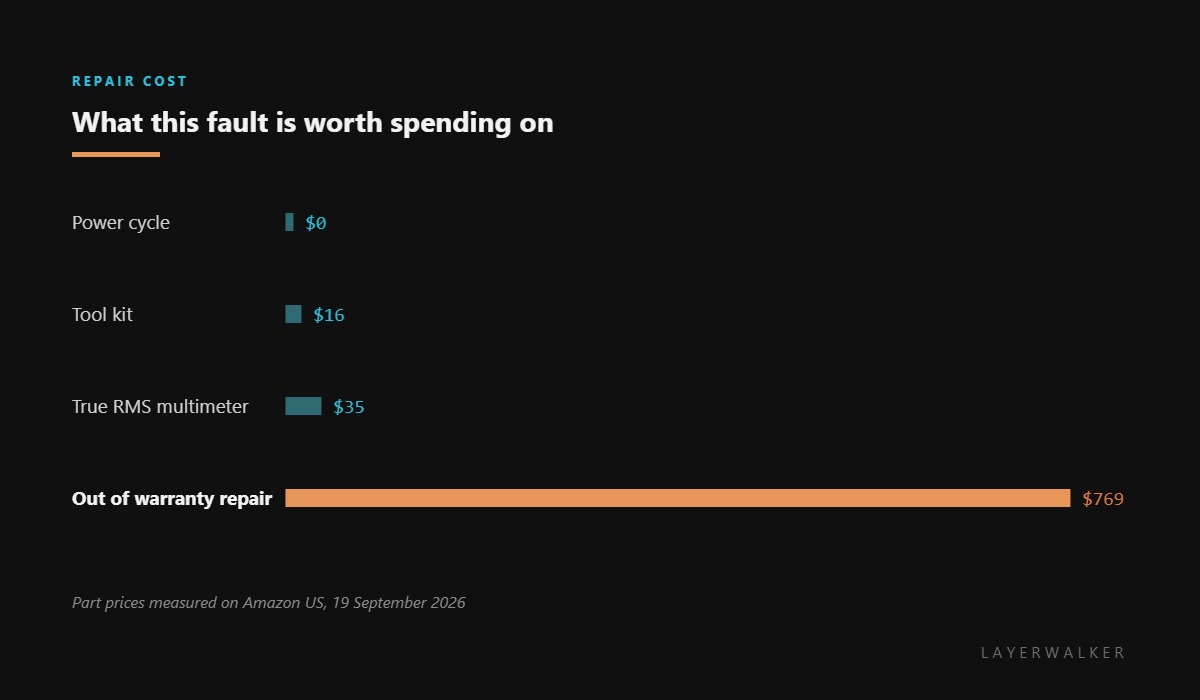
Where to buy


Restart properly, then look at the cable
A proper restart means power off at the wall, wait thirty seconds so the rails discharge, then power up. A tap on the front button may not reset a peripheral controller, and that is exactly the case where people conclude a restart did not help when it was never tried.
If it comes back and stays, treat it as a one-off. If it comes back and drops out again, or never returns, the next suspect is the cable between the controller and the mainboard. Look for a connector that has worked loose and a run that passes something hot or something that moves.
Heat is worth a thought here too. A controller in a chamber that runs at 60 degC for hours is working near its limits, and intermittent communication faults on a hot machine sometimes trace back to cooling rather than to the bus itself.
Chamber heating unavailable and the printer reports a controller communication fault
Bus timeout, a loose or damaged cable, or a failed controller
- Power off at the wall, wait thirty seconds, and power back on. Do not rely on the front button for this.
- Check whether chamber heating works after the restart, and note whether the fault returns.
- If it returns, power off and reseat the cable between the chamber controller and the mainboard at both ends.
- Inspect that cable where it passes anything hot or anything that moves.
- Check for a firmware update, since bus timing problems are among the more commonly patched faults.
- If the fault survives a restart, a reseated cable and an update, record the code and raise a support ticket.
Print PLA and PETG in the meantime. Neither uses chamber heating, so the machine is fully usable for most work while you wait on a ticket.
The heater-side fault is chamber heater over-temperature, and another communication fault worth comparing is the screen malfunction code. Our page on enclosed printers explains what the chamber does, and the troubleshooting index covers the rest.
HMS 0300-9000-0001-0010 FAQ
Can I print while this is showing?
PLA and PETG, yes. ABS, ASA and filled nylons need the chamber, so those should wait.
Is the heater broken?
Not necessarily, and usually not. This code is about the link to the controller, not the element.
Why does a power cycle fix a communication fault?
Because it resets every device on the bus at once, which is what clears a hung peripheral.
Does a firmware update help?
Sometimes. Bus timing issues are patched fairly often, so it is worth doing after the restart.

LayerWalker
Print defect diagnosis, calibration procedures and parts that actually fit. Corrections welcome through the contact page.

