HMS 0500-0300-0001-000B: the screen is malfunctioning
LayerWalker is a participant in the Amazon Services LLC Associates Program. We may earn a commission when you buy through links on our site, at no extra cost to you.
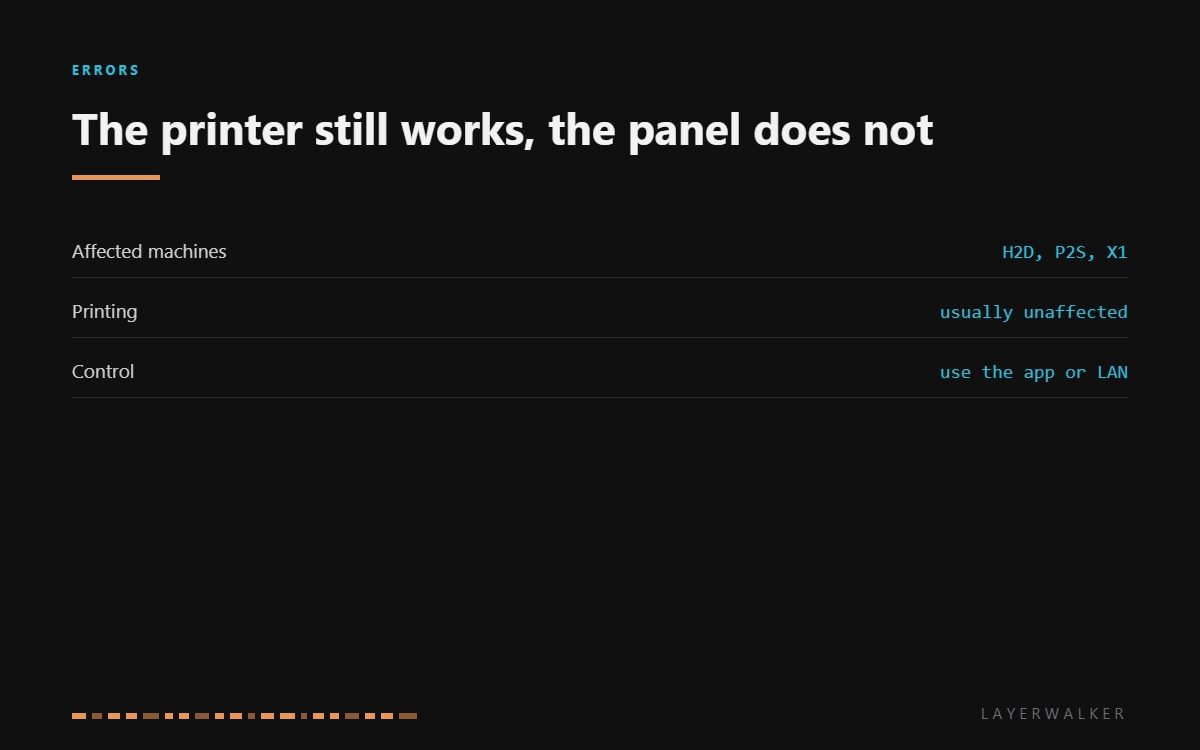
HMS 0500-0300-0001-000B means the screen has stopped responding and the printer wants a restart. In most cases that is the whole story: the panel is a small computer on a bus, and a bus can hang. What matters for you is that the machine itself is usually fine, and you can keep working through the app while you sort the panel out.
Difficulty easy
Time 10-30 min
Parts usually nothing
Tools Hex keys
Affected machines: H2D, P2S and the X1 series. The display talks to the mainboard over a short cable, and the same failure modes apply as to every other cable in the machine: a connector that is not fully home, or a conductor that has fatigued.
Where to buy


Restart properly before anything else
A restart here means power off at the wall, not a tap on the power button. The panel keeps its own state, and a soft power cycle may not clear it. Wait thirty seconds so that the rails discharge, then power up and watch whether the panel comes back at the boot screen.
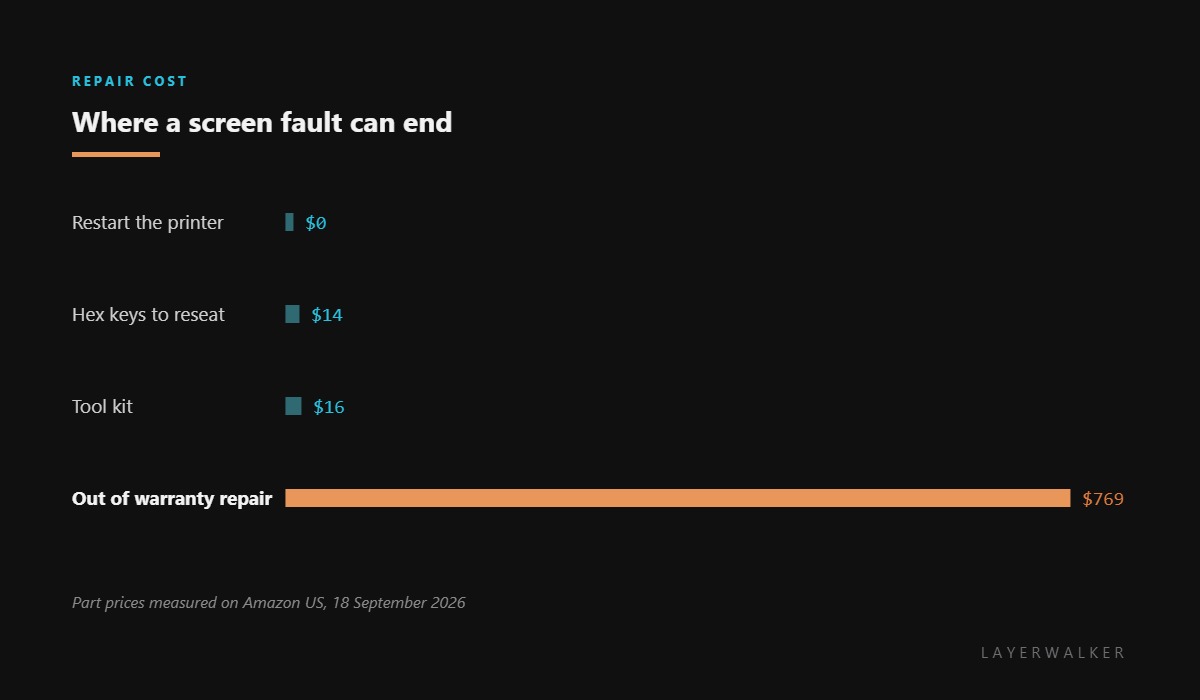
If it returns and stays, treat it as a one-off. If it returns and dies again, or never returns, the next step is the cable rather than the panel, because a panel that has genuinely failed is a service part and a cable that is loose is five minutes with a hex key.
Screen is blank, frozen, or unresponsive to touch while the printer otherwise works
Hung display controller, a loose display cable, occasionally a failed panel
- Power off at the wall, wait thirty seconds, and power back on.
- If the panel does not return, check whether the printer still appears in the app. If it does, the machine is healthy and the fault is confined to the display.
- Power off again and remove the panel cover for your model.
- Unseat and reseat the display connector at both ends, checking for a pin that sits low or a ribbon that is not square.
- Inspect the cable where it bends behind the panel for a crease.
- Power up once more. If the panel is still dead with the cable reseated, record the code and raise a support ticket.
Keep using the machine in the meantime if you need to. Bambu printers are controllable from the app and over the local network, so a dead panel is an inconvenience rather than a stoppage, and there is no reason to leave a printer idle while a ticket is open.
The related media fault is the media pipeline malfunction, and the camera version is Live View camera not connected. The troubleshooting index covers the rest.
HMS 0500-0300-0001-000B FAQ
Can I print with a dead screen?
Yes. Start and monitor jobs from the app or over the network as normal.
Is the screen a part I can buy?
Not through normal retail on these machines. It is a service part, which is why the tools here are the practical purchase.
Does a firmware update help?
Sometimes, when a known display bug is involved. Push it from the app while the panel is dark.
Why does it come back and then freeze again?
That pattern points at the cable or the connector rather than the panel. Reseat both ends before assuming the worst.
Module faults name a module, not a part. HMS 0500-0300-0001-0003 means the AMS module is malfunctioning, which is a different class of problem from a jammed or unreadable slot.

LayerWalker
Print defect diagnosis, calibration procedures and parts that actually fit. Corrections welcome through the contact page.

