HMS 0500-0100-0002-0001: the media pipeline is malfunctioning
LayerWalker is a participant in the Amazon Services LLC Associates Program. We may earn a commission when you buy through links on our site, at no extra cost to you.
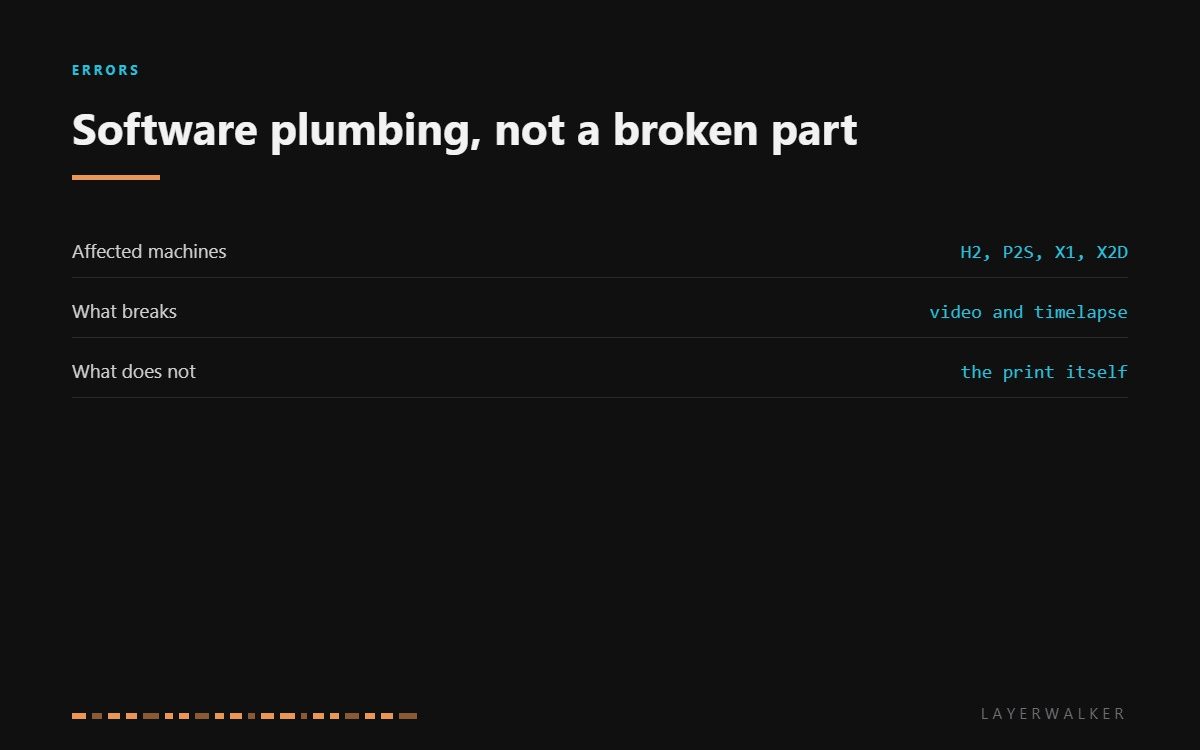
HMS 0500-0100-0002-0001 means the media pipeline has stopped working. That is the software chain that takes frames from the camera and turns them into Live View, timelapse and spaghetti detection. It is plumbing rather than a part, which is why Bambu’s advice is a restart, and why repeated failures mean something else is wrong underneath.
Affected machines: H2 series, P2S, X1 series and X2D. This code touches four of the current models because they share the same camera stack. The print is not affected: the machine keeps extruding, moving and heating exactly as before.
Where to buy


What a restart actually clears
The pipeline is a chain of processes: capture, encode, stream, store. If any link stalls, the chain backs up and the printer reports the pipeline rather than the link. A power cycle restarts all of them in the right order, which is why it works so often and why a soft reboot from the app sometimes is not enough.
The important question is what happens next. Once is noise. Every print is a pattern, and patterns have causes: a camera cable that is intermittent, storage that is failing, or a firmware version with a known bug in the media stack. In that order.
Live View, timelapse or spaghetti detection stop working and the printer reports a media pipeline fault
Stalled media process, an intermittent camera connection, or a firmware bug
- Power off at the wall, wait thirty seconds, and power back on. Do not use a soft reboot for the first attempt.
- Open Live View and confirm the stream returns. If it does, carry on and note whether it recurs.
- If it recurs, check for a firmware update. Media stack bugs are among the most commonly patched.
- If it still recurs, power off and reseat the camera ribbon at both ends, since an intermittent camera can stall the chain that reads it.
- If the fault survives a restart, an update and a reseated cable, record the code and raise a support ticket.
Do not let this one stop you printing. Everything that makes parts is unaffected, and the only real caution is that spaghetti detection is down, so treat long unattended prints with the same care you would on a machine with no camera at all.
The hardware version of this problem is Live View camera not connected. Our page on printer cameras explains what each camera contributes, and the troubleshooting index covers the rest.
HMS 0500-0100-0002-0001 FAQ
Will this stop my print?
No. Only the camera features stop; extrusion, motion and heating are untouched.
Is a soft reboot enough?
Often not. Power off at the wall for the first attempt, because that restarts every process in the chain.
Why does it come back every print?
That points at hardware or firmware rather than a stall. Update first, then reseat the camera cable.
Does spaghetti detection still work?
No, and that is the one thing worth caring about here. Watch long unattended prints until it is back.

LayerWalker
Print defect diagnosis, calibration procedures and parts that actually fit. Corrections welcome through the contact page.

