HMS 0500-0600-0002-0001: toolhead camera not in place
LayerWalker is a participant in the Amazon Services LLC Associates Program. We may earn a commission when you buy through links on our site, at no extra cost to you.
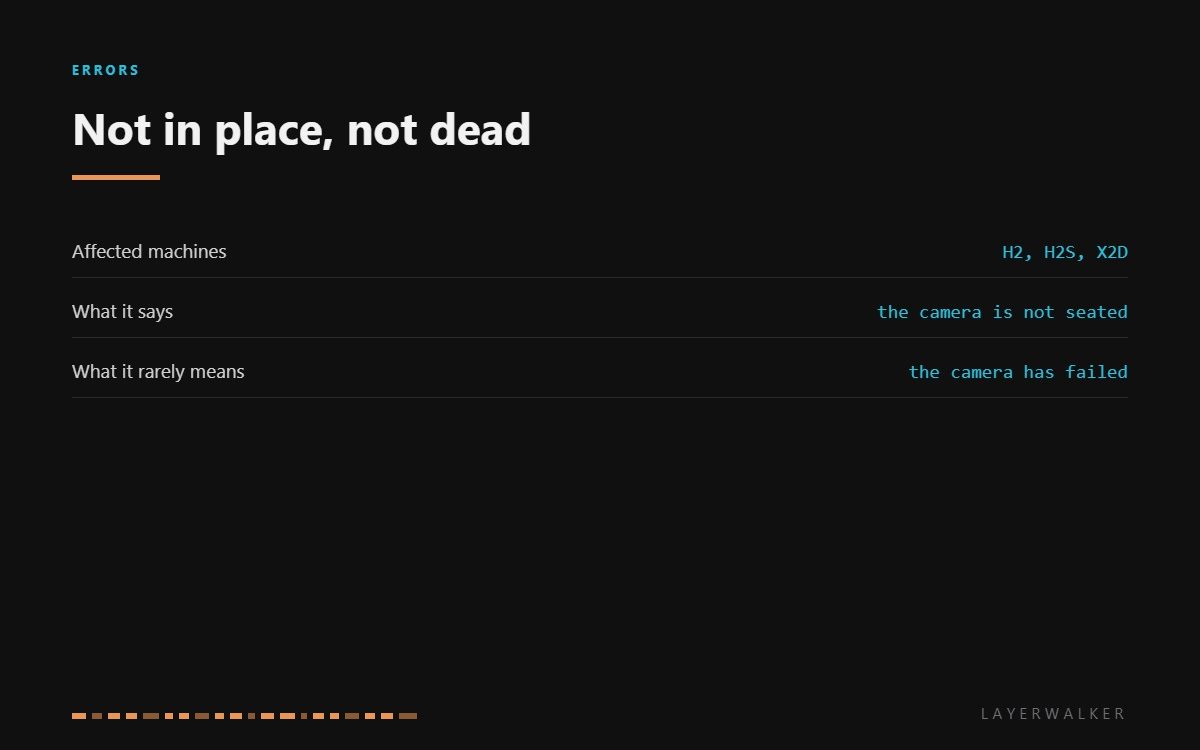
HMS 0500-0600-0002-0001 means the toolhead camera is not in place. That wording is precise and worth reading carefully: the printer is not saying the camera is broken, it is saying the camera is not where it expects it to be. On the newer machines that camera looks at the nozzle and the first layer, and it has to sit within a small tolerance to do that.
Affected machines: H2, H2S and X2D. The toolhead camera is the one that inspects the first layer and checks the nozzle, which is why its position matters more than the chamber camera’s. A few degrees out and the image it returns is not the image the firmware is expecting.
Where to buy


Seating, not failure
The camera module clips into the toolhead assembly behind the front cover. Two things dislodge it. Maintenance, because getting at the nozzle means getting past the camera. And a crash, where the head meets a lifted part hard enough to shift anything that is only clipped in.
So the order of investigation is fixed: cover, seating, ribbon, then module. In practice most of these end at the second step, with a module that has moved a couple of millimetres and now sees the wrong thing.
Printer reports the toolhead camera is not in place, often after maintenance or a crash
Camera module dislodged, front cover not seated, or a loose ribbon
- Power off and let the hotend cool fully before working near the toolhead.
- Remove the toolhead front cover. Note how it sits, because refitting it wrongly causes the same code.
- Check that the camera module is fully home in its seat and square to the nozzle.
- Reseat the camera ribbon at both ends, looking for dirt or a crease on the contacts.
- Refit the front cover and press until both clips seat flush.
- Power up and run the machine’s own first-layer inspection to confirm the camera is back.
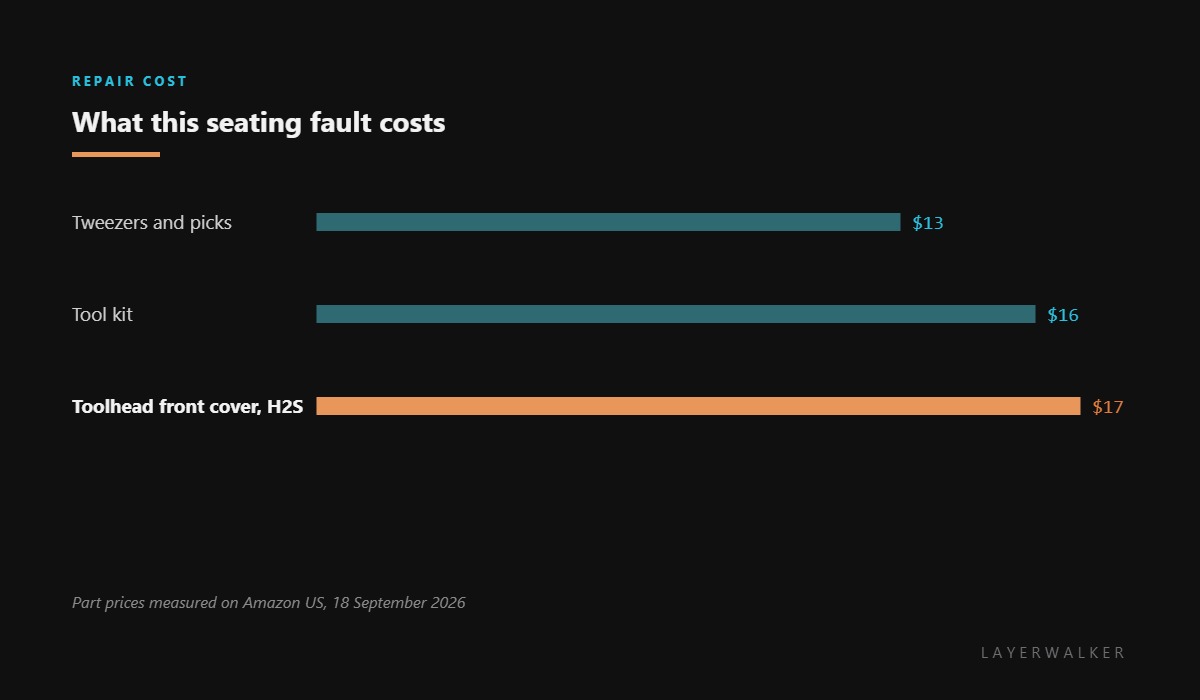
If the front cover on your H2S is cracked or its clips are white with stress, replace it. A cover that no longer holds position will keep pushing the camera out of place, and you will chase this code repeatedly.
The chamber camera has its own fault, Live View camera not connected. Our page on printer cameras explains which camera does which job, and the troubleshooting index covers the rest.
HMS 0500-0600-0002-0001 FAQ
Is the toolhead camera the same as Live View?
No. Live View watches the chamber; this one looks at the nozzle and the first layer.
Can I print without it?
Yes, but you lose first-layer inspection, so watch the first few minutes yourself.
Why did this start after I changed the nozzle?
Because getting to the nozzle means moving the cover and often the camera. Reseat both deliberately.
Do I need to calibrate the camera after reseating it?
Run the machine’s first-layer inspection once. It confirms the view without a separate calibration.

LayerWalker
Print defect diagnosis, calibration procedures and parts that actually fit. Corrections welcome through the contact page.

