HMS 0300-3500-0001-0001: MC module cooling fan slow or stopped
LayerWalker is a participant in the Amazon Services LLC Associates Program. We may earn a commission when you buy through links on our site, at no extra cost to you.
HMS 0300-3500-0001-0001 means the cooling fan on the MC module has slowed or stopped. The MC module is the motion control board, and it is one of the parts you least want running hot. Bambu names the usual causes precisely: the fan may be stuck, or the connector may not be plugged in properly.
Affected machines: H2D and X2D. These are the machines with heated chambers, which is exactly why this fan exists: the electronics live in a warmer environment than on an open printer, and the board needs help staying inside its temperature range.

Where to buy
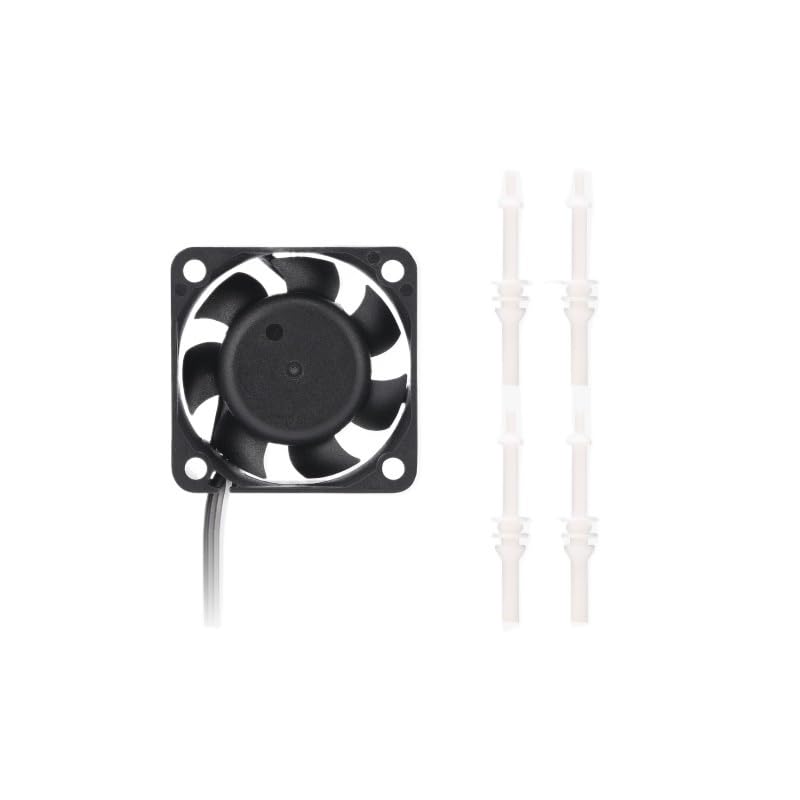
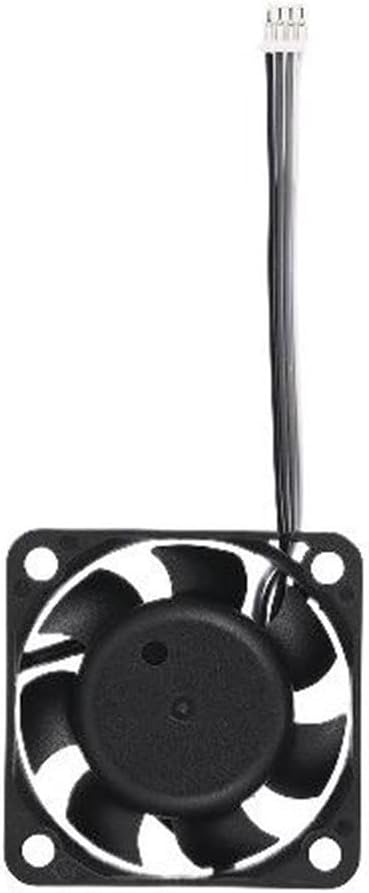

Why this is the fan to fix first
Most fan faults on a printer cost you print quality. This one costs you a board. A motion control board that runs hot does not fail politely: it produces intermittent faults that look like motor problems, sensor problems and communication problems, and chasing those wastes far more time than the fan is worth.
There is a second reason to act quickly on a heated-chamber machine. Chamber heat and board heat add up, so a marginal fan that copes fine on a PLA print will not cope on a six-hour ABS print with the chamber at 65 degC. The failure arrives when the machine is working hardest.
Printer reports the MC module cooling fan is slow or stopped, sometimes with unrelated intermittent faults
Dust in the fan, a loose connector, or a failed fan
- Power off at the wall and let the chamber and electronics bay cool completely.
- Locate the MC module cooling fan and inspect the blades and grille with a torch.
- Spin the fan by hand. It should turn freely and coast rather than stopping dead.
- Clean dust from the blades and the intake with a soft brush and compressed air, holding the blades still.
- Unplug and reseat the fan connector at the board, checking that no pin sits low in its housing.
- Power up and confirm the fan runs. If it still reports slow with clean, free blades, fit the correct replacement for your model.
While the bay is open, look at the dust level around the board itself. A fan that has been marginal for a while leaves a visible film, and a clean bay is worth the extra five minutes because it is what the fan has to pull air through.
The other large fan on these machines is covered in the auxiliary fan fault. If a hot board has produced other symptoms, the screen malfunction code is one of the ways that shows up, and the troubleshooting index covers the rest.
HMS 0300-3500-0001-0001 FAQ
Can I print while this fan is faulty?
Not on a heated chamber job. If you must print, keep it short, keep the chamber cold, and watch the machine.
Is the MC module the mainboard?
It is the motion control board. On these machines it is the part that drives the motors and reads the motion sensors.
Could a hot board explain my other errors?
Yes. Intermittent sensor and communication faults on a machine with a failing board fan are often the same problem wearing different hats.
Does the H2D use the same fan as the X2D?
No. They are separate parts at different prices, so order by model.

LayerWalker
Print defect diagnosis, calibration procedures and parts that actually fit. Corrections welcome through the contact page.

