HMS 0300-3200-0001-0001: right-side auxiliary fan slow or stopped
LayerWalker is a participant in the Amazon Services LLC Associates Program. We may earn a commission when you buy through links on our site, at no extra cost to you.
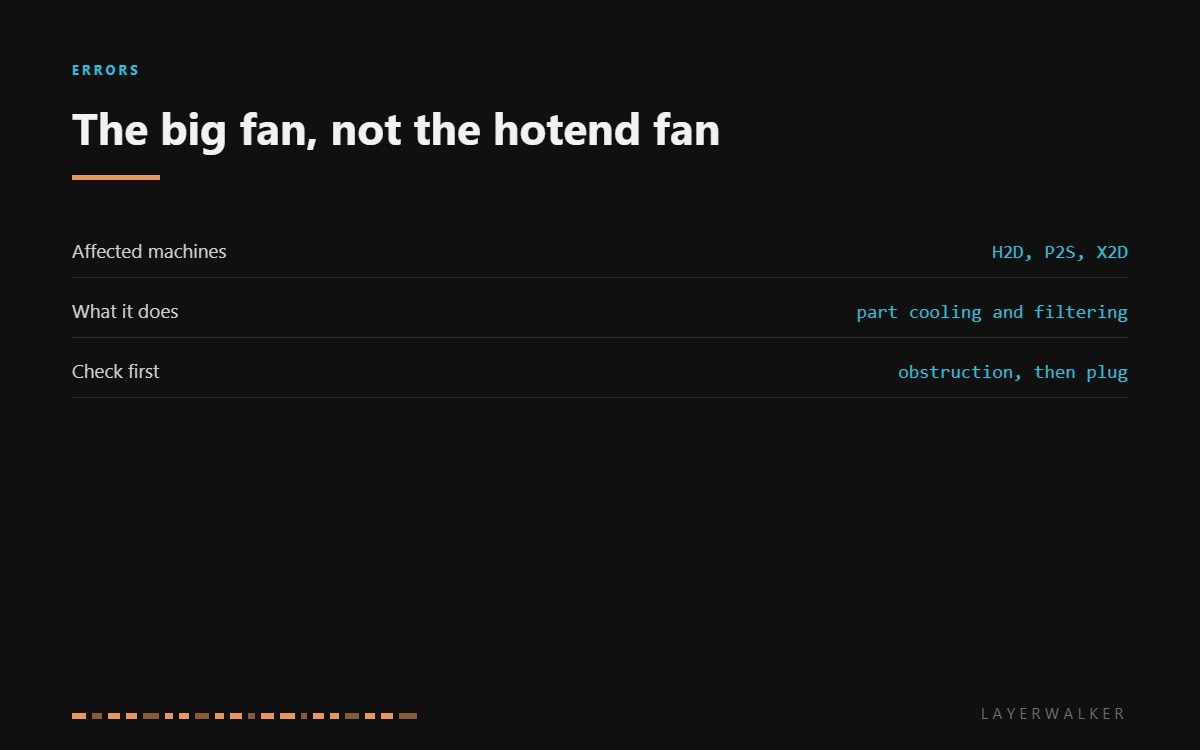
HMS 0300-3200-0001-0001 means the right-side auxiliary fan is turning more slowly than commanded, or has stopped. This is the large fan that handles auxiliary component cooling and filtration, not the small one on the hotend. Bambu’s own wording names the two likely causes: an obstruction, or a connector that is not properly seated.
Affected machines: H2D, P2S and X2D. On the enclosed machines this fan does two jobs at once, moving air across components and pulling it through the filter, which is why it collects more dust than any other fan in the printer.
Where to buy


Why it slows before it stops
The printer measures fan speed from a tachometer signal, so it knows the difference between commanded and actual. A fan that reports slow rather than dead has almost always picked up mechanical drag: dust packed into the hub, a filament wisp wrapped around the shaft, or a filter so loaded that the blades are working against a wall of air.
That is good news, because all three are free to fix. A fan that reports zero is the one to worry about, and even then the connector is worth checking before the fan is condemned, because a partially seated plug on a moving assembly is a common failure on exactly this part.
Printer reports the right-side auxiliary fan is slow or stopped, often alongside a warmer chamber
Obstruction or dust in the fan, a loose connector, occasionally a failed fan
- Power off at the wall and let the printer cool before opening any panel.
- Find the right-side fan and look through the blades with a torch for filament wisps or packed dust.
- Spin the fan by hand. It should turn freely and coast; a fan that stops dead has bearing drag.
- Remove and clean or replace the filter if the machine has one on that path. A blocked filter loads the fan.
- Unplug and reseat the fan connector, checking the pins in both halves.
- Power up and watch the fan start. If it still reports slow with a clean, free-spinning blade, fit the replacement.
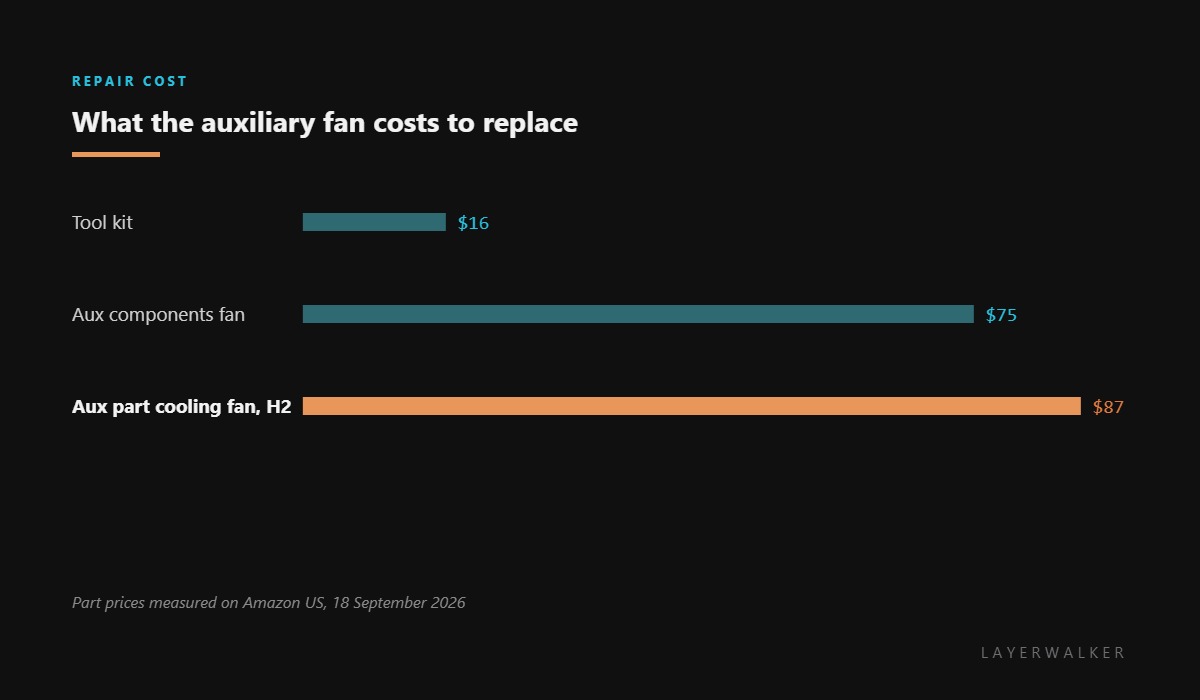
Match the replacement carefully. The auxiliary fans on the H2 series and on the P2S are different parts at different prices, and neither is the small hotend fan that most search results will offer you.
The part cooling fan version of this fault is part cooling fan too slow or stopped. Our page on cooling fans explains which fan does which job, and the troubleshooting index covers the rest.
HMS 0300-3200-0001-0001 FAQ
Is this the fan on the hotend?
No. This is the large auxiliary fan on the right side. The hotend fan is a different, much cheaper part.
Can I print with this code?
Short PLA prints, probably. Anything that relies on chamber management or filtration should wait.
Will cleaning the filter clear it?
Often, yes. A loaded filter makes the fan work harder and can drop it below its commanded speed.
Why is this fan so expensive?
It is a high-airflow assembly with its own housing and tachometer, not a bare 5015 blower.

LayerWalker
Print defect diagnosis, calibration procedures and parts that actually fit. Corrections welcome through the contact page.

