HMS 0300-A200-0001-0001: MC module temperature too high
LayerWalker is a participant in the Amazon Services LLC Associates Program. We may earn a commission when you buy through links on our site, at no extra cost to you.

HMS 0300-A200-0001-0001 means the MC module is running hotter than it should, and Bambu names the likely reason: a high chamber temperature. This is the code that separates heated-chamber printers from open ones. The electronics live in a box that you are deliberately heating, and the cooling that copes with PLA does not automatically cope with six hours of ABS.
Affected machines: H2 and P2S. The MC module is the motion control board. It is the part that drives the motors and reads the motion sensors, and a board that runs hot produces intermittent faults that look like motor problems and sensor problems rather than like heat.

Where to buy
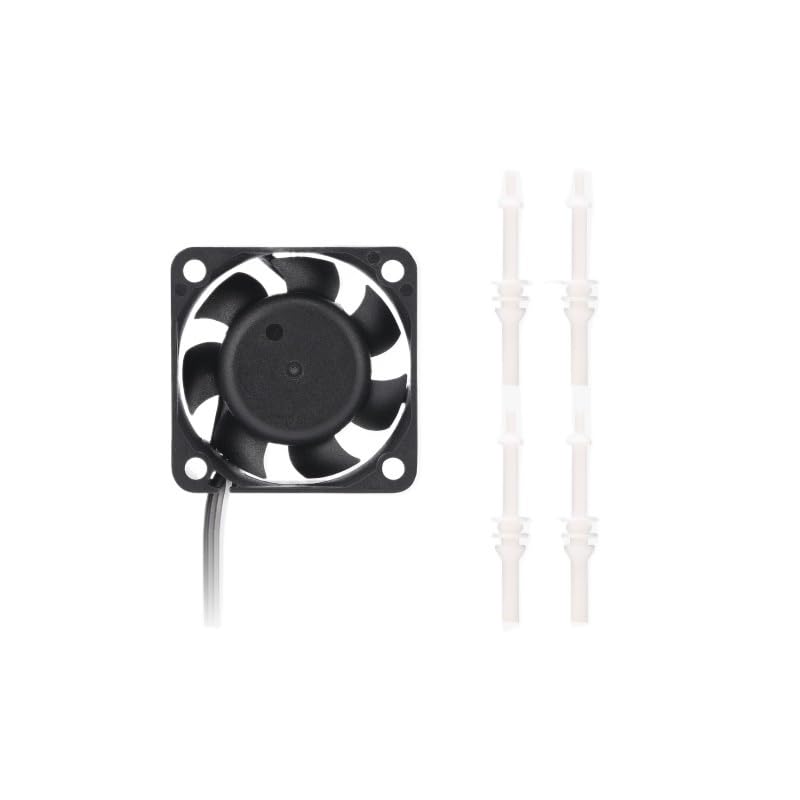
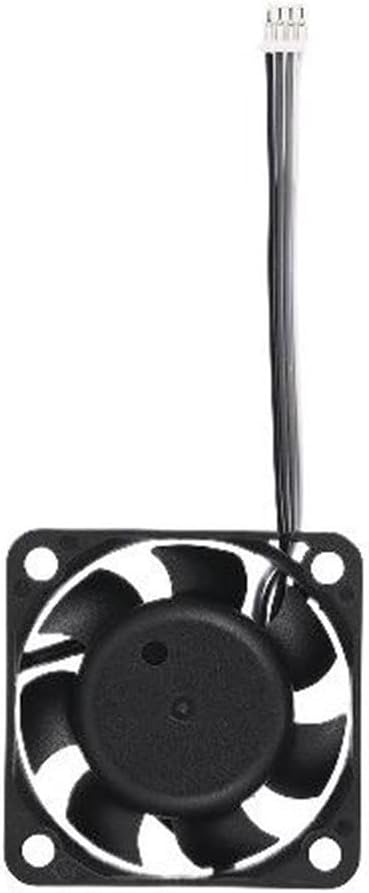

Work outwards from the board
The MC board has its own cooling fan, and that fan is the first thing to check. Dust packed into the hub, a filament wisp round the shaft or a connector that has worked loose all reduce its output without stopping it, and reduced output on a hot day is exactly when this code appears.
Then the bay. A fan can only pull air through what is in front of it, so a dusty electronics compartment makes a healthy fan ineffective. Five minutes with a soft brush is worth more here than any part.
Then the chamber itself. If you are running the chamber at its maximum for long jobs in a warm room, the machine may be operating at the edge of what it was designed for. Dropping the chamber target a few degrees, or printing when the room is cooler, is a legitimate fix rather than an admission of defeat.
Printer reports the MC module temperature is too high, usually on long hot-chamber prints
A slowing MC board fan, a dusty electronics bay, or a chamber running at its limit in a warm room
- Power off at the wall and let the chamber and the electronics bay cool completely.
- Find the MC board cooling fan and check it spins freely and coasts rather than stopping dead.
- Clean dust from the fan and from the electronics bay with a soft brush, holding the blades still.
- Reseat the fan connector at the board.
- Check the room temperature. A warm room plus a hot chamber is the combination that produces this.
- If it recurs with a clean, working fan, lower the chamber target a few degrees for long prints and see whether it stops.
Do not dismiss this as a nuisance warning. A motion control board that repeatedly runs hot does not fail politely; it produces intermittent errors elsewhere that will cost you far more time than the fan does.
The fan-specific fault is MC module cooling fan slow or stopped. Our pages on cooling fans and enclosed printers explain the trade-off, and the troubleshooting index covers the rest.
HMS 0300-A200-0001-0001 FAQ
Can I finish the print that is running?
Watch it. If the code repeats, stop rather than letting the board keep cooking.
Is the MC module the mainboard?
It is the motion control board, the part that drives the motors and reads the motion sensors.
Should I lower the chamber temperature?
For long prints in a warm room, yes. A few degrees down is a legitimate fix, not a workaround.
Could a hot board explain other errors?
Very often. Intermittent motor and sensor faults on a machine with marginal board cooling are usually the same problem.

LayerWalker
Print defect diagnosis, calibration procedures and parts that actually fit. Corrections welcome through the contact page.

