HMS 0300-9300-0001-0004: chamber temperature abnormal at the air outlet
LayerWalker is a participant in the Amazon Services LLC Associates Program. We may earn a commission when you buy through links on our site, at no extra cost to you.
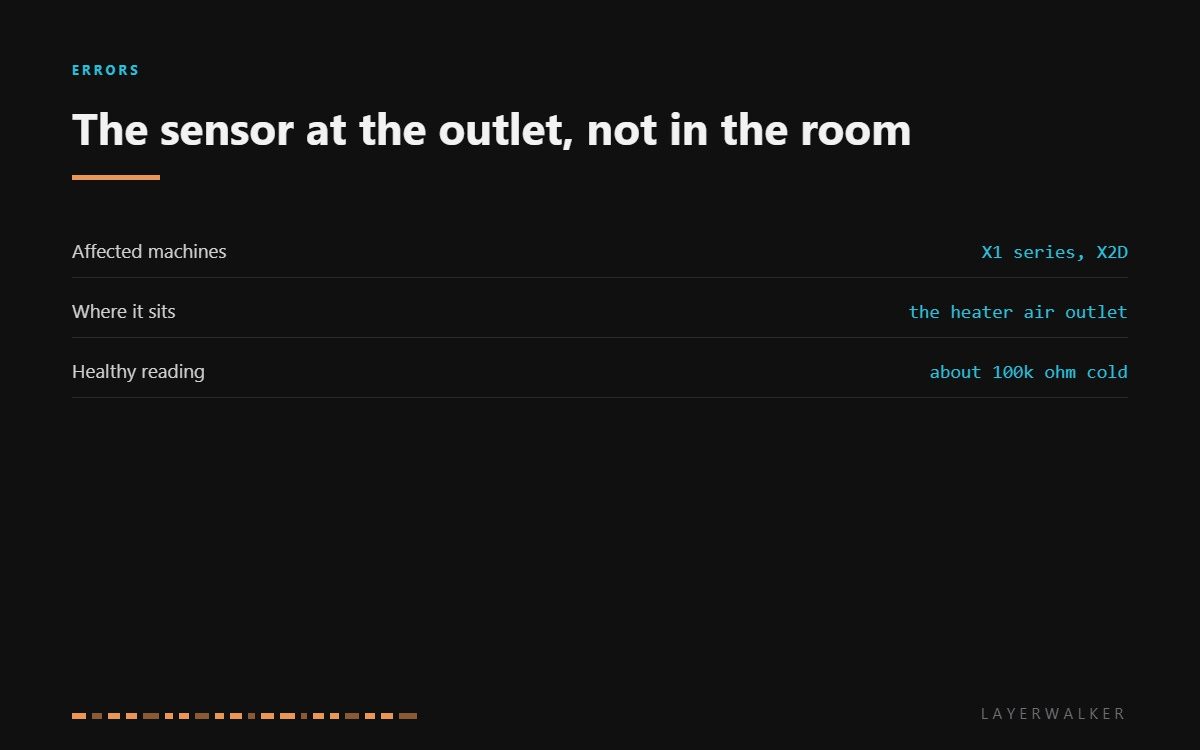
HMS 0300-9300-0001-0004 means the chamber temperature is reading abnormally, and Bambu points at a specific sensor: the one at the chamber heater’s air outlet. That location matters. It is not measuring the room, it is measuring the air the heater has just warmed, which is why it sees the highest temperatures in the machine and fails before the others do.
Affected machines: X1 series and X2D. The printer uses this reading to decide how hard to drive the heater, so a sensor that drifts does not just misreport: it changes the machine’s behaviour, usually by overheating the element while the chamber stays cool.

Where to buy


Why the outlet sensor fails first
It lives in the hottest moving air in the printer and cycles between room temperature and chamber temperature on every print. Thermal cycling is what ages a thermistor and its joints, so this is the sensor that drifts before any of the others.
The useful test is comparison. Measure it cold and compare it with the other chamber sensor if your machine has one, or with the figure for your model. Around 100k ohm at room temperature is the expected ballpark; a sensor reading a long way from that is the fault, and one reading open or near zero is conclusive.
Position matters as much as the part. A replacement mounted a centimetre from where the original sat reads a different temperature, and the firmware assumes the original location when it decides how much to heat.
Chamber temperature reads implausibly, heating behaves oddly, or the printer reports an abnormal chamber temperature
Drifted or failed sensor at the heater air outlet, occasionally its connector
- Power off at the wall and let the chamber cool completely before opening it.
- Locate the sensor at the chamber heater air outlet and note exactly how it is mounted.
- Unplug it and measure across the pins. Around 100k ohm cold is healthy; open or near zero confirms the fault.
- If the sensor reads correctly, inspect the lead and the connector, which see the same heat cycling.
- Fit the replacement for your model in exactly the original position and orientation.
- Run a chamber preheat and watch the reading rise smoothly rather than jumping or stalling.
Print PLA in the meantime if you need the machine. It does not use chamber heating, so the fault costs you nothing until you want ABS, ASA or a filled nylon.
The open-circuit version is chamber sensor open circuit, and the consequence when this sensor lies is heater over-temperature. Our pages on enclosed printers and ABS and ASA cover what the chamber is for, and the troubleshooting index covers the rest.
HMS 0300-9300-0001-0004 FAQ
Which sensor does this code mean?
The one at the chamber heater’s air outlet, not a general room sensor and not the bed or nozzle thermistor.
Can a bad reading damage the heater?
It can drive the element over temperature, which is what the protection then catches. Fix the sensor rather than clearing the code.
Does mounting position matter?
Very much. Fit the replacement exactly where the original sat, or the readings will be wrong in a new way.
Can I print anything meanwhile?
PLA and PETG, yes. Materials that need a warm chamber should wait.

LayerWalker
Print defect diagnosis, calibration procedures and parts that actually fit. Corrections welcome through the contact page.

