Bambu Lab P1P Review: Same Motion, No Enclosure
LayerWalker is a participant in the Amazon Services LLC Associates Program. We may earn a commission when you buy through links on our site, at no extra cost to you.
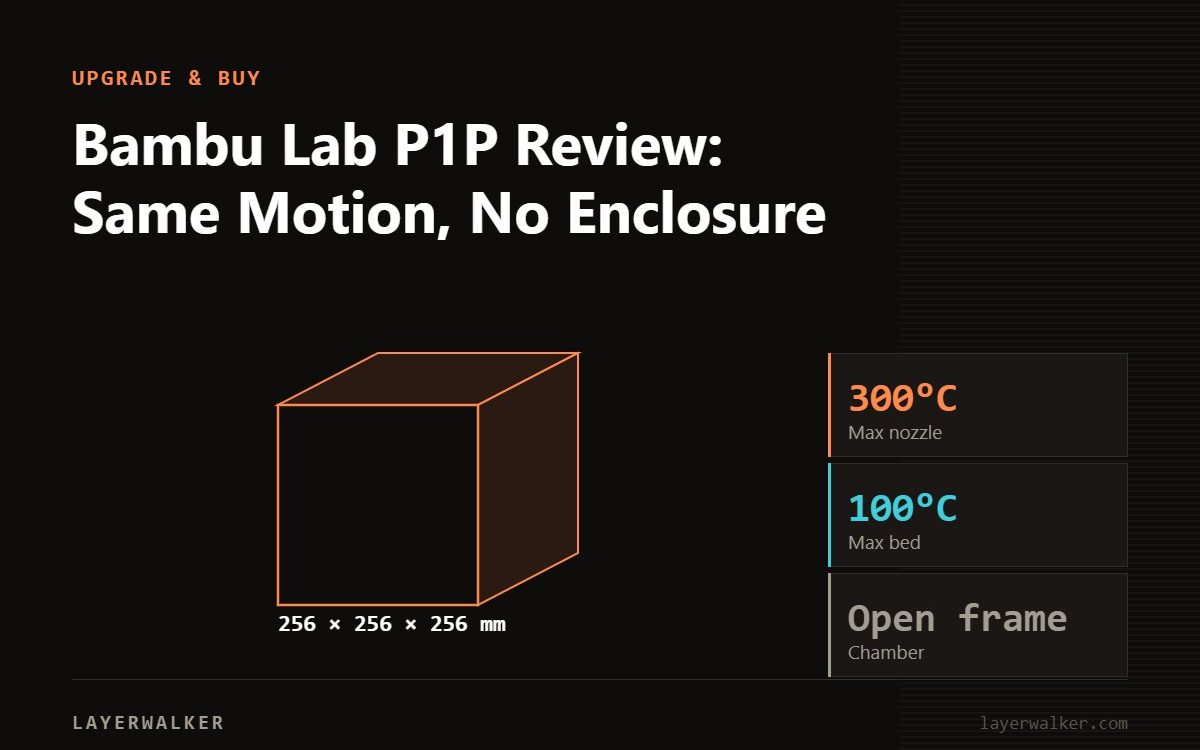
The P1P is the P1S without the enclosure: identical CoreXY motion, 256 x 256 x 256 mm, 300 degC nozzle, 110 degC plate, 500 mm/s and 20,000 mm/s2, direct drive. If you print PLA and PETG it is the same printer for less money and it runs cooler. If ABS, ASA or nylon are on your list, buy the P1S instead, because the enclosure and stronger part cooling are exactly what those materials need. Bambu also notes the P1S is not recommended for directly printing glass-fibre reinforced filament, which tells you where the whole P1 family tops out.
This assessment is based on Bambu’s published specifications and on how the P1P differs from its enclosed sibling, not on a hands-on test in our workshop. Where a number appears below, it comes from the manufacturer’s own spec sheet.
Where to buy


What you get
| Spec | P1P |
|---|---|
| Build volume | 256 x 256 x 256 mm |
| Motion | CoreXY, direct drive extruder |
| Max nozzle temp | 300 degC |
| Max plate temp | 110 degC |
| Max speed | 500 mm/s |
| Max acceleration | 20,000 mm/s2 |
| Enclosure | None; the P1S adds it |
| Multi-material | Sealed AMS, up to 4 units, 16 filaments |
Nothing in that motion system is a compromise relative to the P1S. The frame is CoreXY, the extruder is direct drive, and the acceleration figure is the same 20,000 mm/s2. What the P1S adds is a box around it and better part cooling.
The case for the open frame
An open printer is easier to live with. You reach the plate without opening a door, you see what is happening, PLA runs cooler because heat is not trapped, and the machine is lighter to move. For PLA and PETG, which is what most people print most of the time, none of the P1S’s additions change the result.
It is also the cheaper entry into the Bambu ecosystem at this size, and the ecosystem is a real part of the value: the slicer, the profiles, the RFID filament handling and the AMS all work the same way on a P1P.
The case against, and it is a specific one
Materials. ABS and ASA shrink as they cool, and without a warm chamber they warp at the corners and bond poorly between layers. That is not a tuning problem you can solve with settings; it is physics. Nylon behaves similarly and is hygroscopic on top.
The upgrade path exists. You can enclose a P1P, either with Bambu’s own conversion or a third-party enclosure, and people do. But by the time you have bought the printer and the enclosure, compare the total with a P1S before you commit, because the P1S also brings the improved cooling rather than just the walls.
Note also the ceiling for the whole family: Bambu states the P1S is not recommended for directly printing glass-fibre reinforced filament. Carbon-filled blends are more forgiving, but budget for hardened nozzles, because abrasive filament destroys brass in tens of hours.
Who should buy it
Buy the P1P if you print PLA and PETG, want CoreXY speed and the Bambu software stack, and would rather spend the difference on filament or an AMS. Buy the P1S if engineering materials matter, or if the printer will live in a room where noise and smell are a consideration, since the enclosure helps with both. Our P1S overview covers that side, and A1 vs P1S is the comparison to read if you are also considering a bed-slinger.
Bambu Lab P1P Review FAQ
Is the P1P slower than the P1S?
No. Same 500 mm/s and 20,000 mm/s2, same CoreXY motion.
Can the P1P print ABS?
Not reliably without an enclosure. Expect warping and weak layer bonding.
Can I add an AMS to a P1P?
Yes, the sealed AMS, up to four units for sixteen filaments.
Is enclosing a P1P worth it?
It works, but price the total against a P1S first, since the P1S also improves part cooling.

LayerWalker
Print defect diagnosis, calibration procedures and parts that actually fit. Corrections welcome through the contact page.

