3D Printer Kits: What You Build, What You Learn, and Which Kits Are Worth It
LayerWalker is a participant in the Amazon Services LLC Associates Program. We may earn a commission when you buy through links on our site, at no extra cost to you.
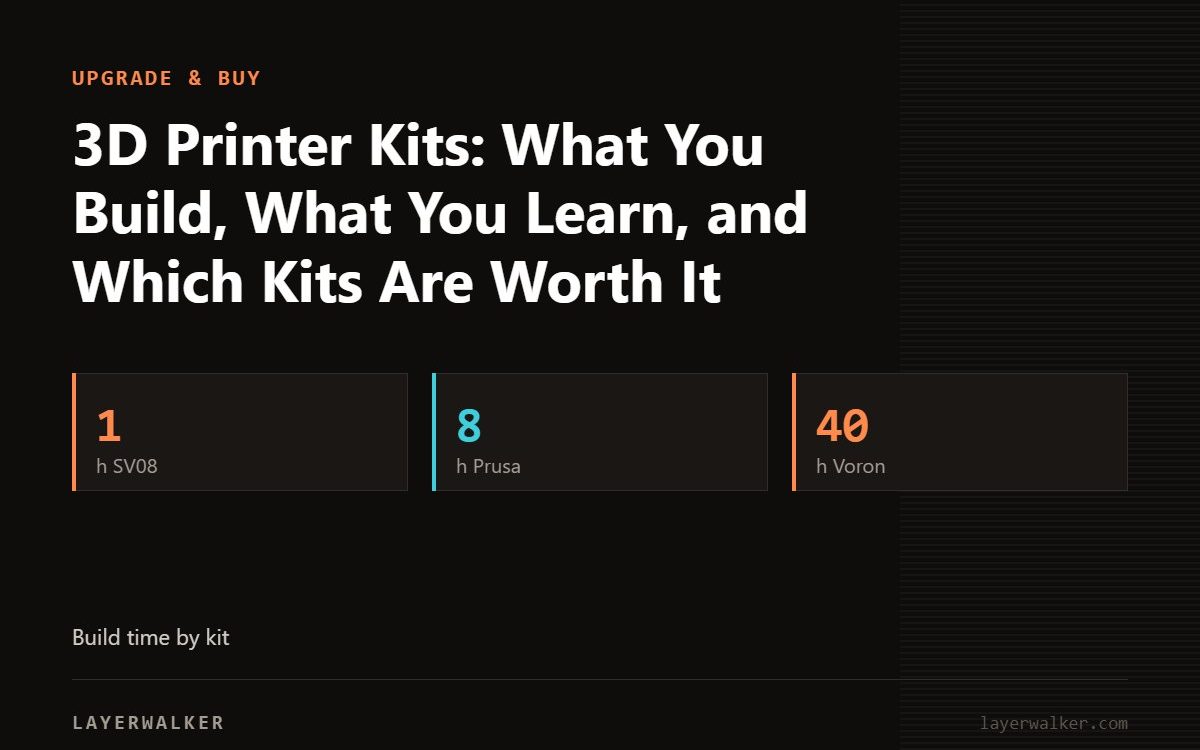
A “kit” means anything from an Ender that needs six bolts to a Voron that needs thirty hours and a bag of screws. The kits worth buying in 2026 are Prusa’s (MK4S and CORE One+, a day of work, tested designs, a manual that teaches the machine), the Sovol SV08 (a Voron 2.4 that arrives 90 percent built) and, for people who want the build itself, Voron and RatRig kits. If the goal is to print rather than to build, buy assembled; kits no longer save much money.
Where to buy


Original Prusa CORE One+ DIY Enclosed High-Speed CoreXY 3D Printer Kit

Kits by effort
| Kit | Build time | Skill | What you get | Buy it for |
|---|---|---|---|---|
| Creality Ender-3 V3 SE / KE | 30 to 60 minutes | None | Bolt the gantry on | Not really a kit; cheap entry |
| Sovol SV08 | About 1 hour | Basic | Voron 2.4 derivative, 350 mm, pre-built | Voron performance without the build |
| Prusa MK4S kit | 6 to 8 hours | Careful following of a manual | Bedslinger, load cell, open source | Learning every part; cheaper than assembled |
| Prusa CORE One+ kit | 8 to 12 hours | Same | Enclosed CoreXY, 55 °C chamber | Heated chamber at kit price |
| Voron 2.4 / Trident kit | 20 to 40 hours | Soldering, crimping, Klipper config | Open-source CoreXY you fully understand | The build is the hobby |
| RatRig V-Core | 20 to 40 hours | Same | Large open-source CoreXY | Size and customisation |
| Prusa XL kit variants | Several hours | Careful | Toolchanger platform | Cost saving on a large machine |
What you learn from a kit
How every subsystem works, which turns every future problem into something you can diagnose: a clog, a layer shift, a loose belt. Prusa kits are the best teachers because the manual explains why, not just where. Voron kits teach more still, including Klipper configuration from scratch; see DIY CoreXY.
Why most beginners should not
- Assembled printers from Bambu, Creality and Elegoo now cost what kits used to.
- A build mistake looks exactly like a print problem, and a beginner cannot tell which.
- Time: a Voron is a month of evenings before the first print.
Picks
- Learn and save, first printer: Prusa MK4S kit. See the MK4S page.
- Enclosed at kit price: CORE One+ kit.
- Big CoreXY, minimal build: SV08. See the SV08 page.
- The build is the point: Voron 2.4.
The units in the box
The listings are the MK4S kit, the CORE One+ kit and the SV08.
3D printer kit FAQ
Do kits have warranty?
Prusa and Sovol do; Voron is a design, not a product, so warranty depends on the kit vendor.
Do I need to solder a Prusa kit?
No.

LayerWalker
Print defect diagnosis, calibration procedures and parts that actually fit. Corrections welcome through the contact page.

