3D Printers With Auto Levelling: Probe Types Explained, and Which Ones Need No Z-Offset
LayerWalker is a participant in the Amazon Services LLC Associates Program. We may earn a commission when you buy through links on our site, at no extra cost to you.
“Auto levelling” now means two different things. Probe-based systems (BLTouch, CR Touch, inductive) measure the bed with a sensor next to the nozzle, so they build a good mesh but still need you to set the nozzle Z-offset once, and again after a nozzle change. Nozzle-contact systems (Bambu, Prusa load cell, Qidi, Creality K1 and K2 strain gauges) touch the bed with the nozzle itself, so the offset is measured, not guessed. If you never want to think about first layers, buy the second kind.
Where to buy


Probe types
| System | How it measures | Z-offset | Used by | Weak point |
|---|---|---|---|---|
| Manual | Paper under the nozzle at four corners | Manual | Legacy Ender 3, Neptune 2 | Drifts; user skill |
| Inductive probe | Senses the metal bed | Manual, once | Prusa MINI+, Sovol SV06 | Plate thickness changes offset |
| BLTouch / CR Touch | Deploys a pin | Manual, once | Ender-3 V3 SE / KE, Neptune 4 | Offset after nozzle swaps |
| Strain gauge in toolhead | Nozzle touches bed | Automatic | Creality K1 family, K2, Hi; Anycubic Kobra S1 | Dirty nozzle tip gives false contact |
| Load cell | Nozzle is the probe | Automatic | Prusa MK4S, CORE One, XL | None significant |
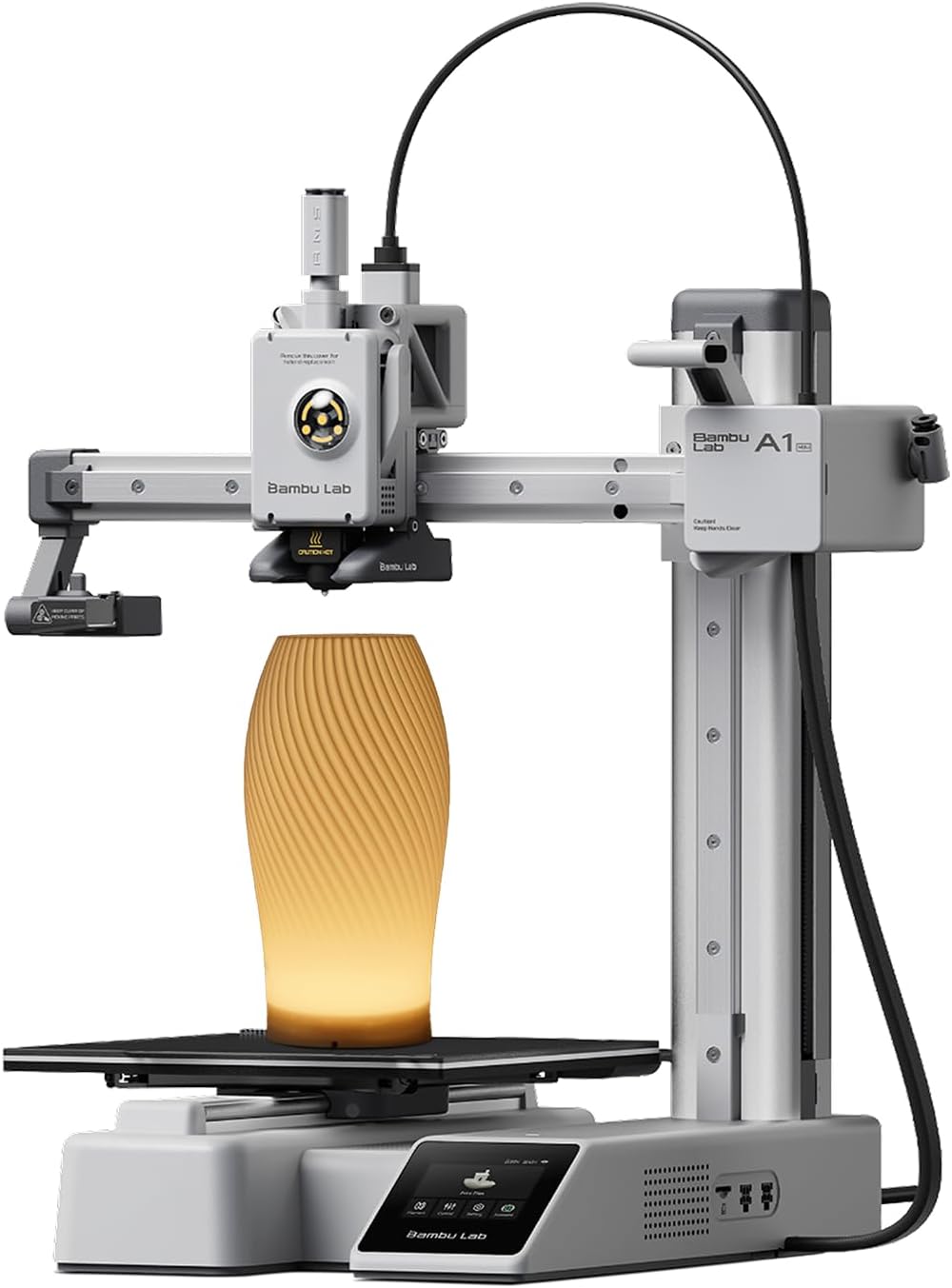
| Eddy current / nozzle probing | Nozzle probes; sensor reads | Automatic, plus flow and vibration | Bambu A1, P and X series | Wipe the nozzle |
| Lidar / vision | Scans the first layer after probing | Automatic | Bambu X1C; P2S vision | Cost |
What automatic offset changes
Most first-layer failures are offset errors: too high and it does not stick, too low and it flares. A probe next to the nozzle cannot know the nozzle length, so every hotend change means re-tuning. Nozzle-contact systems remove that; on a Bambu or Prusa you swap a nozzle and print. See Z-offset and first-layer adhesion.
Mesh density
More probe points matter on big or warped beds: the Neptune 4 Max probes 121 points for its 420 mm bed. On a 180 mm A1 mini, a handful is plenty. See mesh levelling.
Printers by levelling class
- No offset ever: Bambu A1 mini, A1, P1S, P2S; Prusa MK4S, CORE One; Qidi Q2, Plus 4; Creality K1C, K2 Plus.
- Offset once: Ender-3 V3 SE and KE, Neptune 4 series, Prusa MINI+, Sovol SV06.
- Manual: legacy printers; not worth buying new.
The units in the box
The listings are the A1 mini (nozzle probing), the Prusa MK4S kit (load cell) and the Ender-3 V3 KE (CR Touch class probe).
3D printer with auto leveling FAQ
Does auto levelling fix a warped bed?
It compensates within limits; a badly warped bed still needs replacing.
Why does my Bambu miss the first layer sometimes?
A blob on the nozzle tip; wipe it.

LayerWalker
Print defect diagnosis, calibration procedures and parts that actually fit. Corrections welcome through the contact page.

